
Customer Service
After-Hours Answering & Emergency Triage Agent
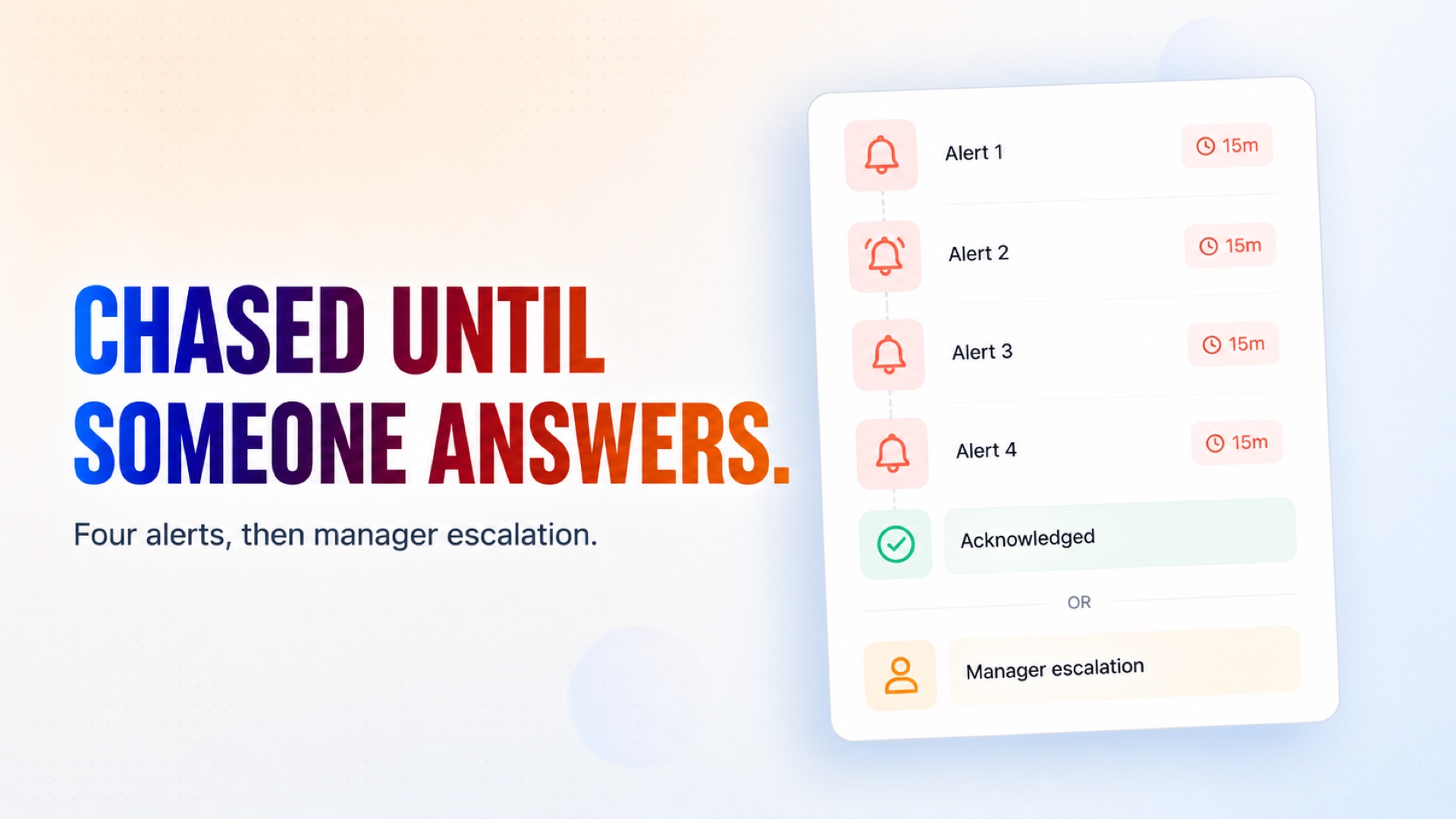
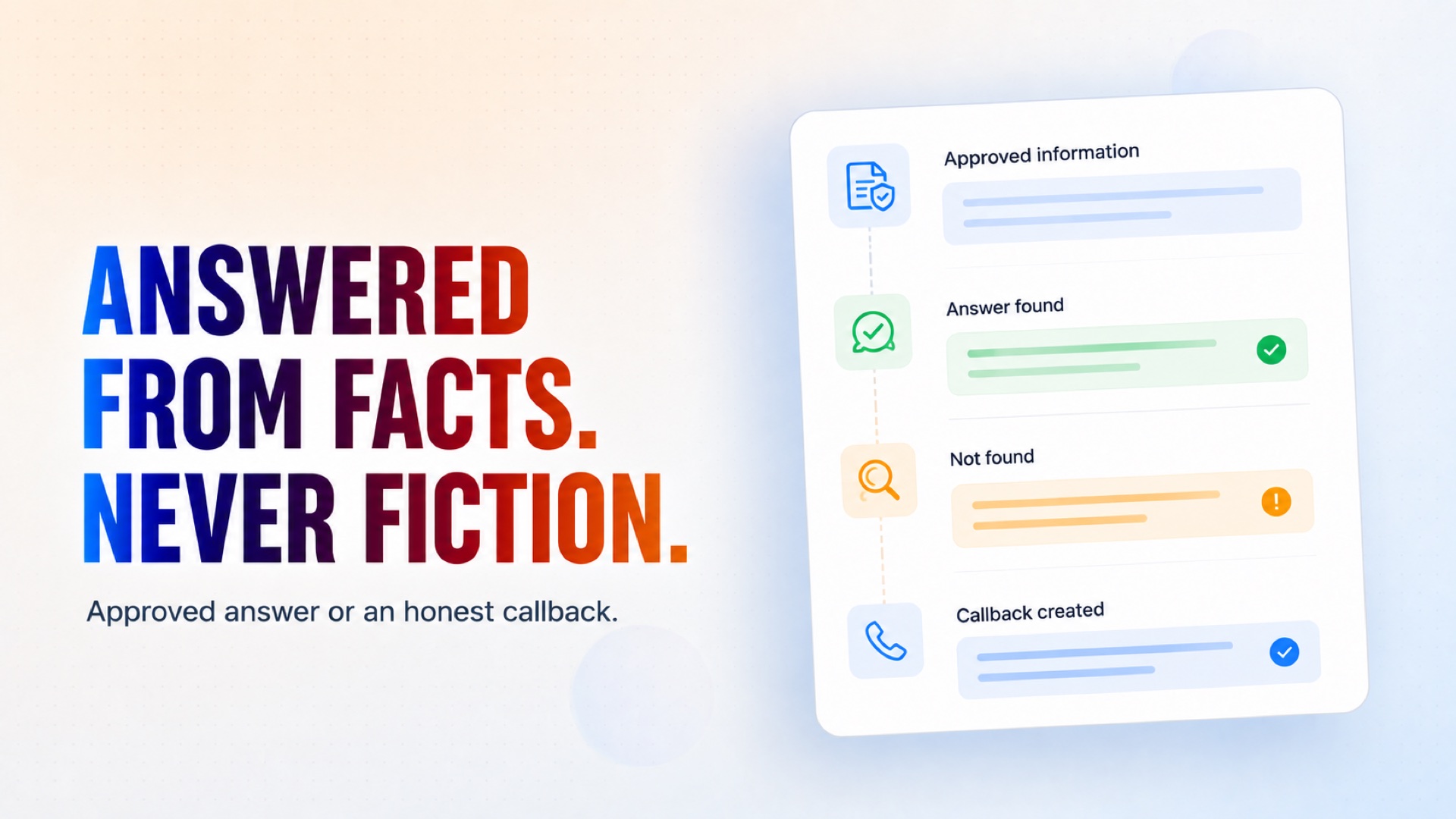
Answers the customers who write in after your office closes. Routine questions get a reply drawn only from information you approved, anything it cannot answer honestly becomes a next-day callback with a ticket, and genuine emergencies page whoever is on your on-call rota — chasing them until somebody acknowledges, then escalating to a manager.
See it work
An illustrated example run. Click any tile to see what it handles.
Gmail
AI agent
Google Sheets
Customer
On-call
Press Play to watch an example run.
After Hours. Every Case Covered.
How it works
What's included
The key things this template does for you.
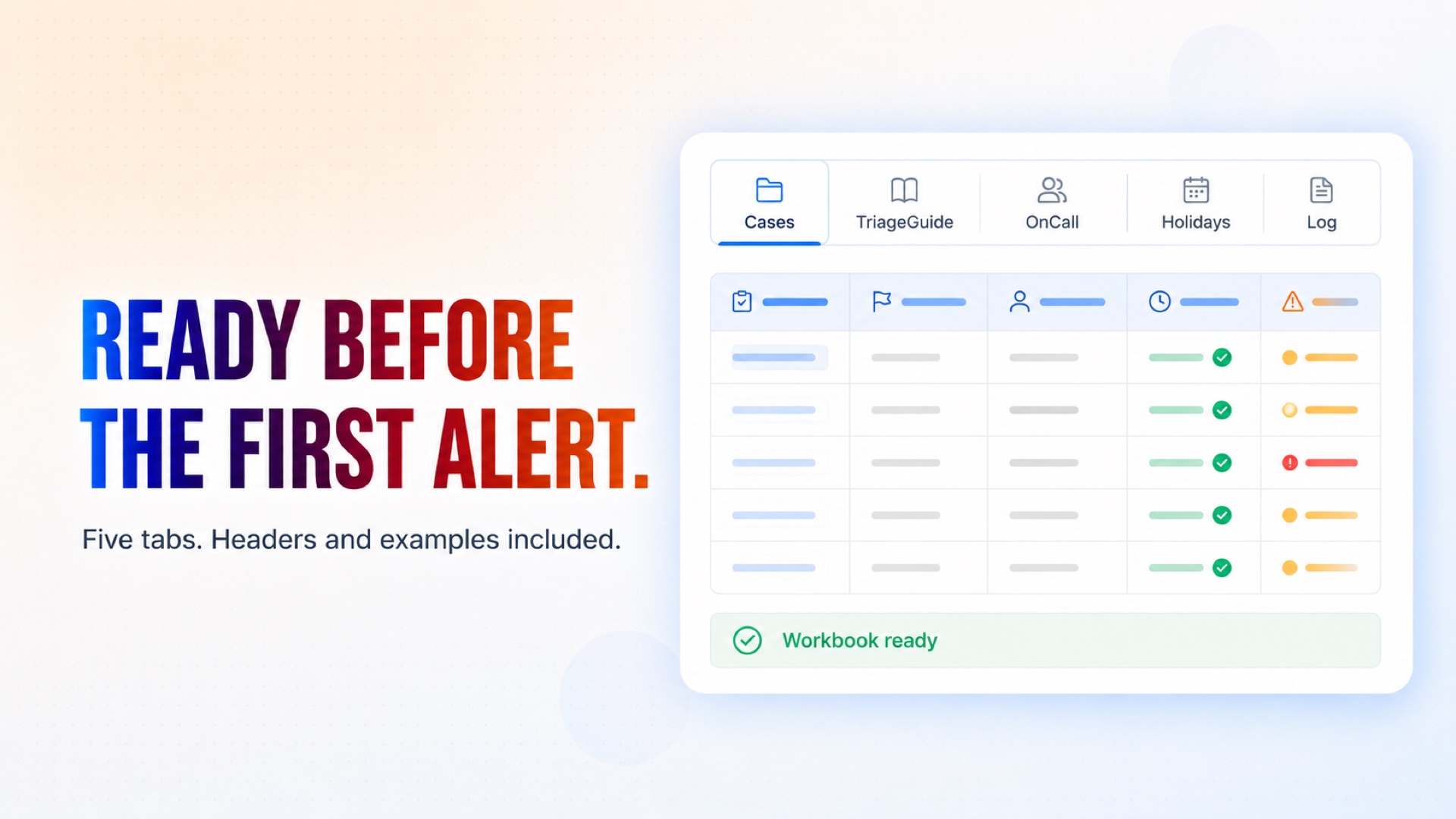
A Google Sheets workbook created on the first run, with Cases, TriageGuide, OnCall, Holidays and Log tabs, headers and worked examples already filled in
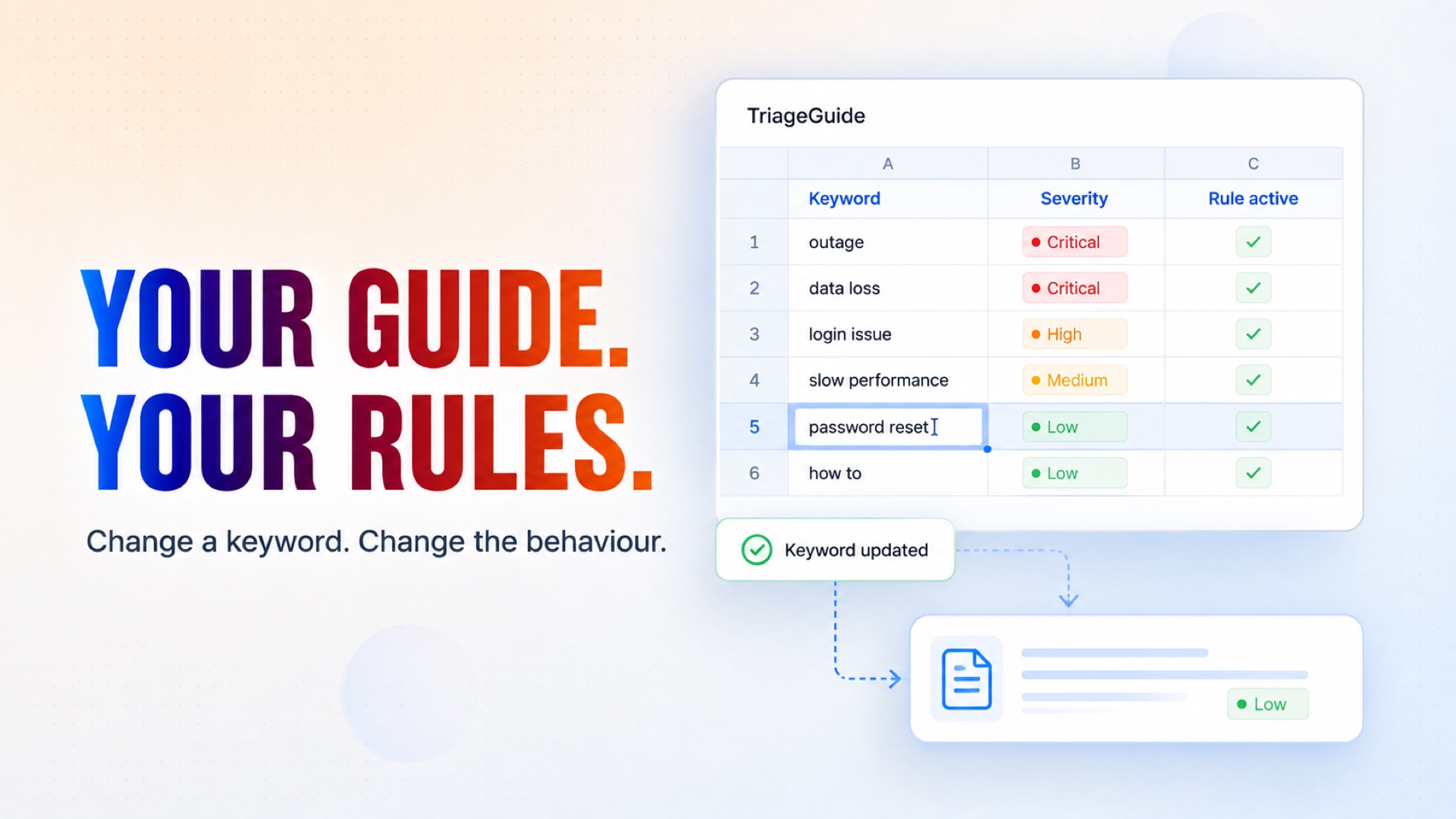
An emergency classification guide you own and edit in the spreadsheet — change a keyword, change the behaviour, no developer needed
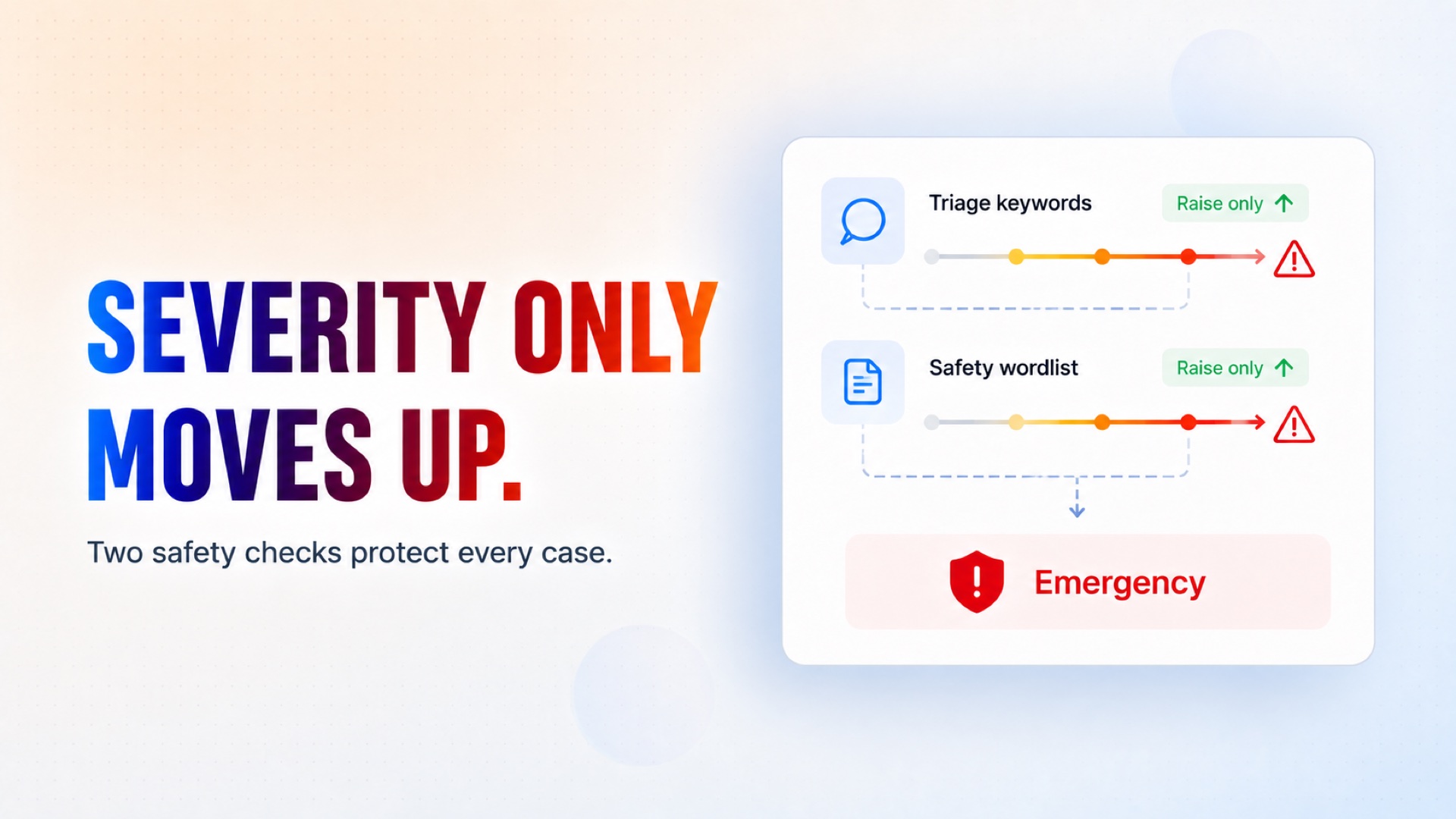
Keyword and safety rules that can only raise a case's severity, never lower it, so a missed emergency takes two independent failures rather than one
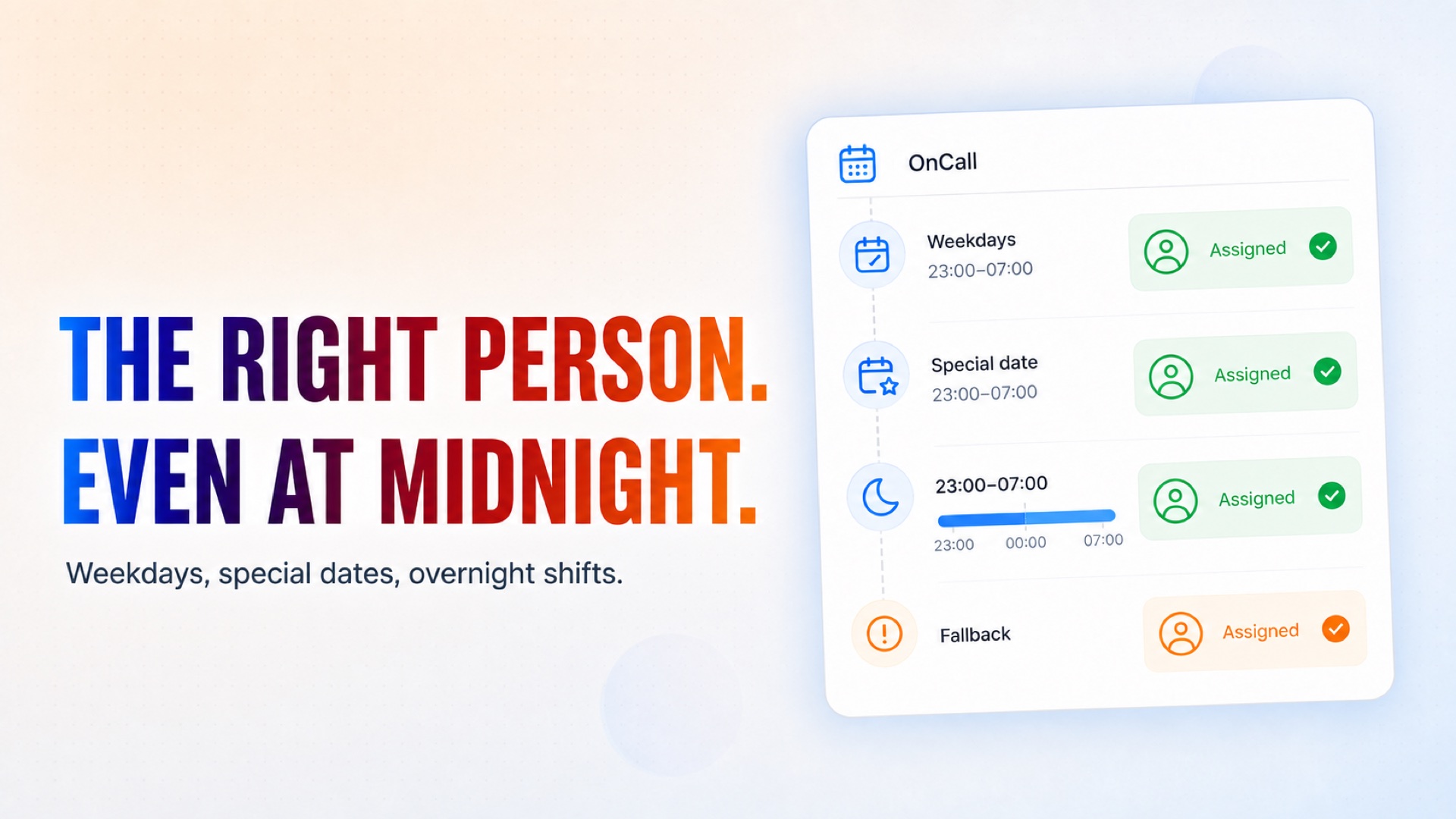
An on-call rota that understands weekdays, specific dates and shifts that cross midnight, with a fallback contact for when nobody is rostered
Repeated alerting roughly every fifteen minutes until a human acknowledges, then a manager escalation carrying the whole timeline
Automatic answers drawn only from information you approve, with a hard refusal to invent a price, a time, an availability or a policy
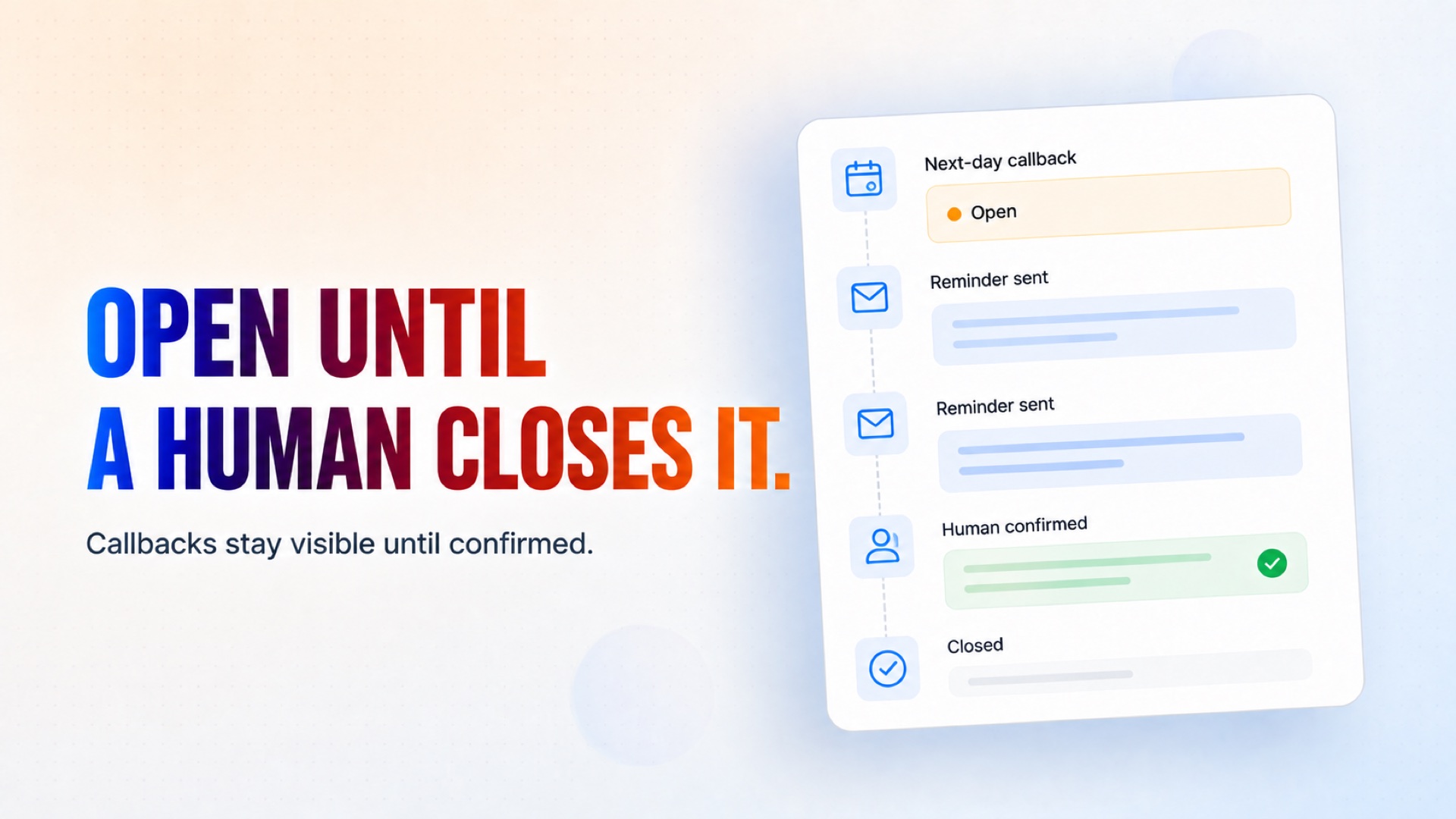
Next-day callbacks that a person has to confirm — the agent cannot close that status by itself, and chases until somebody does
Standing advice to call the emergency services whenever a message mentions fire, gas, injury or anyone in danger
Business hours, holidays and timezone you control, plus an append-only log of every decision and the reason behind it
Installation
What setting this up involves.
Answer the setup questions: your business name and what you do, your opening hours and timezone, the mailbox this agent watches, your on-call and escalation addresses, your emergency services number, the information it is allowed to quote, and the callback window you want to promise.
Connect Gmail and Google Sheets when prompted. Two tools, two prompts. The Gmail account you pick is both the inbox it reads and the address it replies from.
Run it once and let it settle. It creates the workbook, seeds the triage guide, the on-call rota and the holiday list, then goes quiet until something arrives.
Open the workbook. Put your real people in the OnCall tab, your real closure dates in Holidays, and tune the TriageGuide keywords to your trade. Keywords only ever raise severity, so keep them specific.
Send a test message from an outside address while you are closed, and watch the case appear in Cases with the reason for its classification in the Log.
~5 min to launch
Free to start. Create your free account, then set it up.
Connect 2 tools, fill in a few details, and install it. No coding.
FUNCTION
Customer ServiceTAGS
Built by CogniAgent
Official template