
Human Resources
AI Interview Scheduling Agent
Removes the back-and-forth of interview scheduling. When a recruiter advances a candidate, the agent checks every interviewer's real free/busy — never the contents of their calendars — and emails the candidate a numbered list of open times. The moment they pick one it re-checks availability, books the Google Calendar event with every participant invited (and a Meet link for video), and sends the preparation notes you wrote for that job. Anything it cannot do safely — a calendar it cannot see, a slot taken while the candidate deliberated, a candidate who needs different times — goes to your recruiter with the full story instead of being guessed.
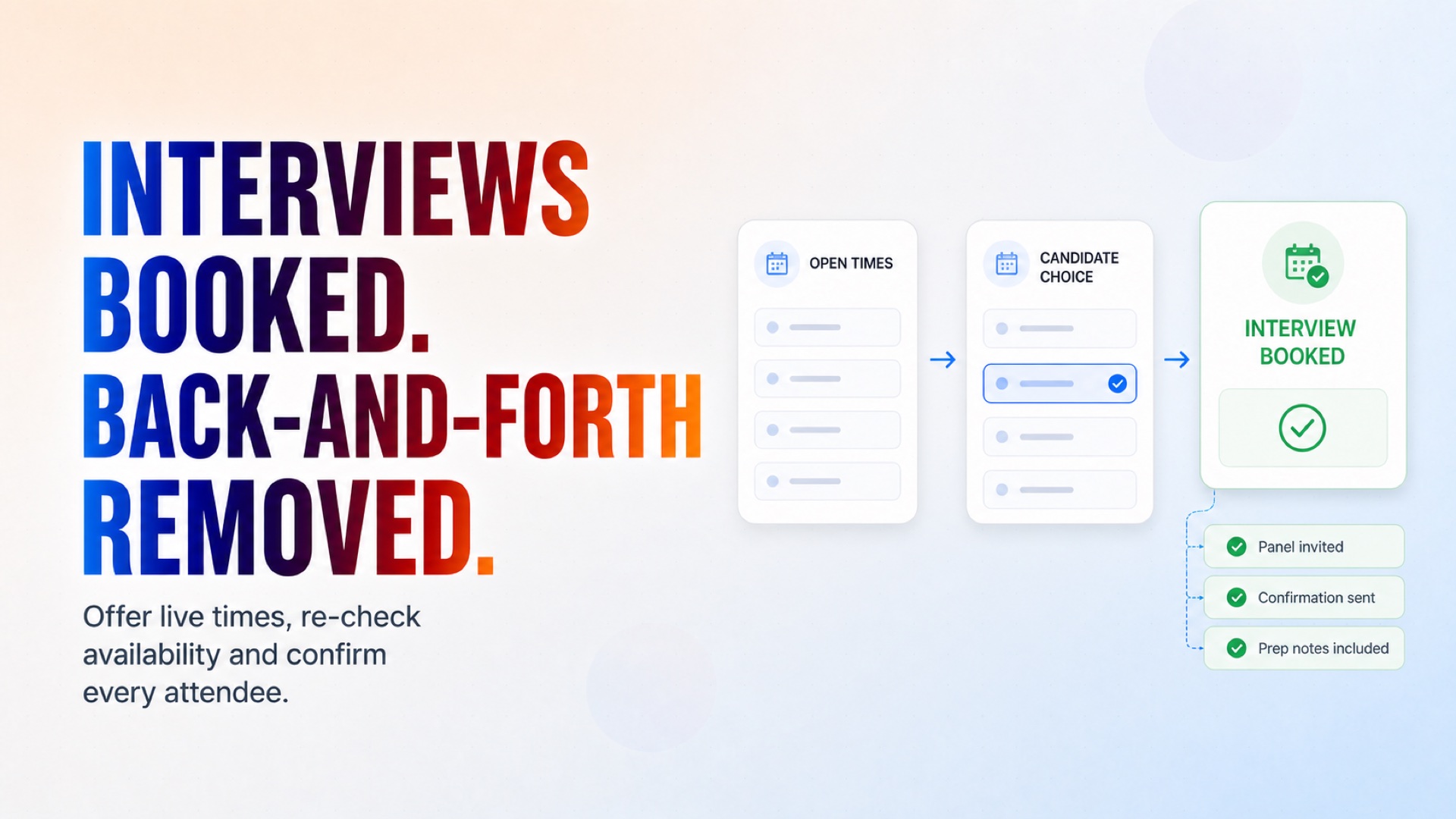
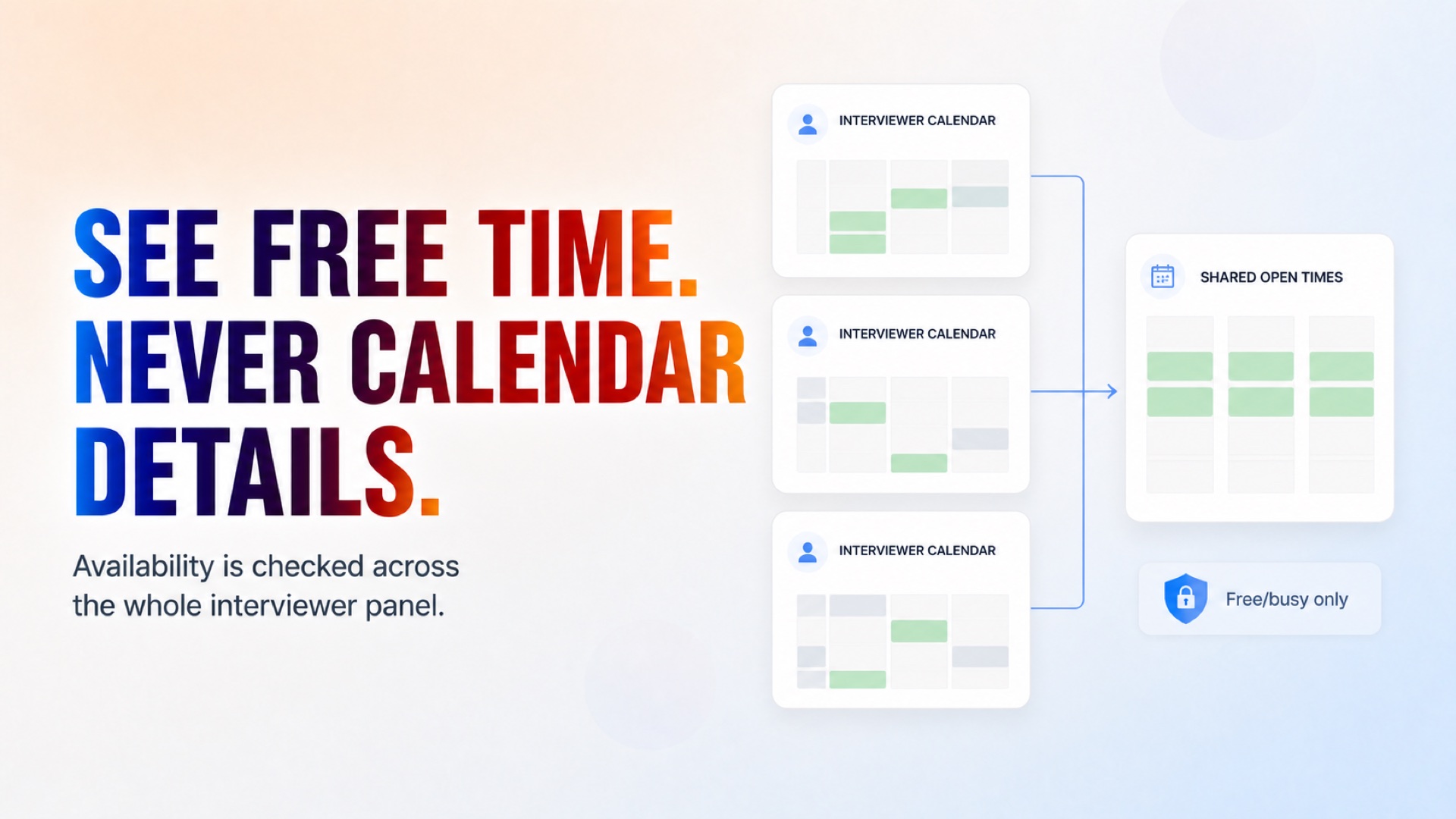
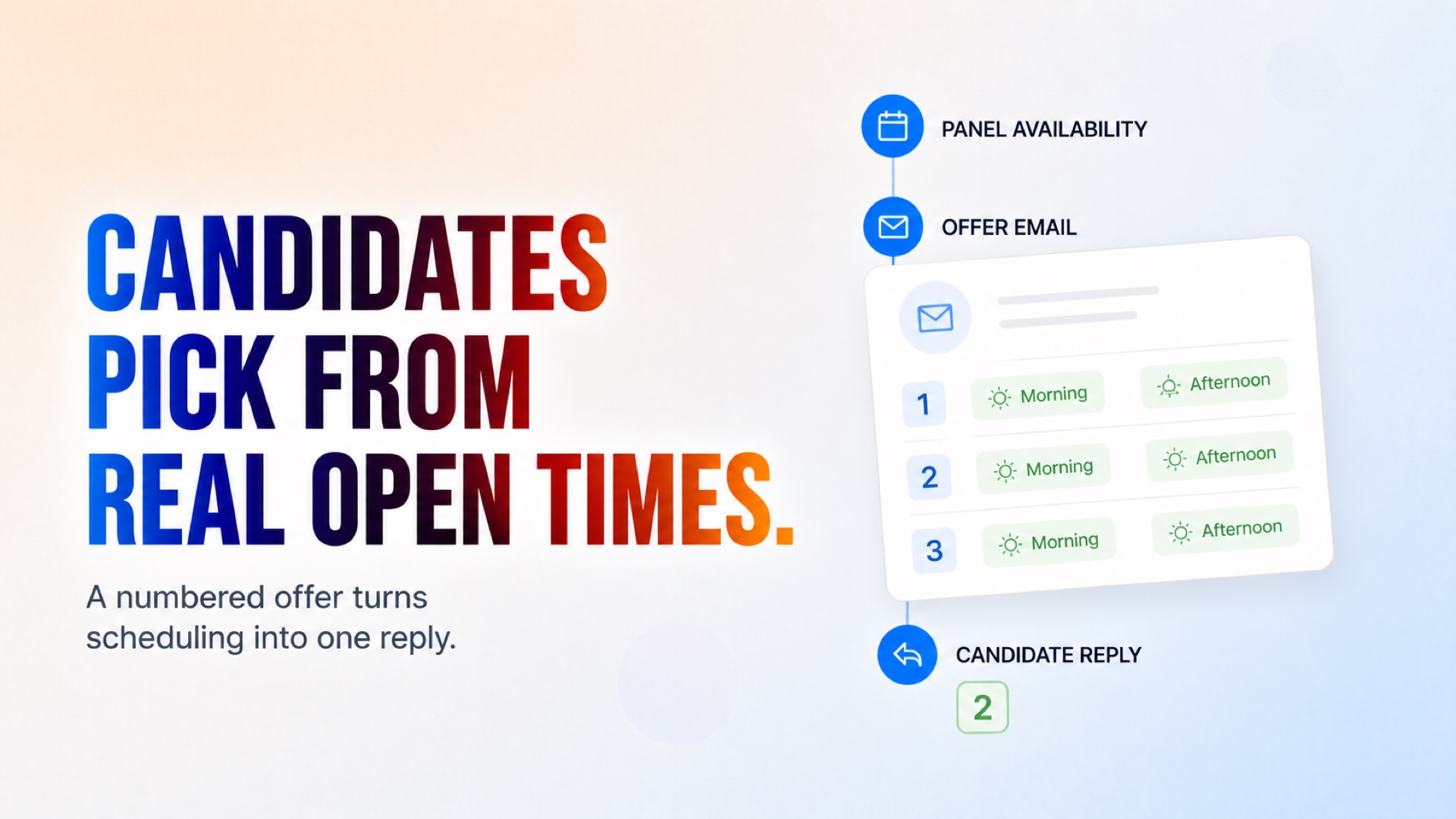
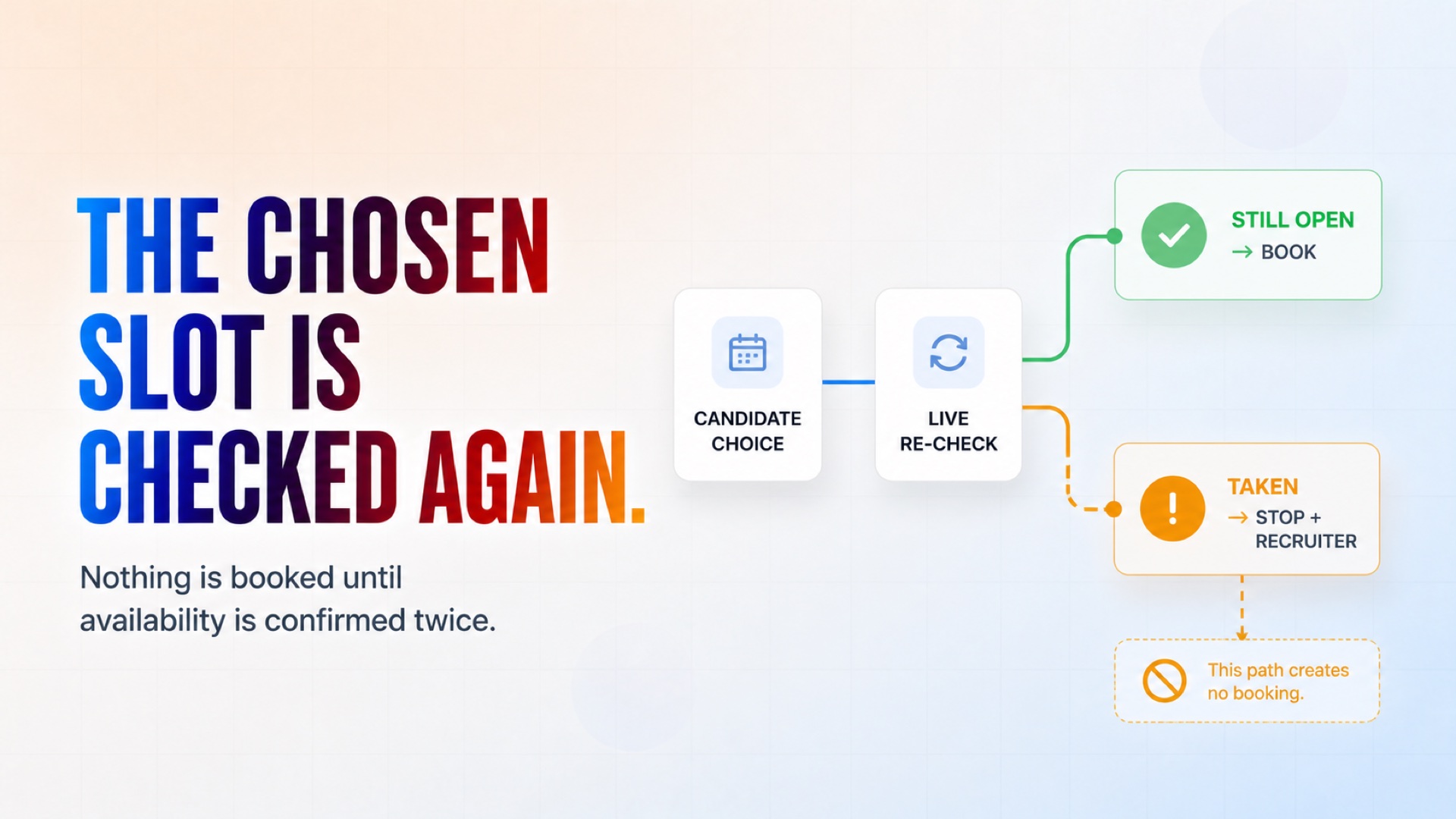
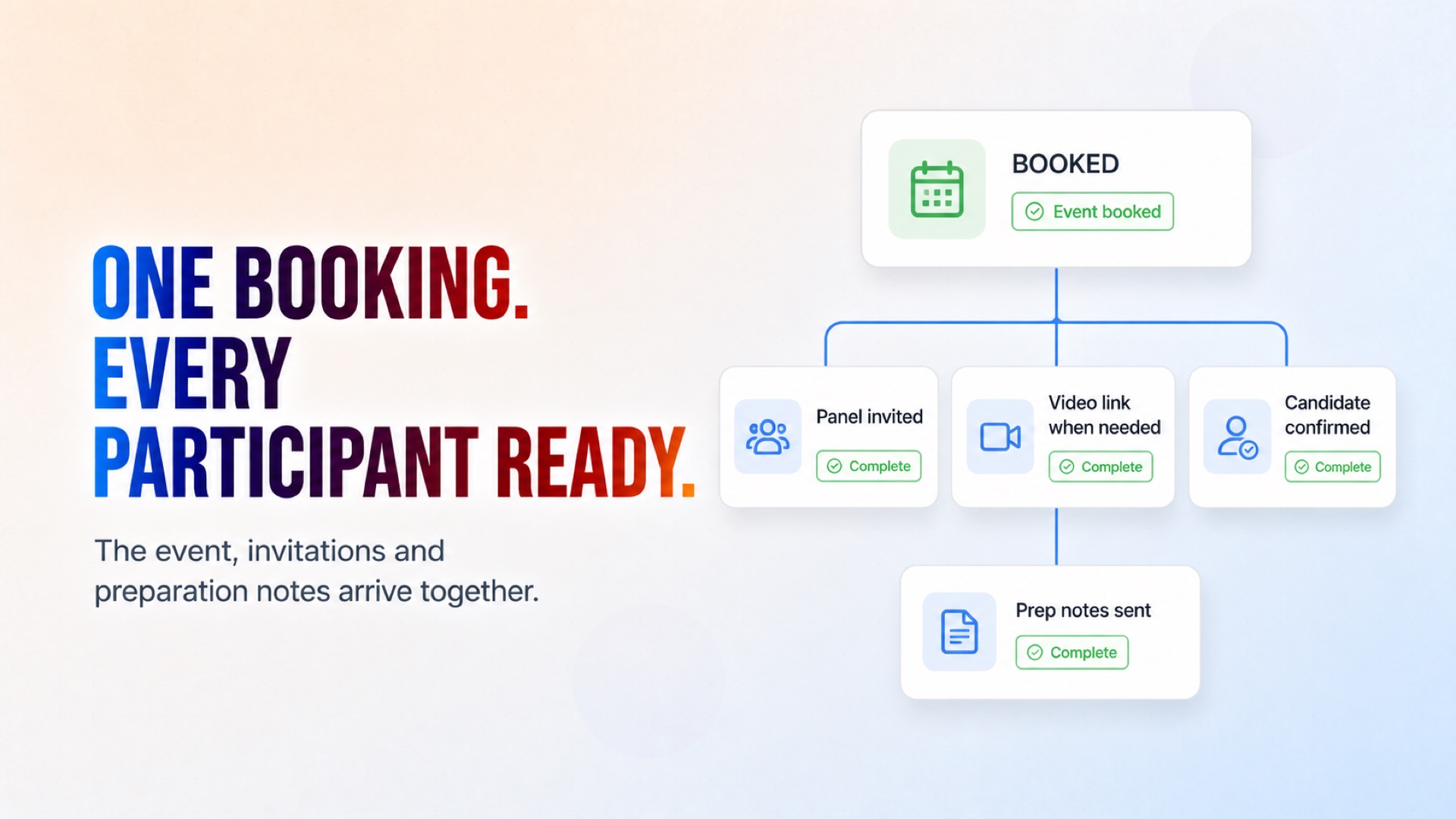
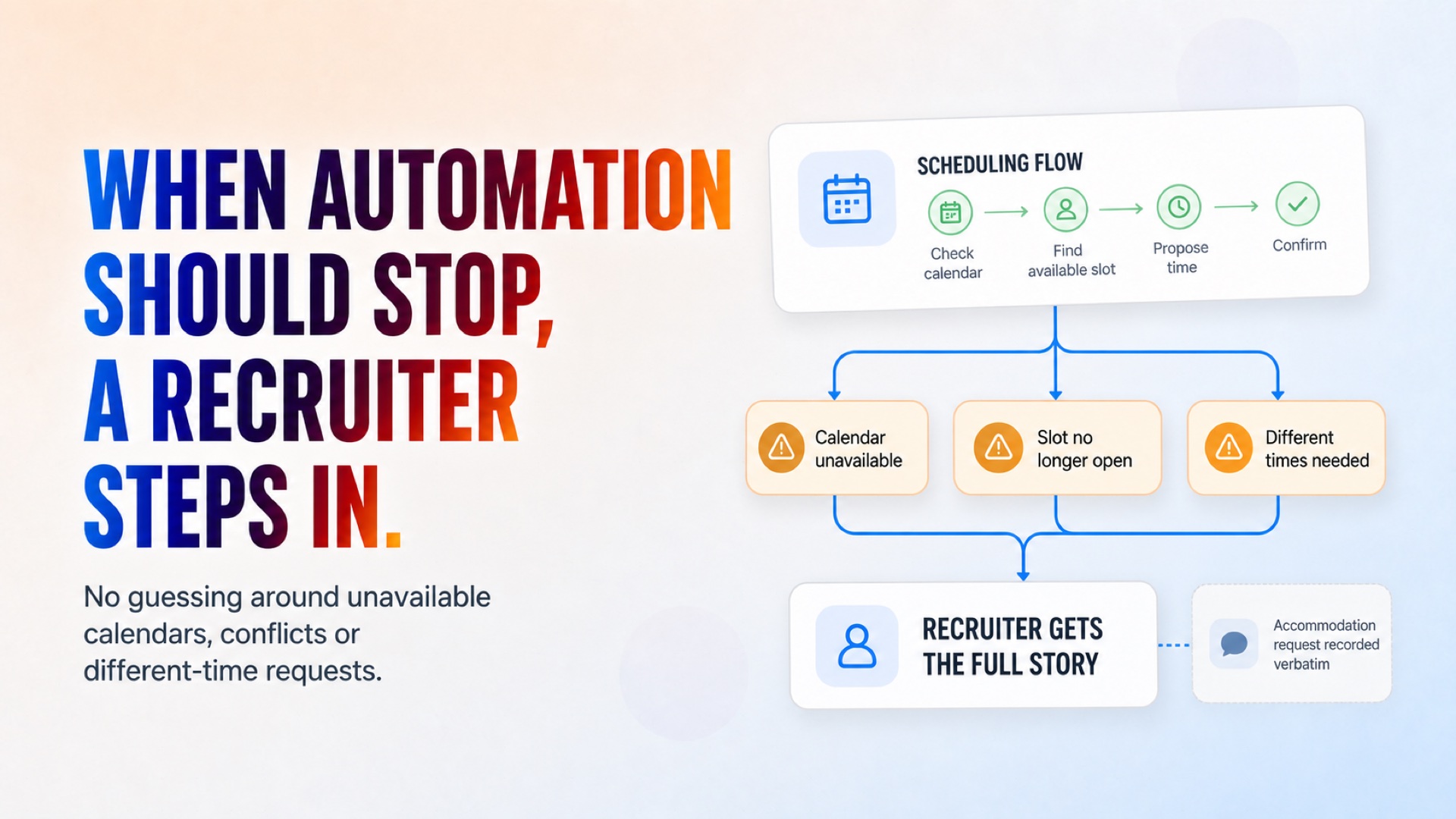
Live availability, candidate selection, confirmation, and preparation are handled in one flow.
How it works
What's included
The key things this template does for you.
An Interviews log and per-job InterviewRules in the shared recruiting workbook, created in your Drive on the first run
Free/busy checks across the whole interviewer panel — the contents of their calendars are never read or shown
A numbered offer email per candidate in your time zone, with three follow-ups on silence
A re-check at booking time, so a person is never double-booked
A Google Calendar event with every participant invited, and a Meet link for video interviews
A confirmation email carrying the preparation notes you wrote for that job
Accommodation requests recorded verbatim and passed to a person — never treated as information about the candidate
Works with the Screening and Qualification agents through the shared workbook, or alone: set next_action to schedule_interview on any application row
Installation
What setting this up involves.
Connect Google Sheets — the agent creates and maintains its own workbook in your Drive.
Connect Google Calendar with an account that can see your interviewers' free/busy (accounts in the same Google Workspace usually can by default).
Connect the Gmail account scheduling emails should come from.
Enter your company name and description, the recruiter's name and email, and an escalation address.
Set your time zone (IANA name, e.g. Europe/Lisbon) and the data-retention notice candidates should see.
Open the workbook it creates and fill the InterviewRules tab for each job — interviewer emails, format, duration, working hours. The sample rows show the shape.
To watch one run end to end, set an Applications row's next_action to schedule_interview.
~6 min to launch
Free to start. You will sign in first, then set it up.
Connect 3 tools, fill in a few details, and install it. No coding.
FUNCTION
Human ResourcesTAGS
Built by CogniAgent
Official template