
Customer Service
AI Receptionist
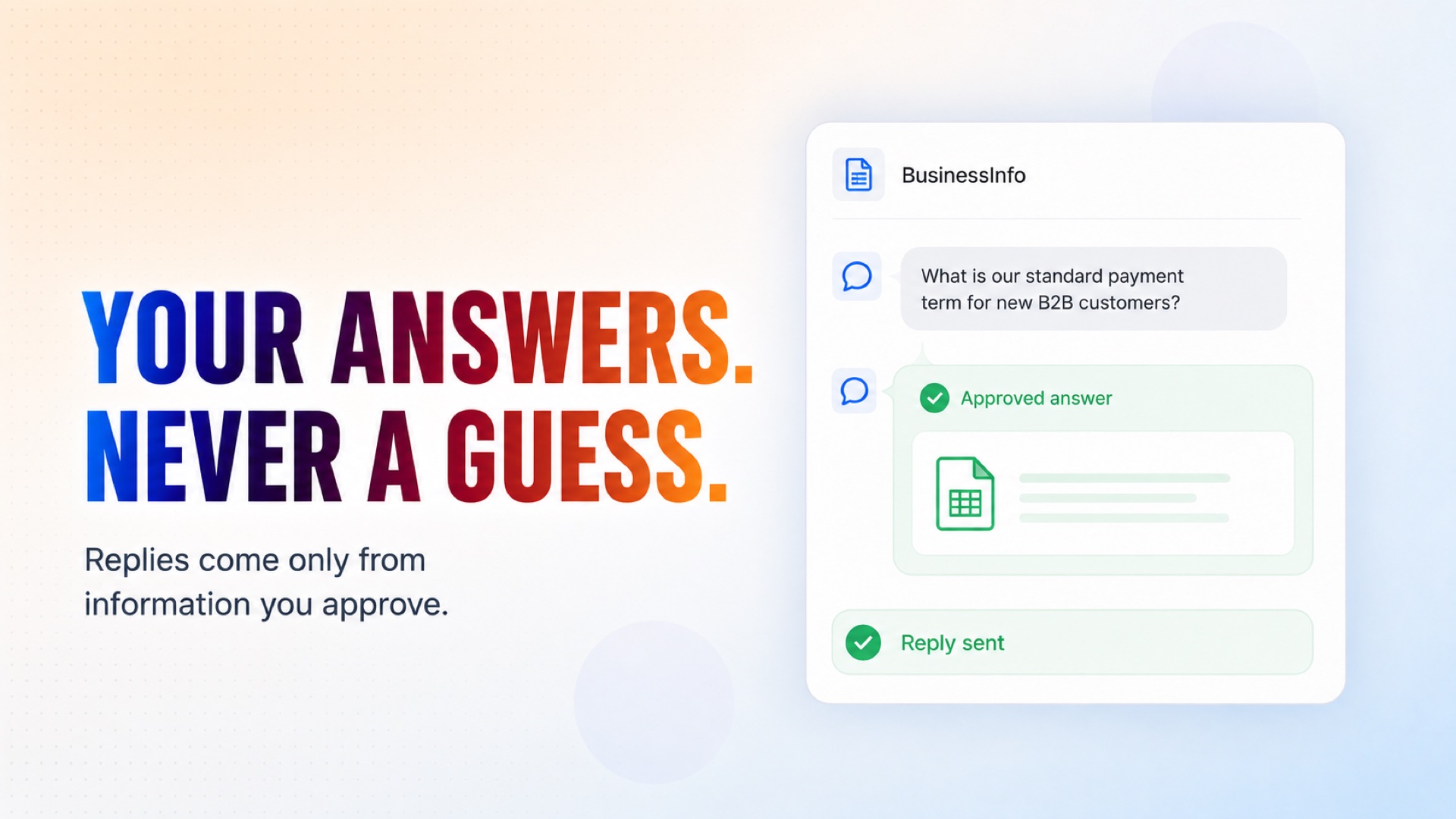
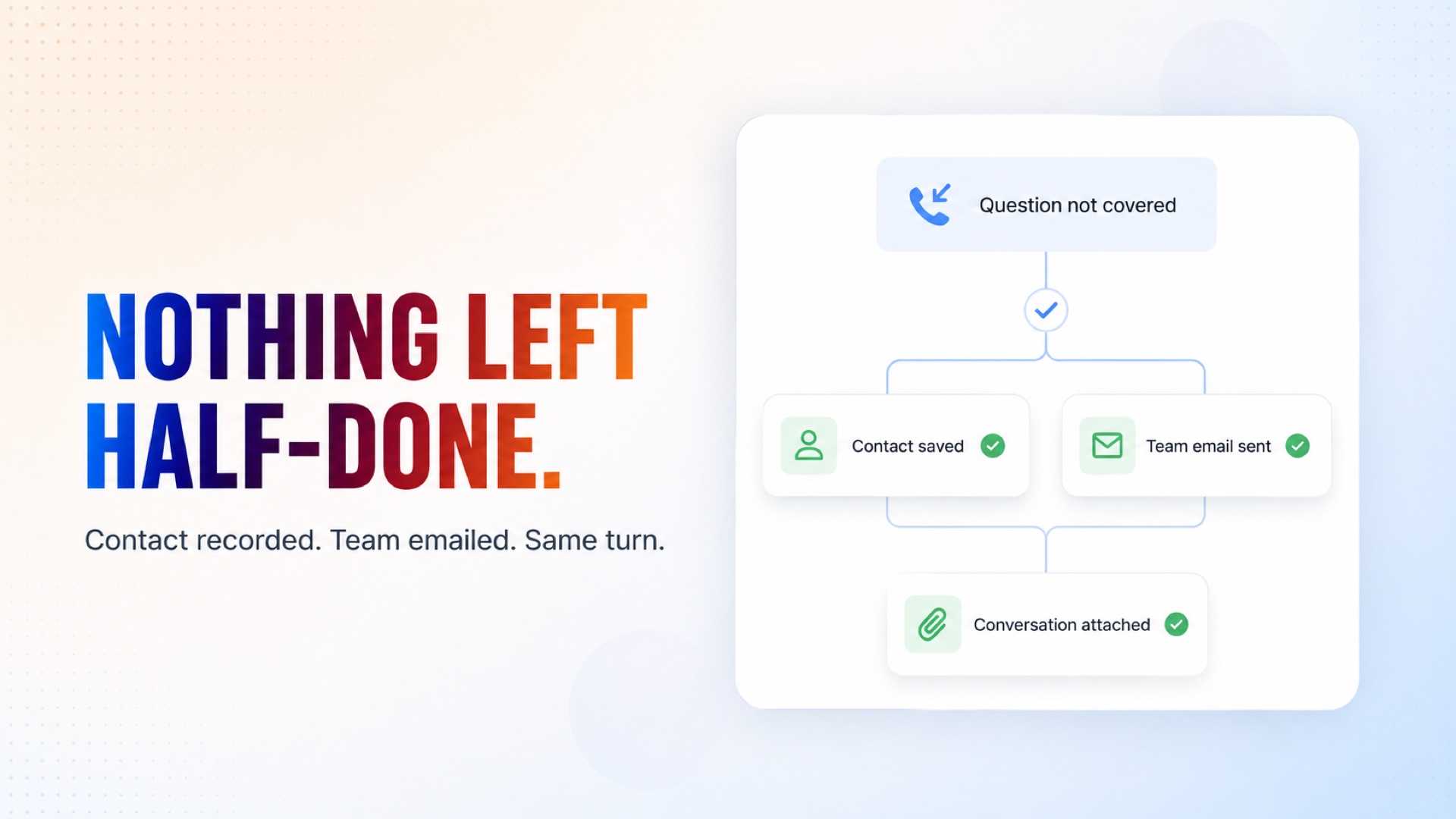
Answers the people who arrive in your website chat. It replies only from answers you have written down, says plainly when something is not written down rather than guessing, and turns anything it cannot answer — and anyone who wants a person — into a recorded contact plus an email to the right team, carrying the whole conversation.
Every Chat. A Clear Next Step.
How it works
What's included
The key things this template does for you.
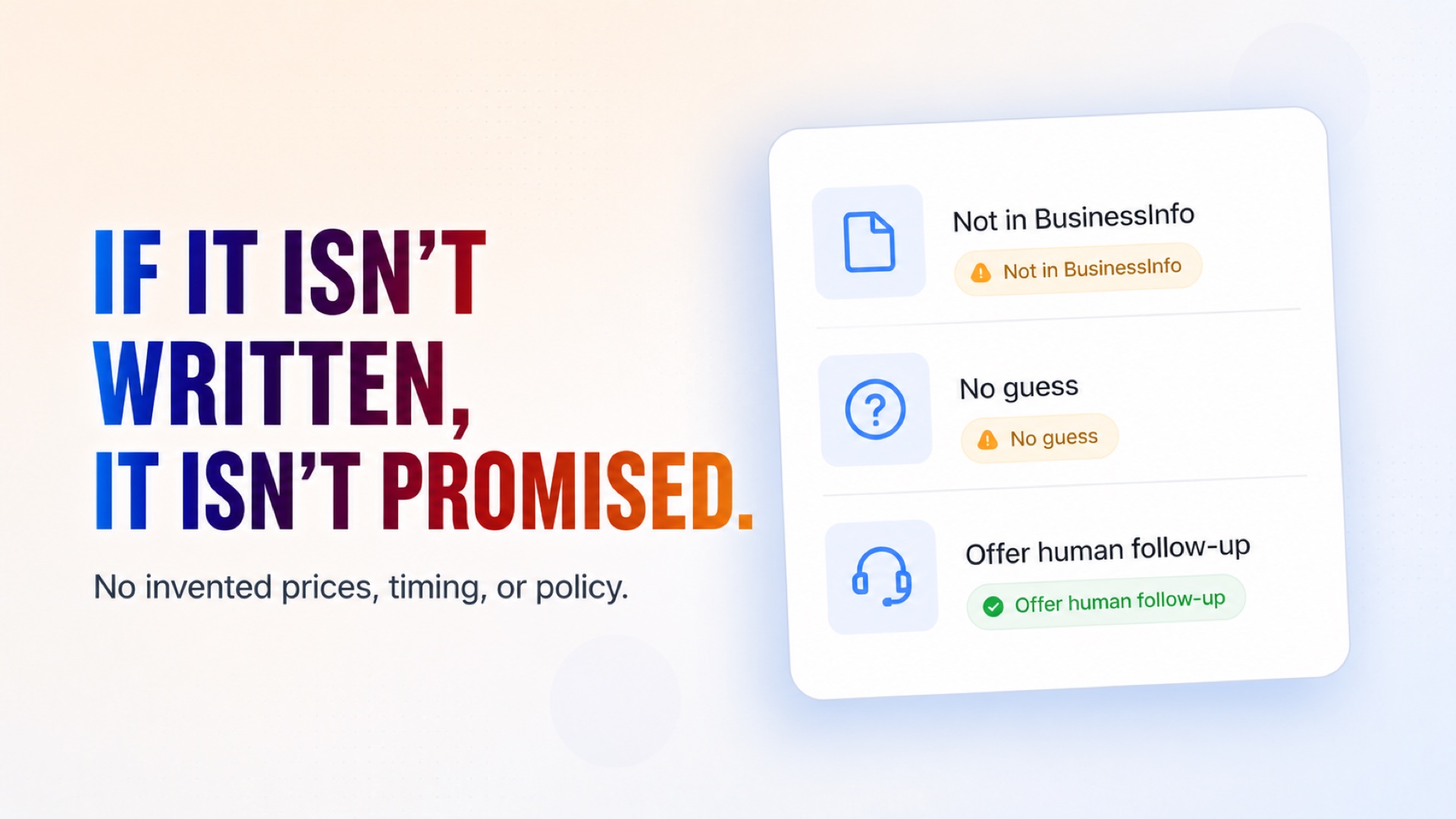
A website chat agent that answers only from a spreadsheet you control, and says plainly when something is not written down instead of guessing
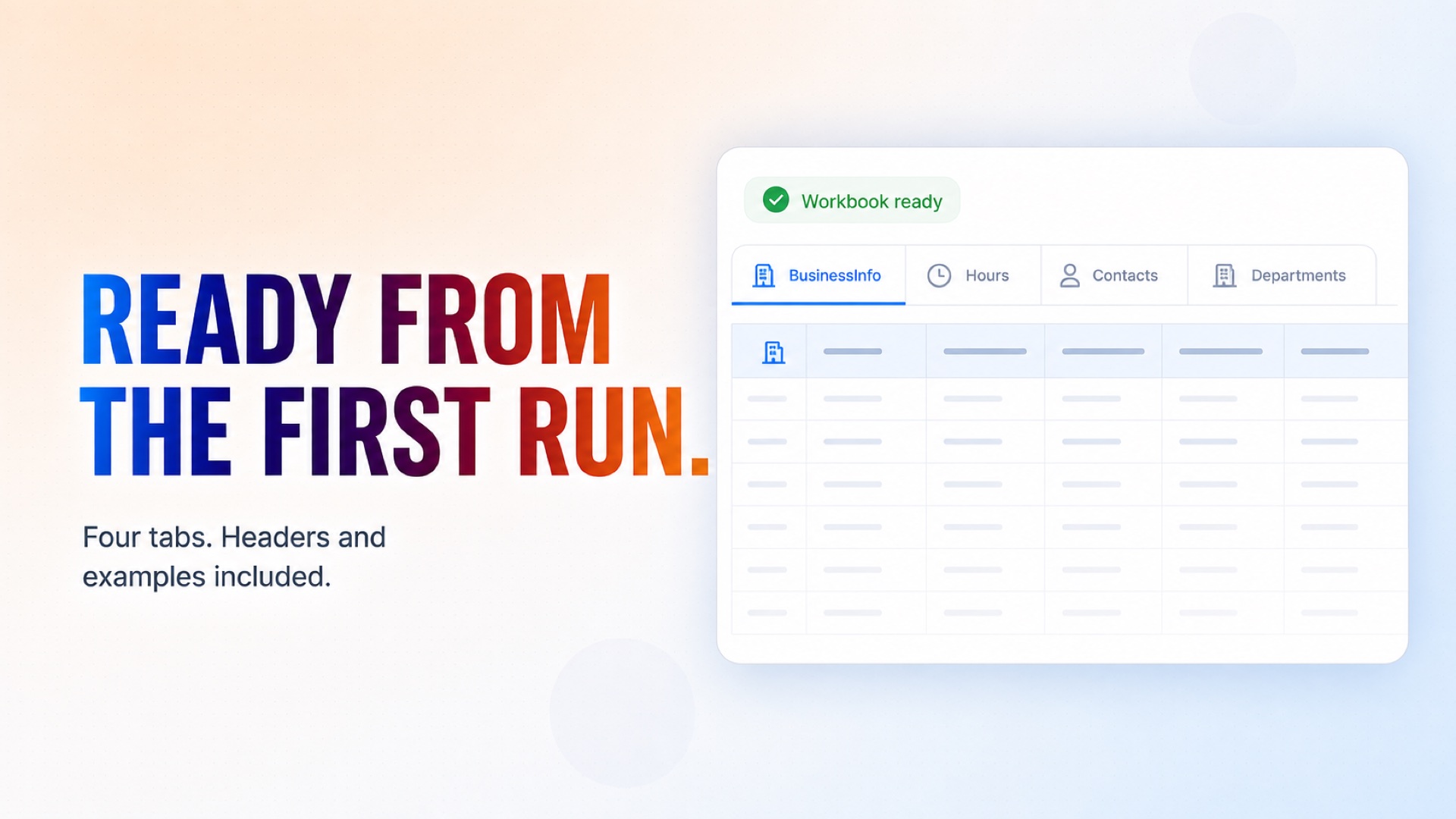
A Google Sheets workbook created for you on the first run, with BusinessInfo, Hours, Contacts and a Departments reference tab, headers and worked examples already filled in
Every enquiry it cannot answer becomes a recorded contact AND an email to the right team, carrying the whole conversation - both in the same turn, so nothing is left half-done
A hard refusal to invent a price, a lead time, an availability, a guarantee or a policy, and no hedging a number it does not actually have
Opening hours you edit yourself, including specific dates that override the weekday rows - being closed changes what it promises, never whether it takes the enquiry
Routing you define at setup: your teams, what each covers, and where each one's mail goes. It uses those names exactly and never invents a team you do not have
Contacts written with a derived reference so a retried write updates the same lead instead of adding a duplicate, and a name plus one contact method is always enough
Nothing collected under false pretences: it says it is an AI assistant when asked, and never asks for a card number, password or PIN
Installation
What setting this up involves.
Answer the setup questions: your business name and what you do, your timezone, and your routing list - each team, what it covers, and the address its enquiries should go to.
Connect Google Sheets and Gmail when prompted. The Gmail account you pick is the address the agent sends team notifications from, so use one your team actually watches.
Run the setup application once. It creates the workbook, seeds every tab with headers and worked examples, and prints a link straight to it.
Open the workbook and fill in the BusinessInfo tab with your real answers, and the Hours tab with your real opening times. Until you do, the agent treats every topic as unanswered and takes a contact instead - safe, but not yet useful.
Add the chat widget to your site, then try it yourself: ask something you have written an answer for, then ask for a callback, and watch the contact appear in the workbook and the email land with your team.
~5 min to launch
Free to start. Create your free account, then set it up.
Connect 2 tools, fill in a few details, and install it. No coding.
FUNCTION
Customer ServiceTAGS
Built by CogniAgent
Official template