
Human Resources
AI Recruiting Agent
AI recruiting assistant is the front door for candidates. Answers questions about your open roles from information you provide, takes applications by email with consent recorded, tells people where their application stands, and hands anything sensitive to a human. It records each application so the screening and qualification agents can pick it up — it does not assess anyone itself.
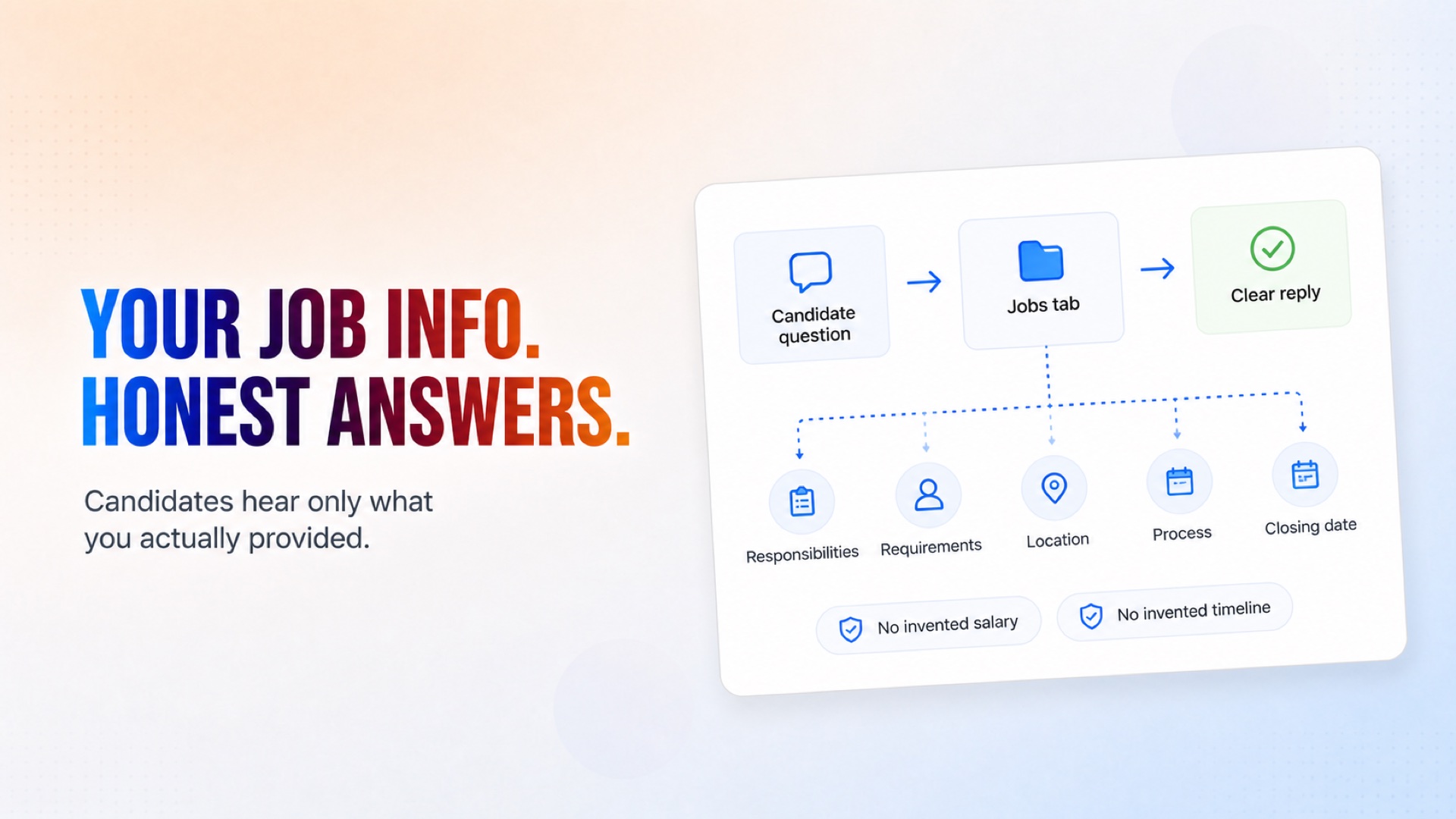
Answer candidate questions using only the role information your company provided.
How it works
What's included
The key things this template does for you.
A dedicated careers inbox that answers role questions from your own job descriptions
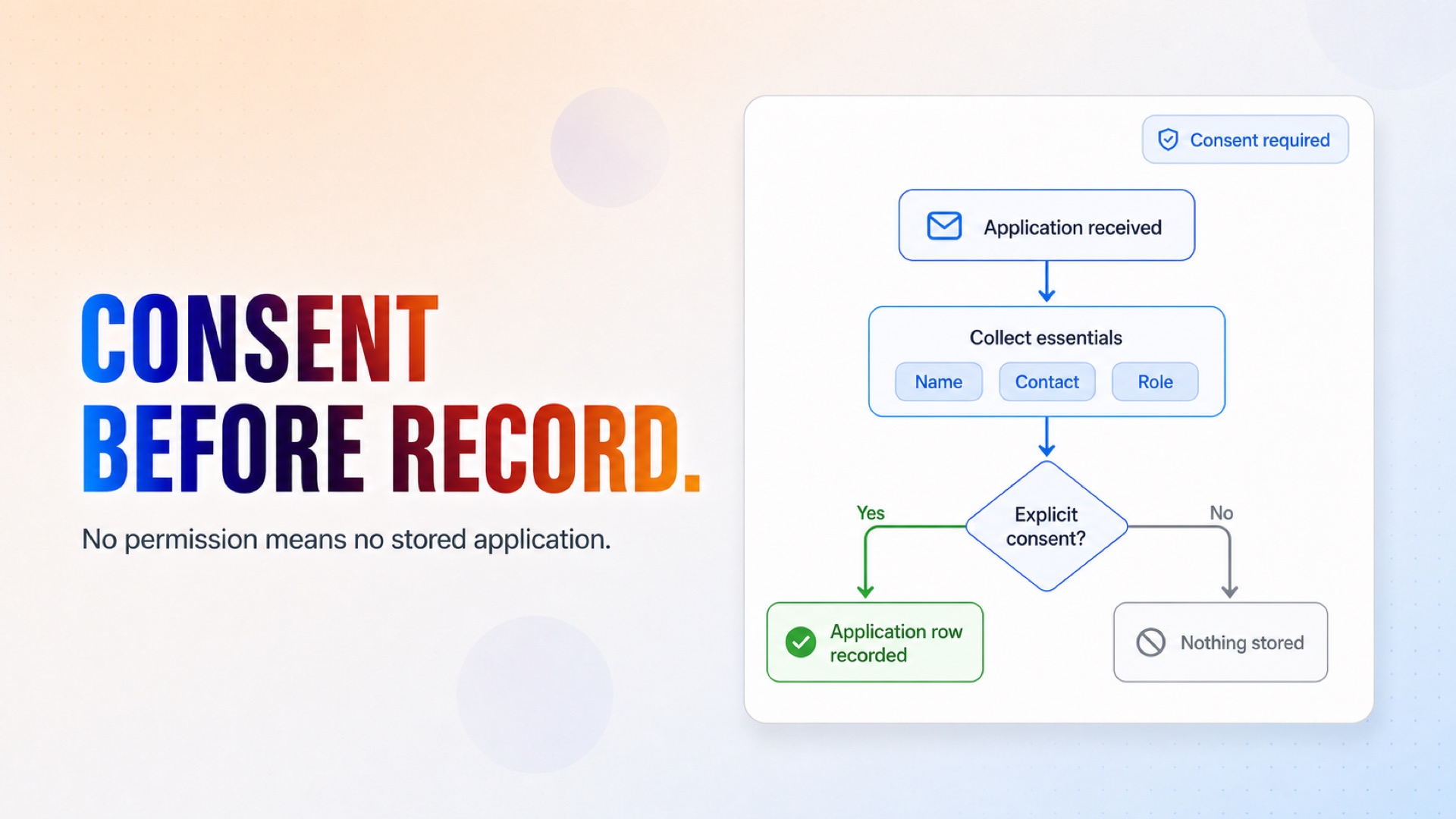
Applications recorded with explicit consent, or not recorded at all
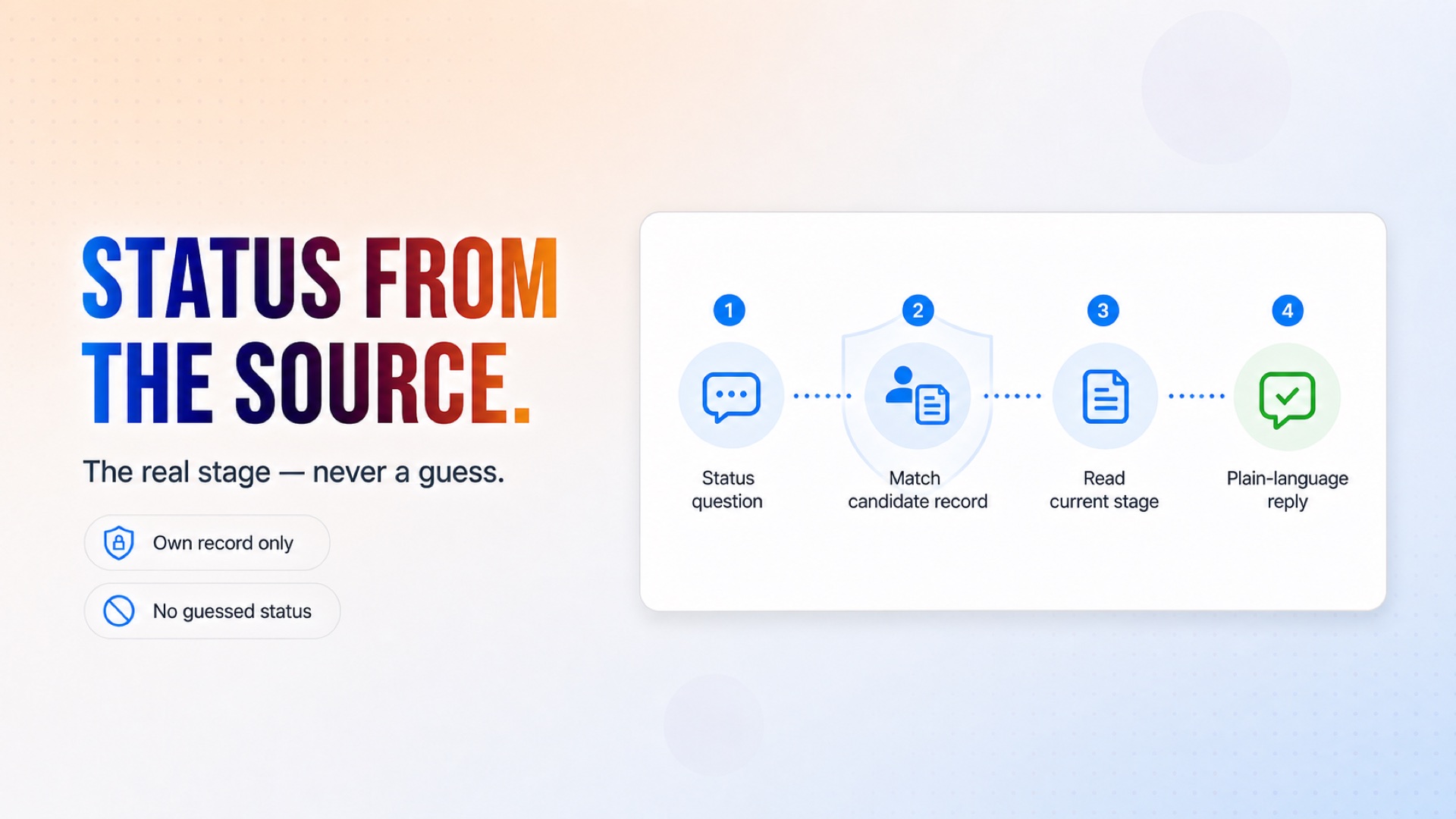
Honest status answers drawn from the candidate's actual row
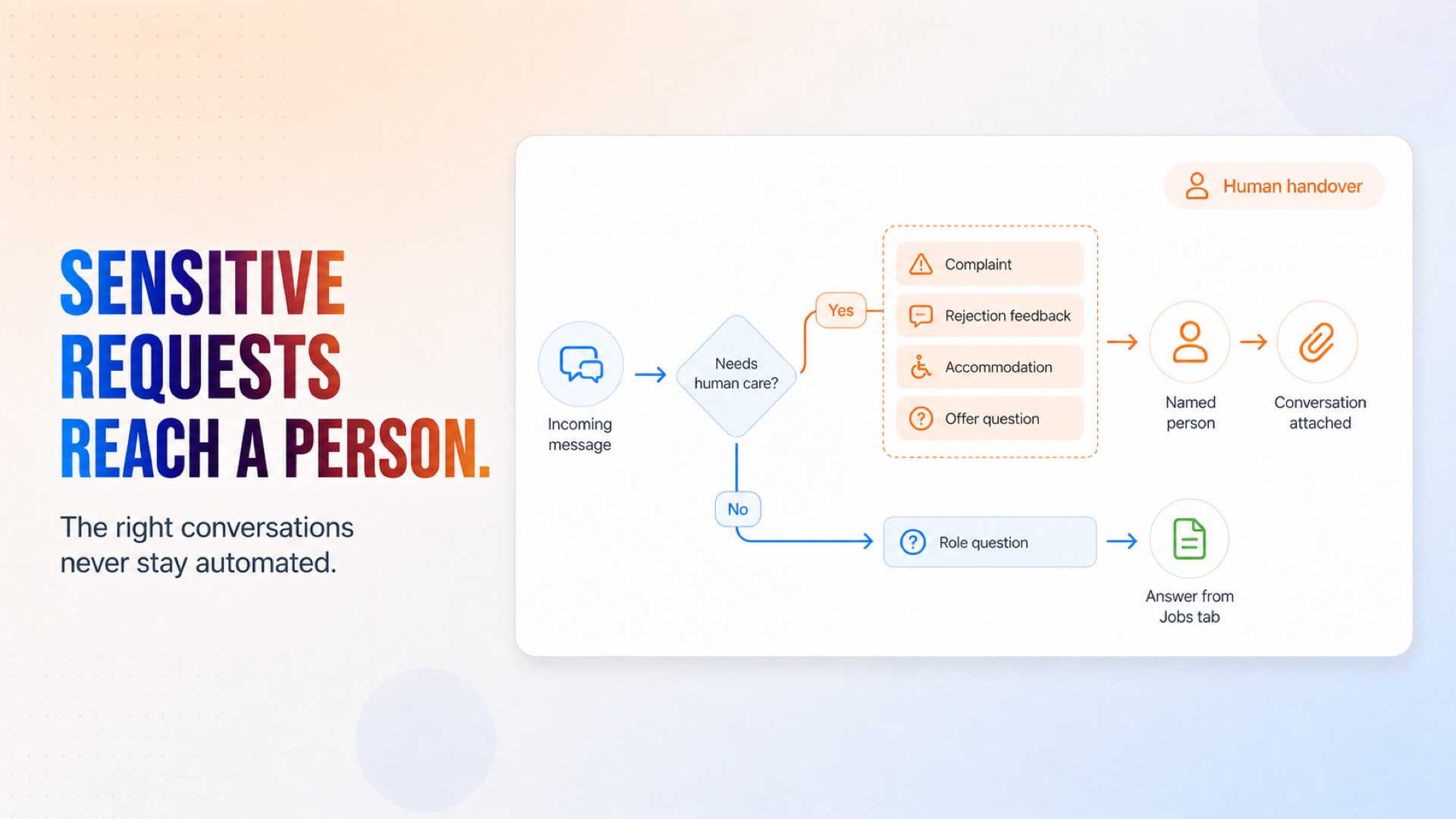
Human handover for complaints, feedback requests and accommodations
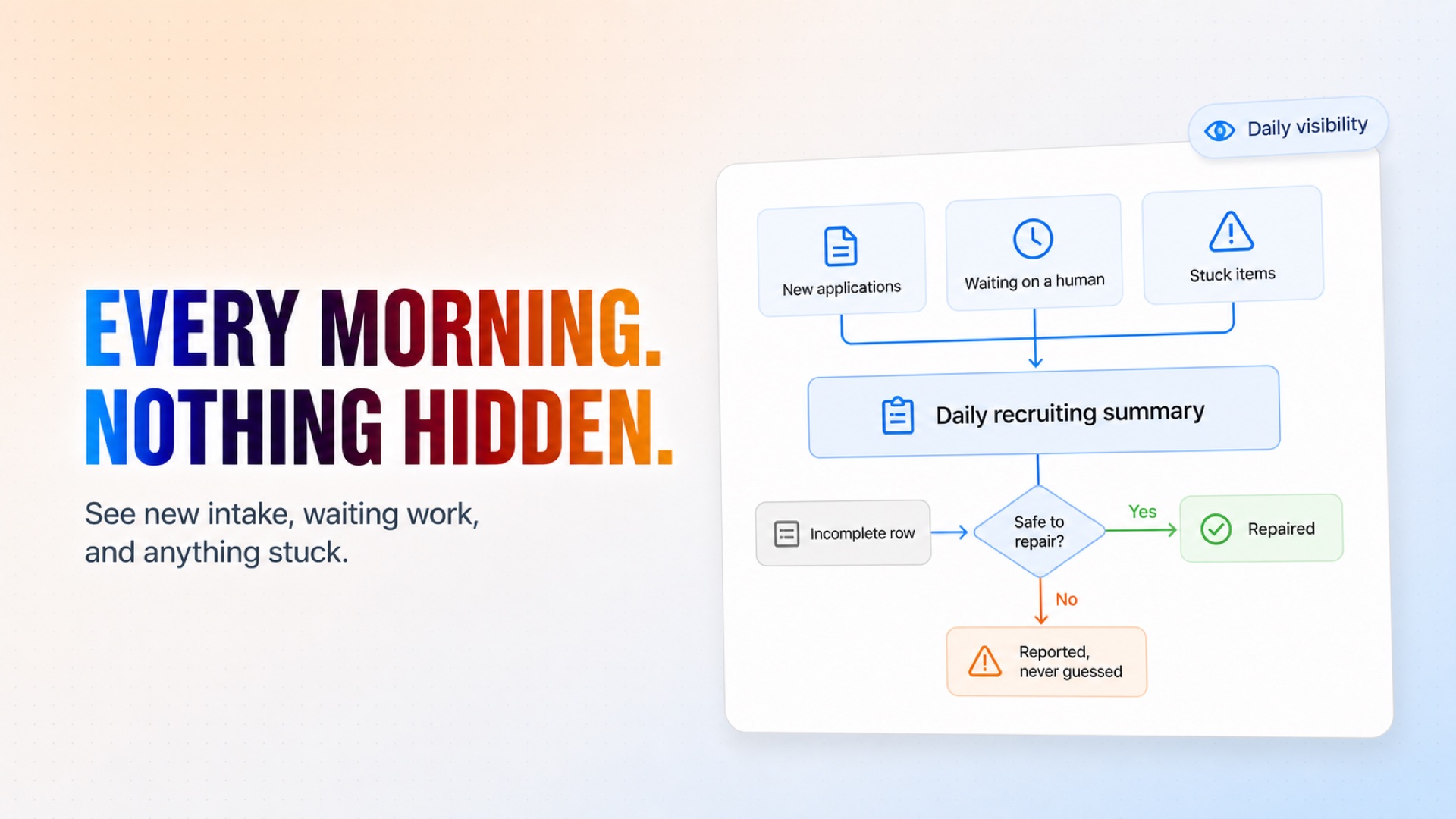
A daily summary of intake, waiting work and anything stuck
Nothing is assessed here — screening and qualification stay separate and reviewable
Installation
What setting this up involves.
Connect Google Sheets, and the Gmail account that receives applications — a mailbox used only for candidate mail, because the assistant replies to every unread thread in it.
Enter the careers inbox address, your company name, and the recruiter's name and email.
Set an escalation address for anything needing a person.
Fill in the Jobs tab — the assistant answers only from what is written there.
Send a test email to the careers inbox and watch it reply and record the row.
~5 min to launch
Free to start. You will sign in first, then set it up.
Connect 2 tools, fill in a few details, and install it. No coding.
FUNCTION
Human ResourcesTAGS
Built by CogniAgent
Official template