
Sales
AI Sales Agent
Guides a prospect on your website from a first question to a warm handover: it runs your own discovery questions, recommends only from the products you have written down, and explains why that one fits what the customer told it. It never invents a price and it never offers a discount - any pricing ask goes to a named person instead. Every lead is written to your sheet with the reason for the recommendation, and your sales team is emailed the full brief.
Your Sheet. Nothing else.
How it works
What's included
The key things this template does for you.
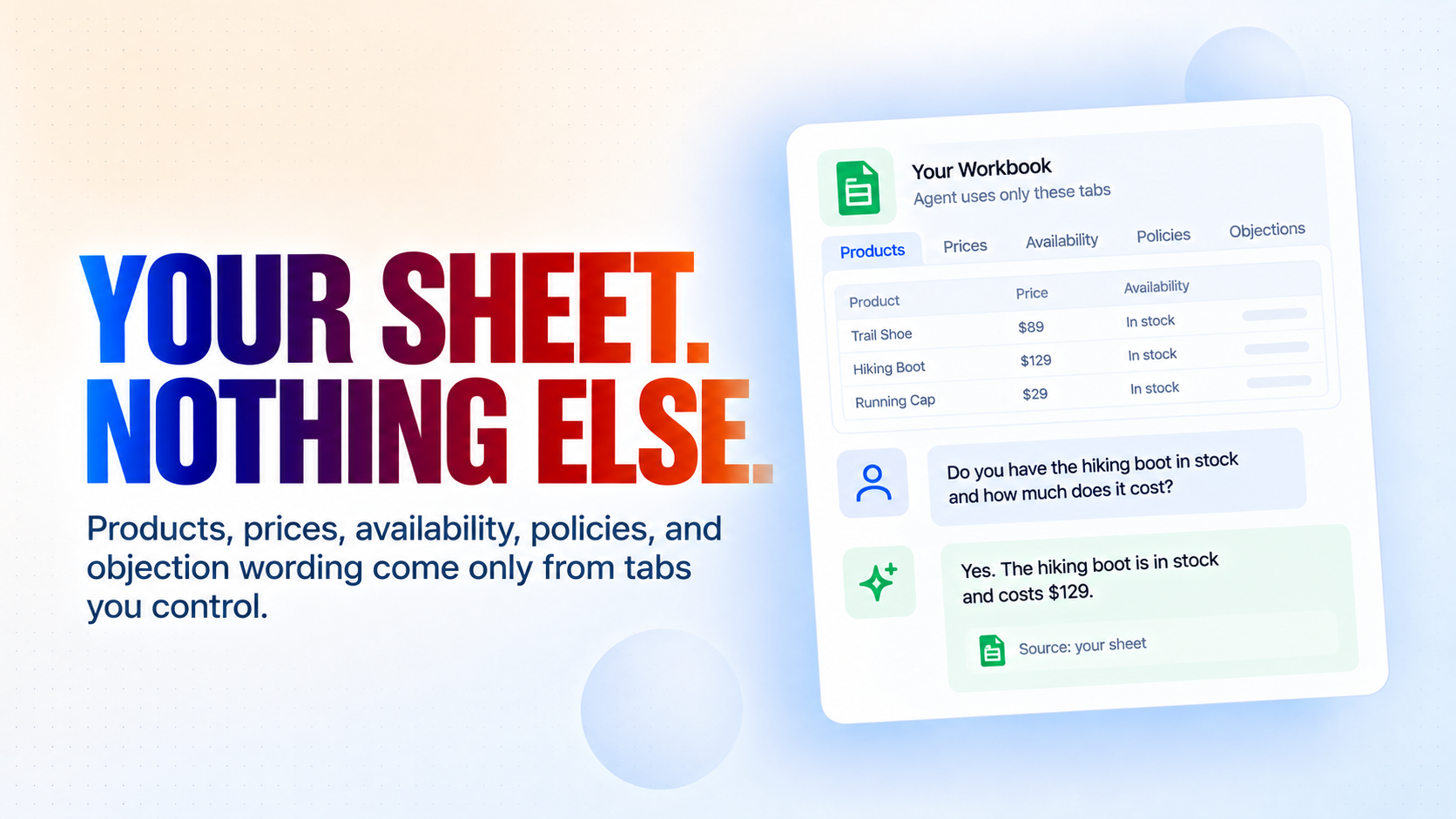
Answers only from your own sheet - products, prices, availability, policies and objection wording all come from tabs you control, and nothing else is ever stated
Runs your discovery script, not a generic one - you decide the questions, their order, and which must be answered before any recommendation
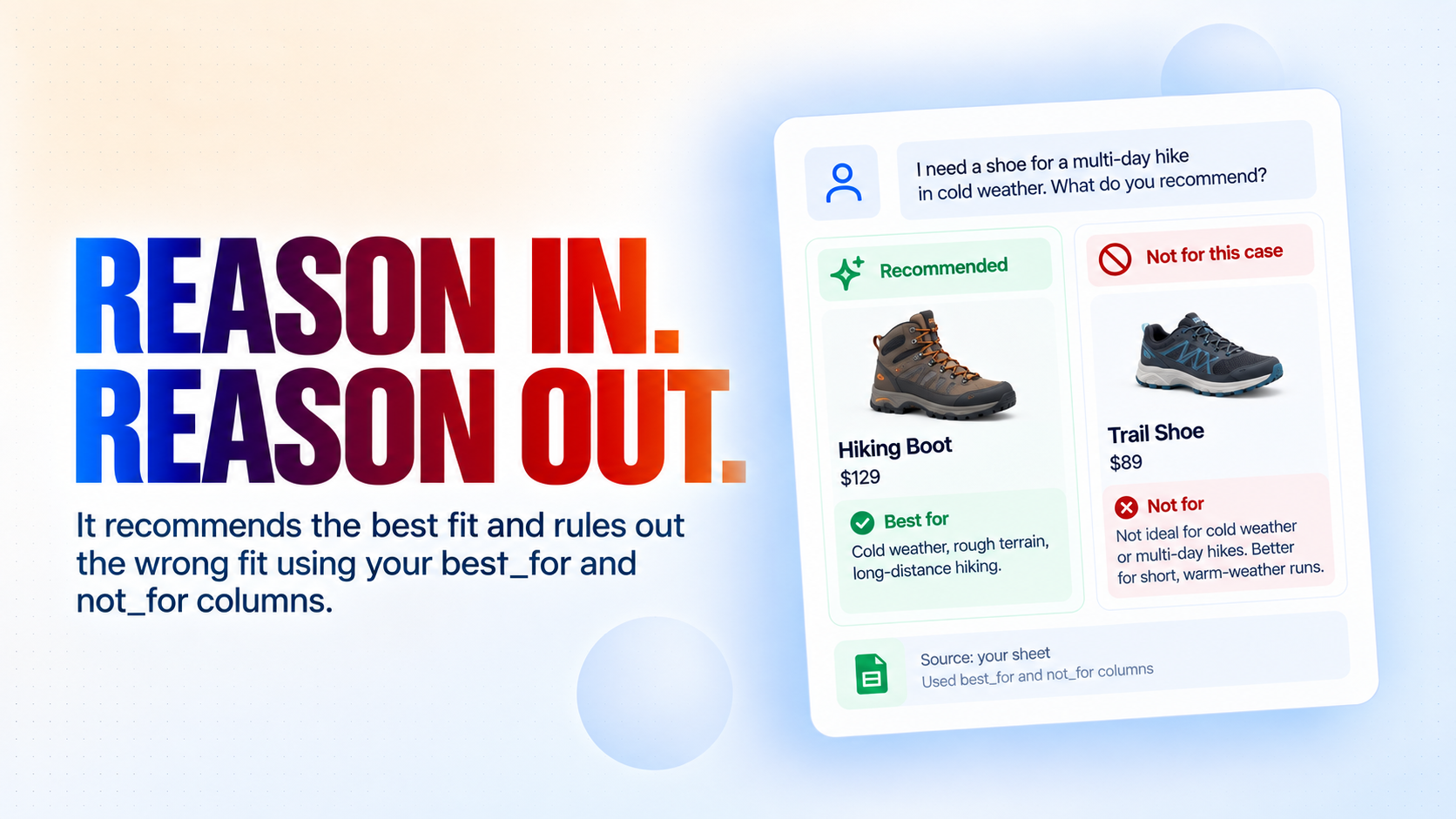
Recommends with a reason, and rules the wrong option out with a reason too, using the best_for and not_for columns you write
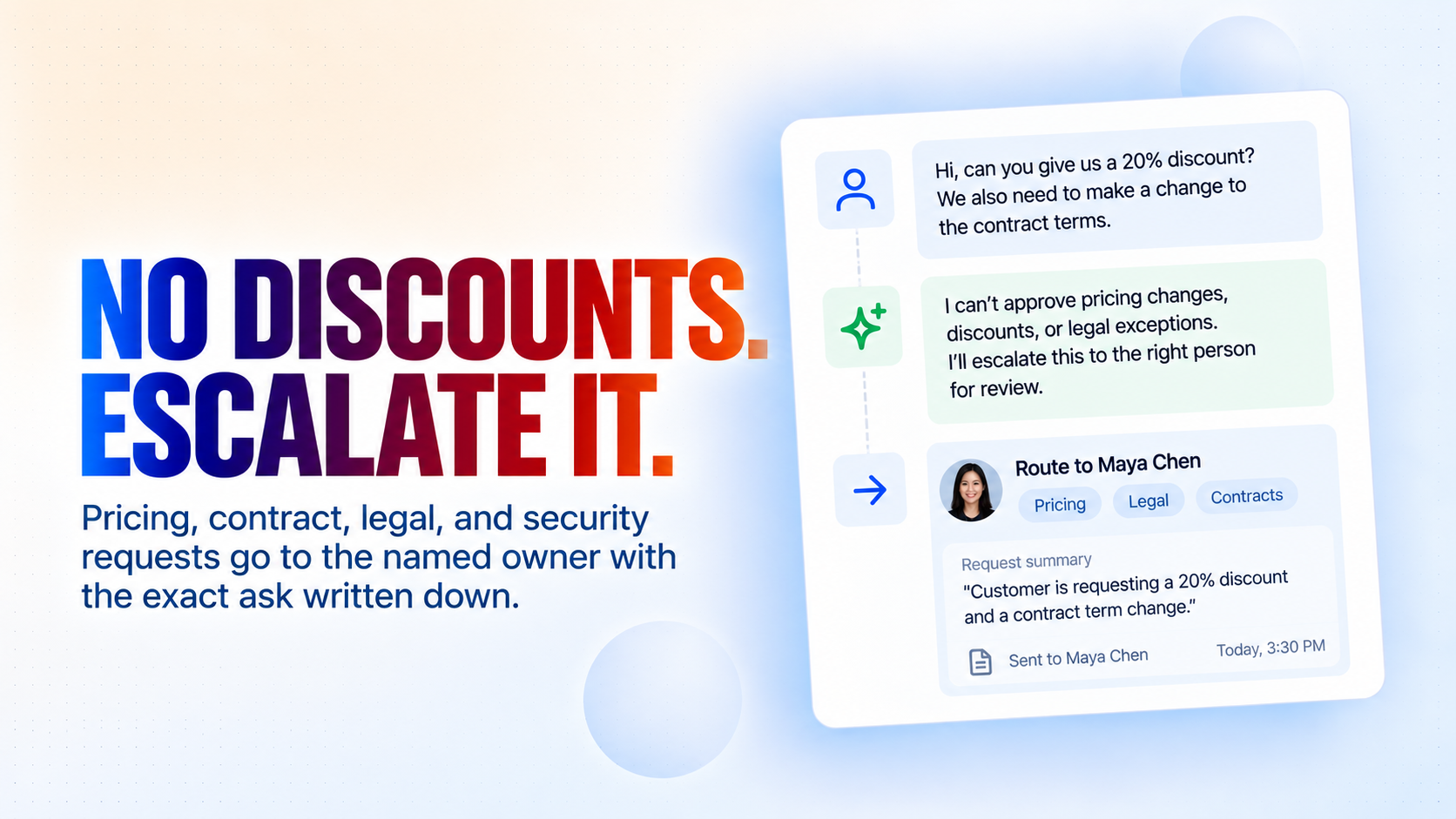
Never offers a discount and has no authority to - every pricing, contract, legal or security ask goes to a named person with the specific request written down
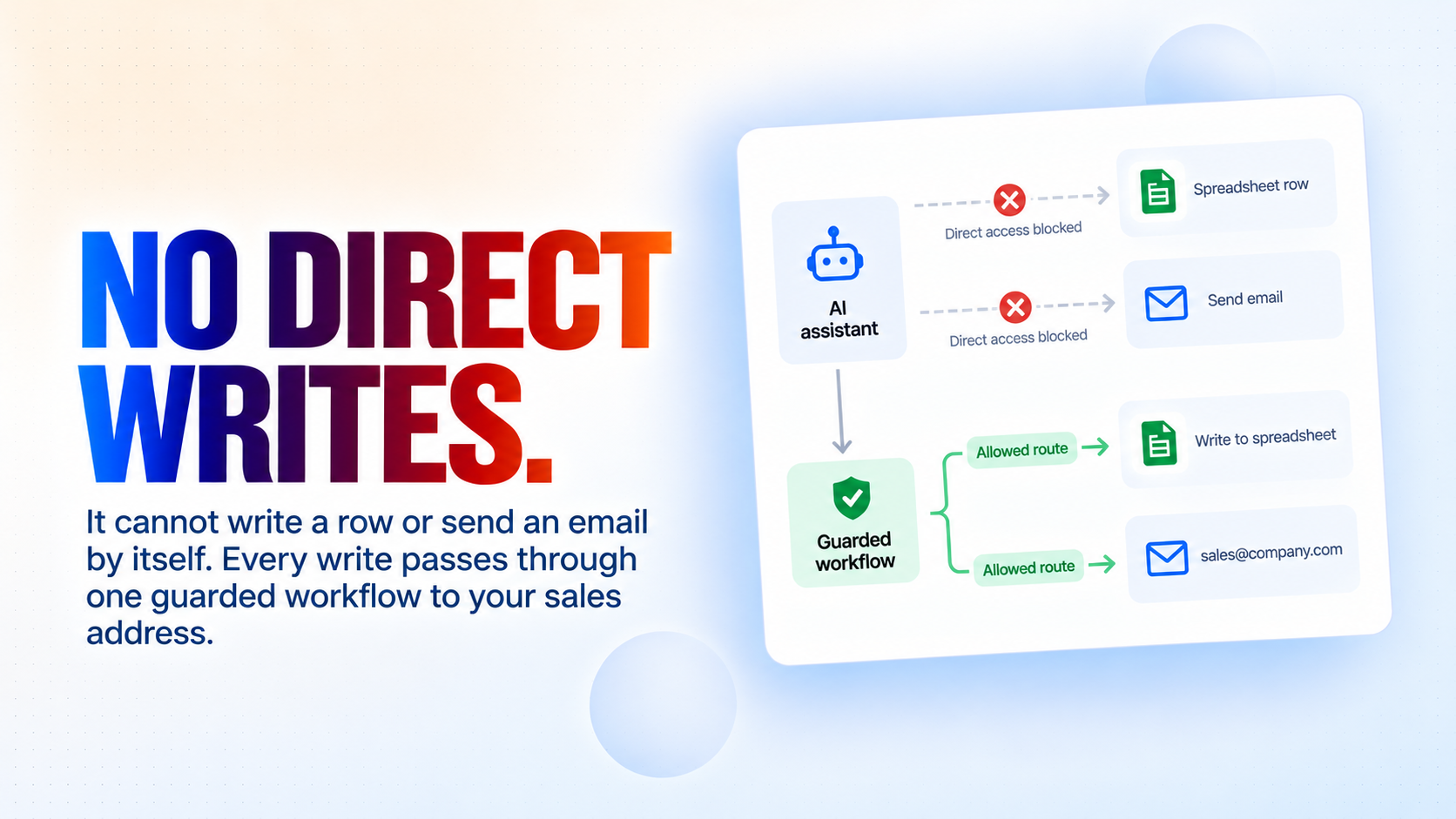
Cannot write a row or send an email by itself - every write goes through one guarded workflow, so "it can only contact your sales address" is built in, not promised
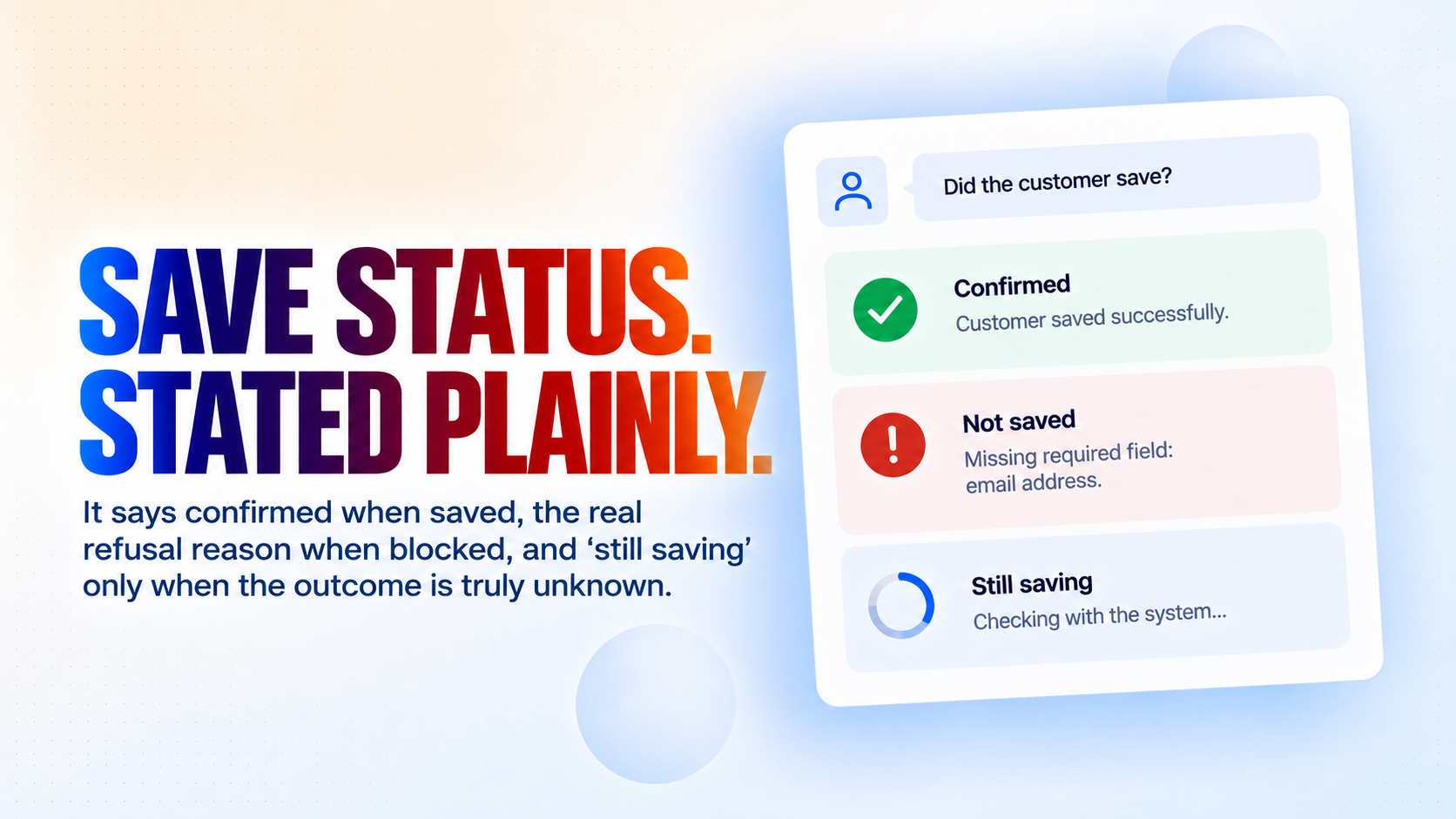
Tells the customer the truth about the save - confirmed when it worked, the real reason when it was refused, and "still saving" when the outcome is genuinely unknown
Installation
What setting this up involves.
Install the template and connect Google Sheets and Gmail when asked. Those are the only two connections it needs.
Answer the setup questions: your business name and what you sell, your sales team's email address, the name of the person who handles anything needing approval, your booking link, your currency and your timezone.
Open the "AI Sales Agent Setup" application and press Run, once. It creates a Google Sheets workbook named after your business with six tabs - Products, Policies, Objections, DiscoveryRules, Leads and Log - already filled with worked example rows. Running it again is safe: it finds the workbook it made last time instead of creating a second one.
Replace the example rows with your own. This is the step that matters: Products, Policies, Objections and DiscoveryRules are the agent's entire world, so until you edit them it will offer example plans at example prices to real customers.
Leave the "Sales Lead Capture Guard" application stopped. It runs on demand each time the agent records a lead; starting it would turn that call into a log line that does nothing.
Try it before you embed it: open the AI Sales Agent flow and run a test conversation as a customer would, checking that the plan, price and buy link it quotes match your Products tab exactly. Then embed the chat widget on your site.
~5 min to launch
Free to start. Create your free account, then set it up.
Connect 2 tools, fill in a few details, and install it. No coding.
FUNCTION
SalesTAGS
Built by CogniAgent
Official template