
Customer Service
Appointment Reminder & Confirmation Agent
Cuts no-shows by reminding every customer about their upcoming appointment by email, collecting a confirm / rebook / cancel answer, updating your Google Calendar, and alerting your team the moment a slot frees up or a reply needs a human.
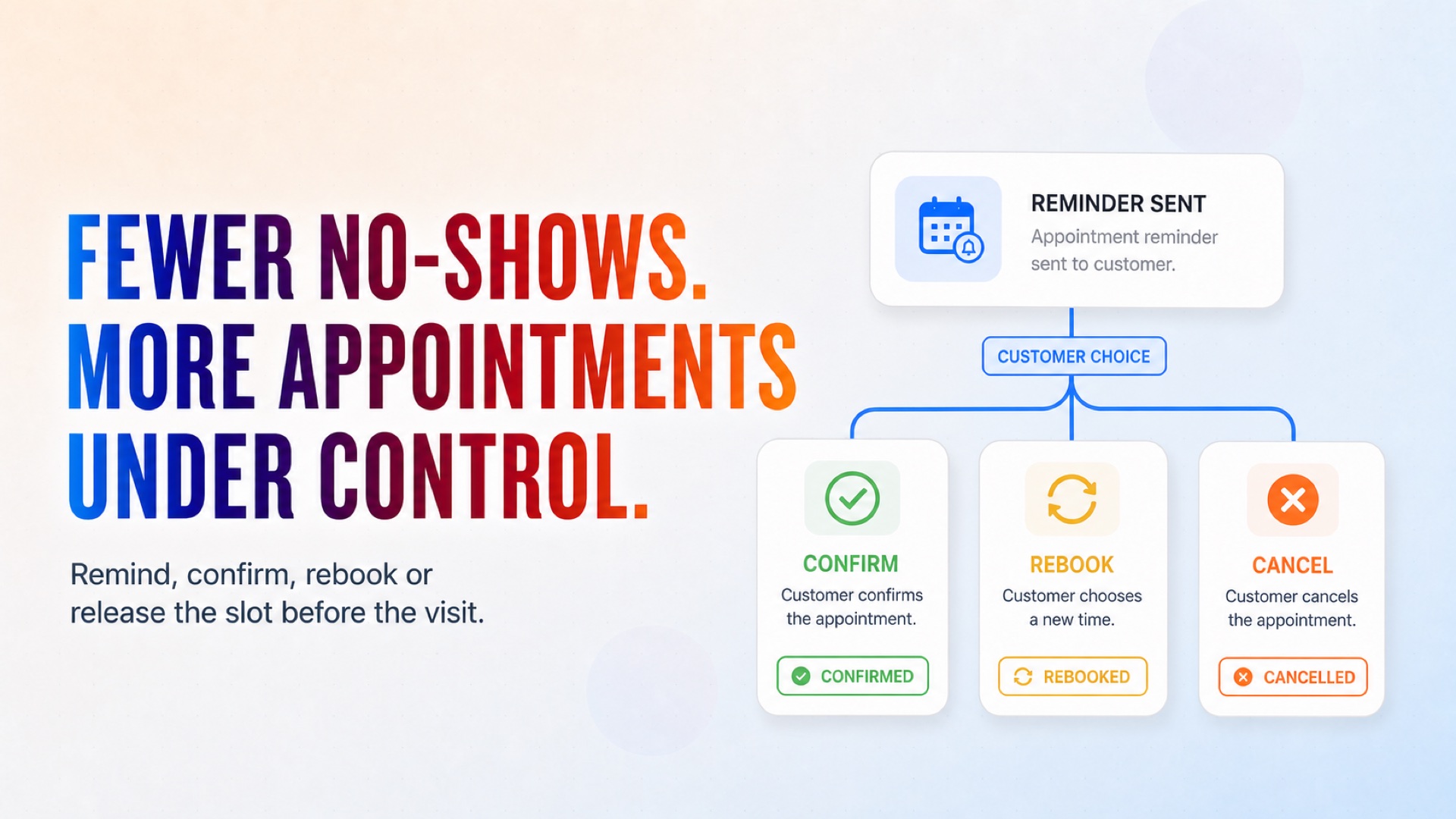
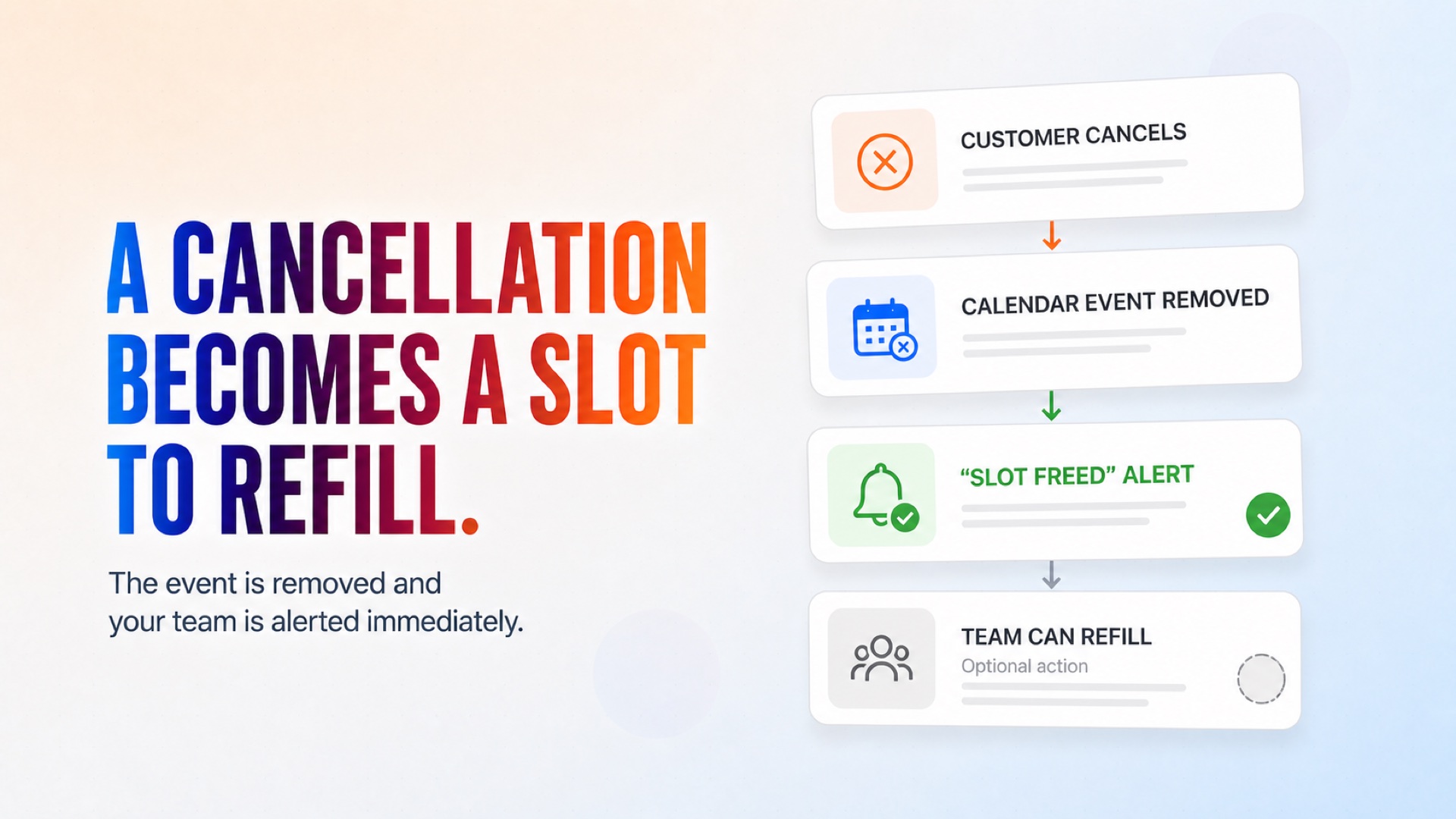
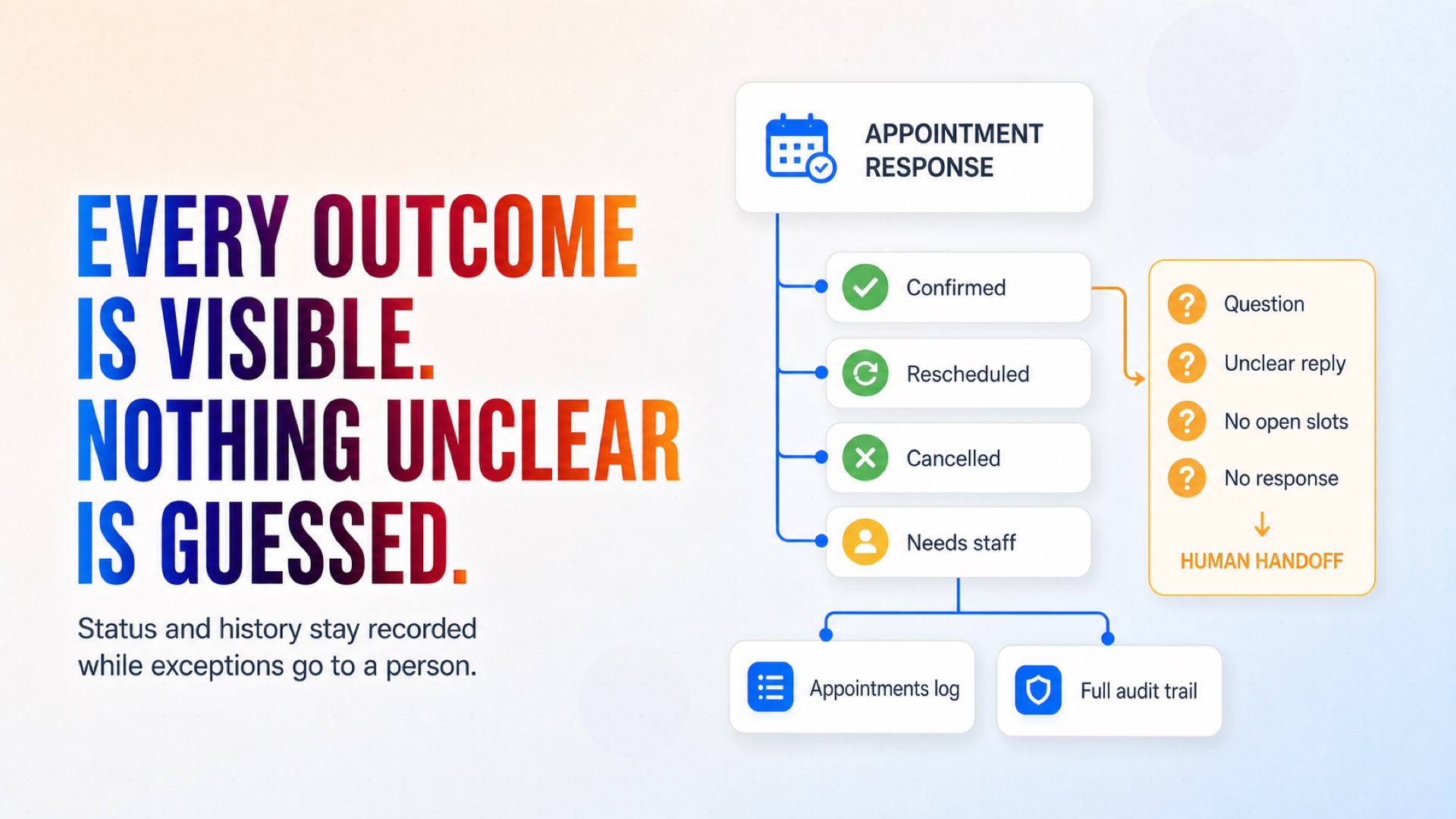
Reminders route every customer toward confirming, rebooking, or cancelling before the appointment.
How it works
What's included
The key things this template does for you.
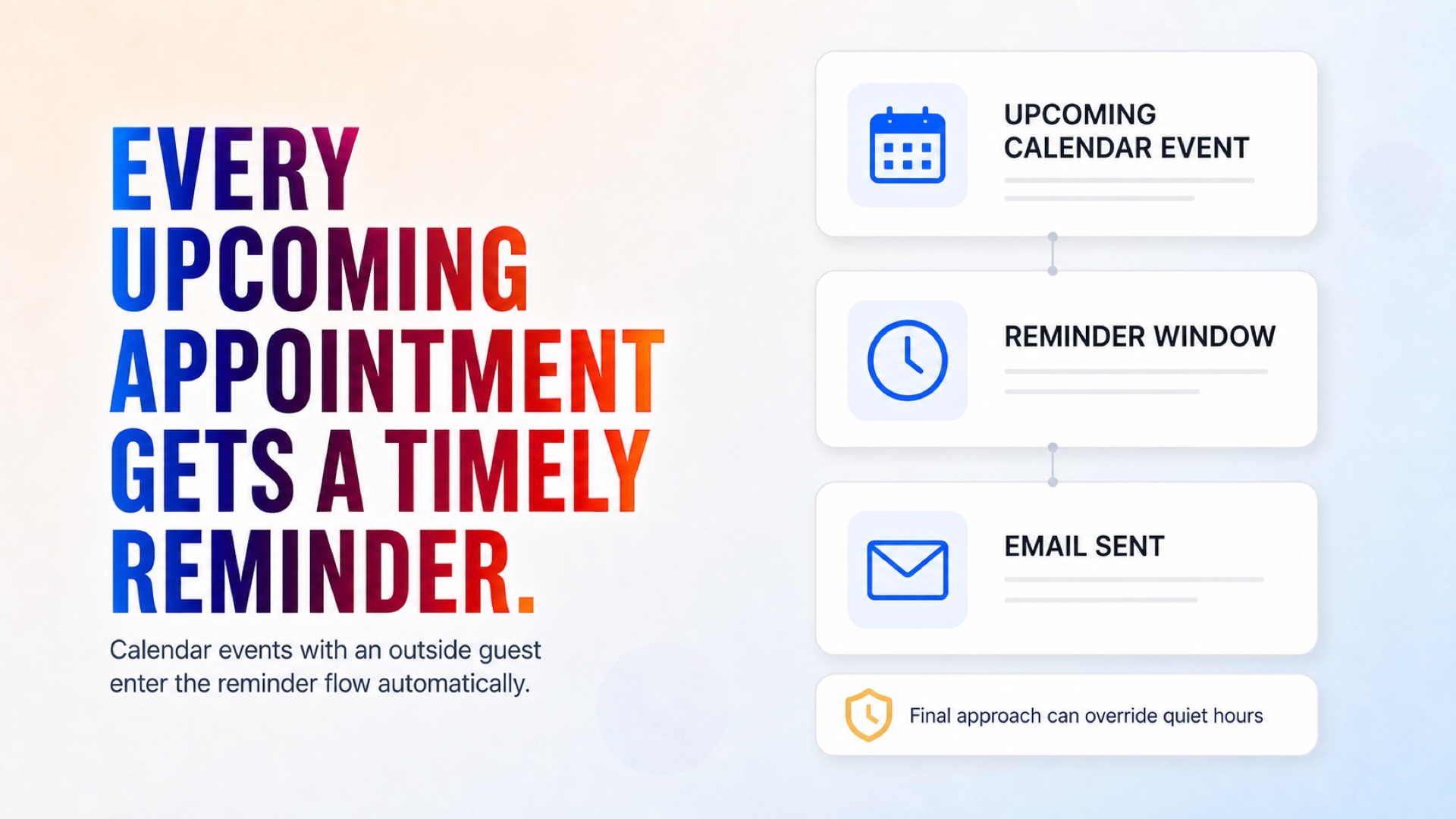
Automatic email reminders for every calendar appointment with an outside guest, at the lead time you choose
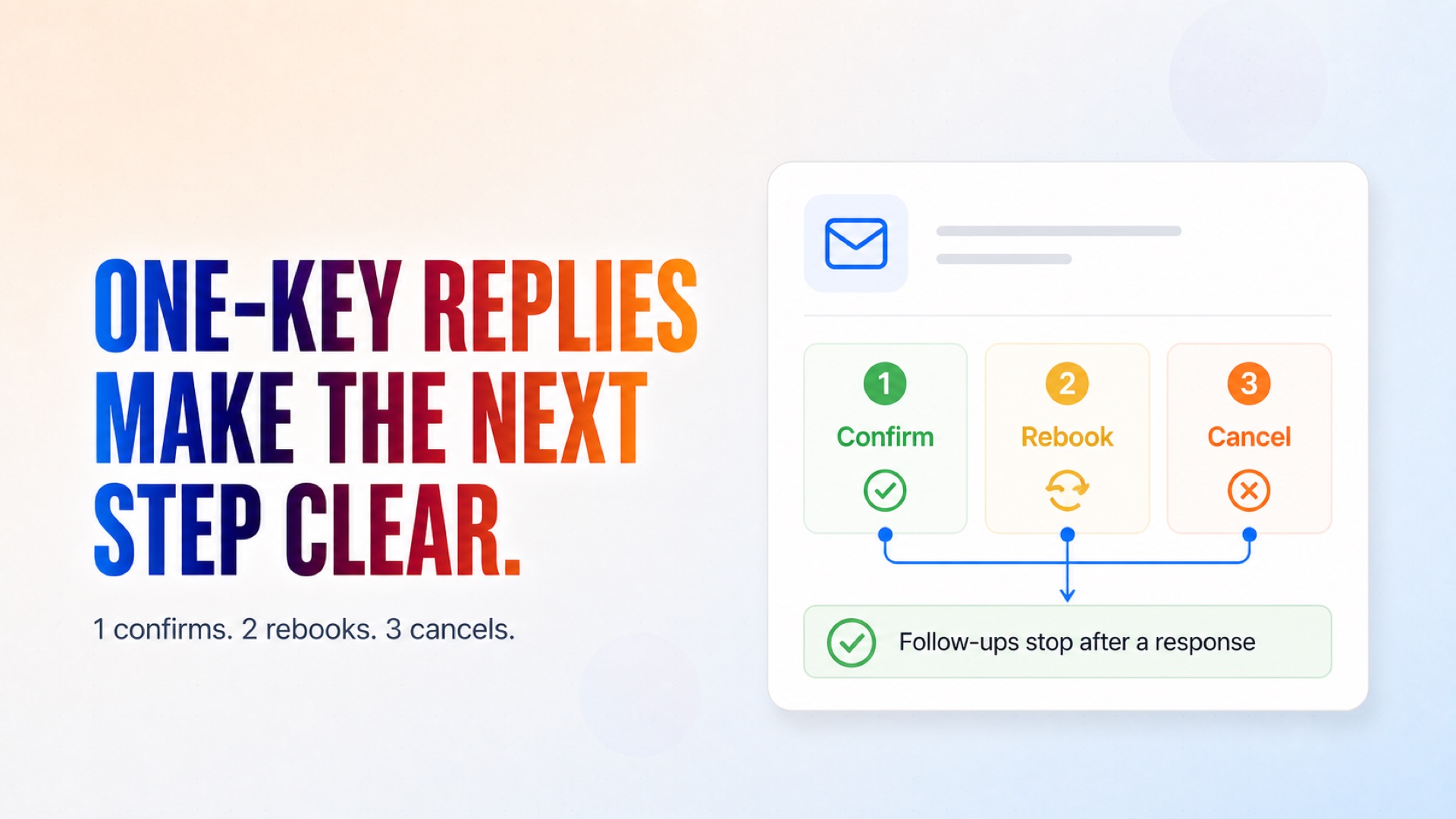
One-key replies: 1 confirm, 2 rebook, 3 cancel - with polite follow-ups on silence that stop after a response
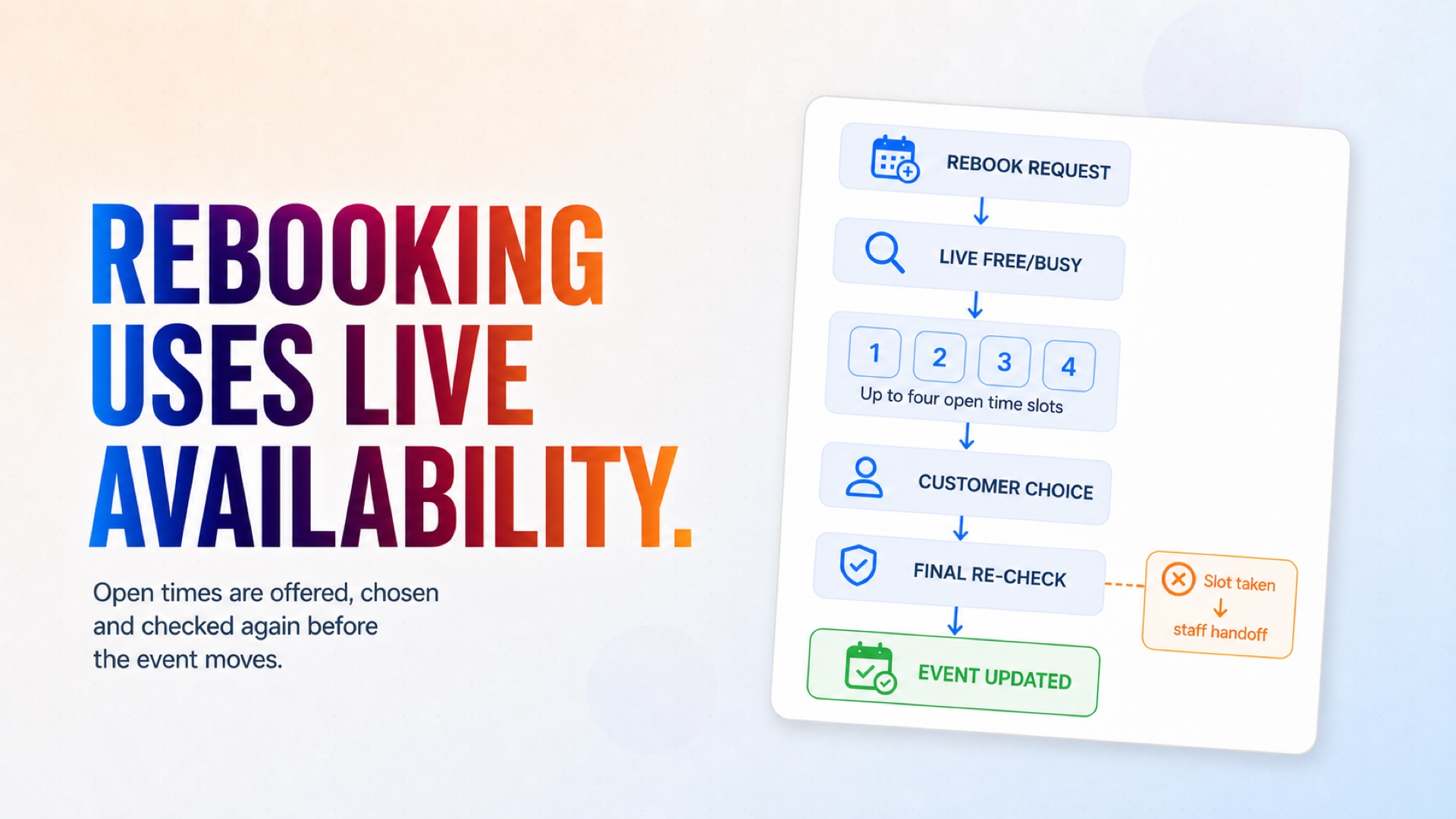
Real rebooking: live free/busy check, up to four offered times inside business hours, double-checked at booking, calendar invitation updated for everyone
Cancellations remove the event and alert your team to refill the freed slot
Special requests, questions and unclear replies are handed to a person verbatim - nothing is guessed
A self-provisioned Google Sheets workbook: one row per appointment plus a full audit log
Quiet hours: reminders only go out during business hours, except the final approach to an appointment
Installation
What setting this up involves.
Install the template and connect Google Calendar, Gmail and Google Sheets when asked.
Answer the setup questions: your company name and what it does, time zone, business hours, the contact person's name and email, and how many hours before an appointment the reminder should go out.
Start the app. On the first run it creates a 'CogniAgent Appointments Data' workbook in your Google Drive (Appointments and Log tabs) - no spreadsheet work needed.
Keep your appointments on the connected Google Calendar with the customer as a guest (their email on the invite). That is all the agent needs.
Watch the Appointments tab fill in - confirmed, rescheduled, cancelled or needs_staff - and act on the alert emails that land in the contact person's inbox.
~6 min to launch
Free to start. You will sign in first, then set it up.
Connect 3 tools, fill in a few details, and install it. No coding.
FUNCTION
Customer ServiceTAGS
Built by CogniAgent
Official template