
Human Resources
Candidate Qualification Agent
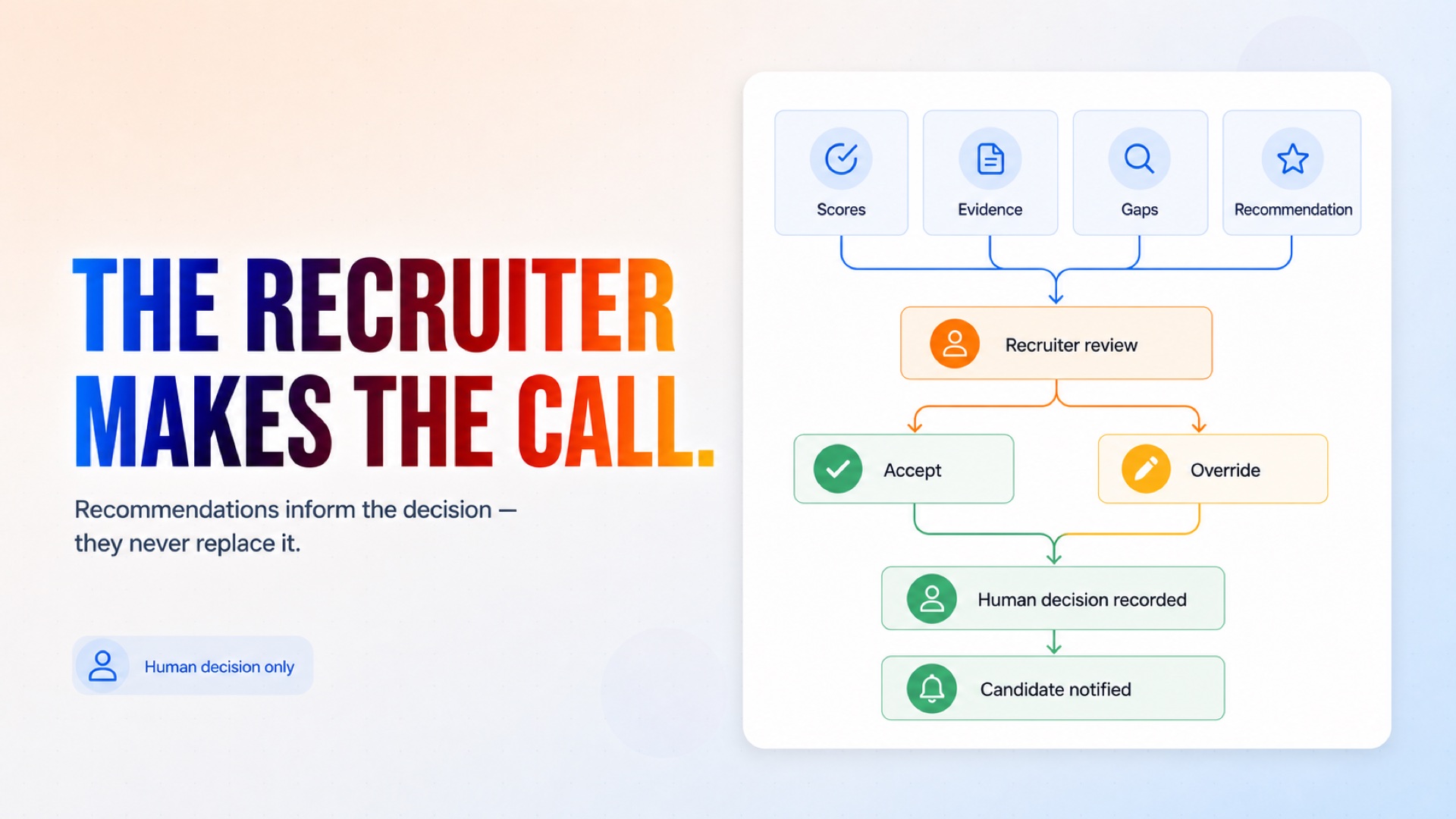
Runs a structured competency assessment on candidates who have already passed screening. Asks about each competency you define, scores the answers against your own guide, and attaches the candidate's own words as evidence for every score. The recommendation from automated candidate pre-qualification systems goes to a recruiter to accept or override — the agent never makes the final call.
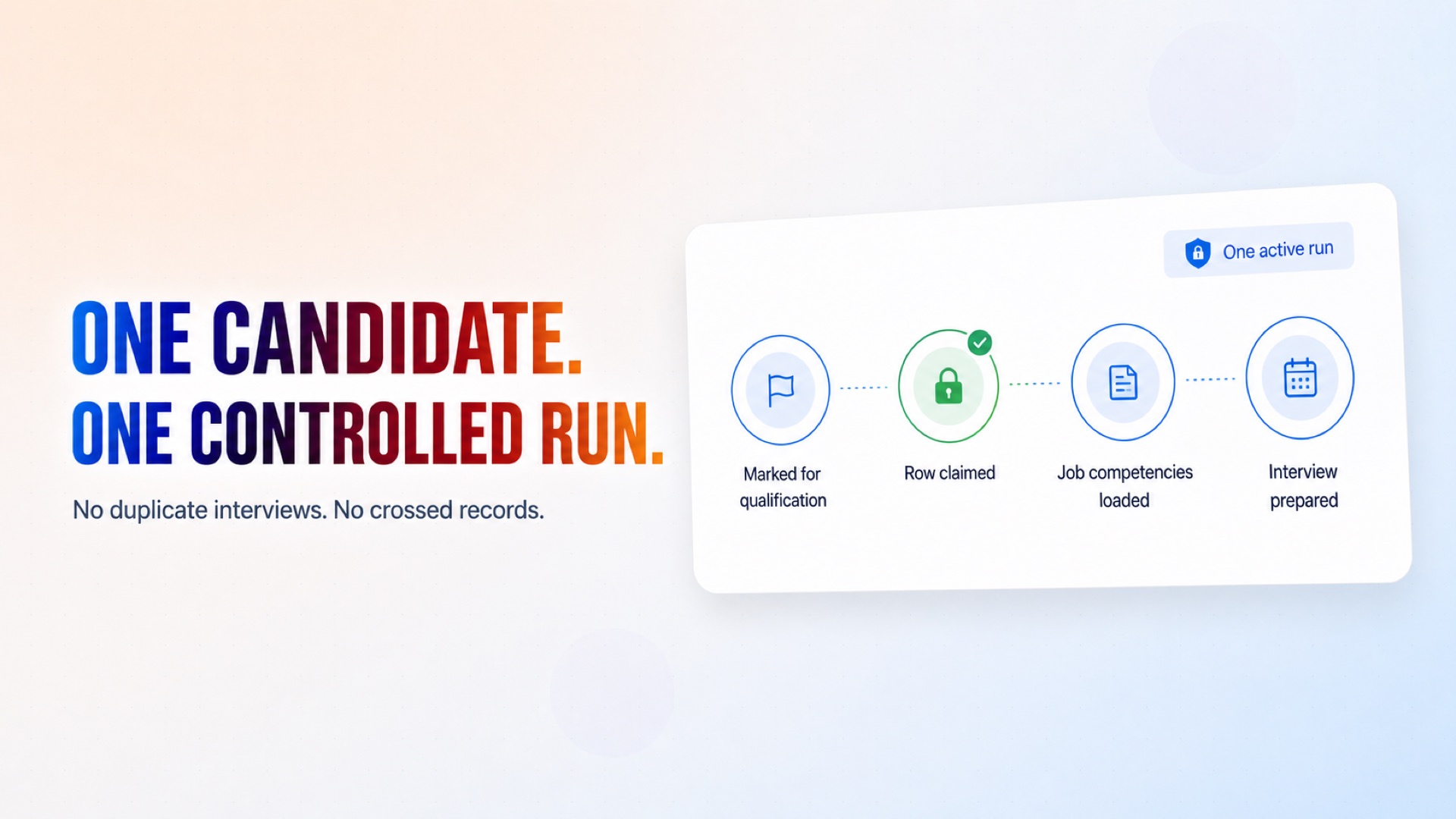
Securely claim each candidate so duplicate interviews and crossed records cannot occur.
How it works
What's included
The key things this template does for you.
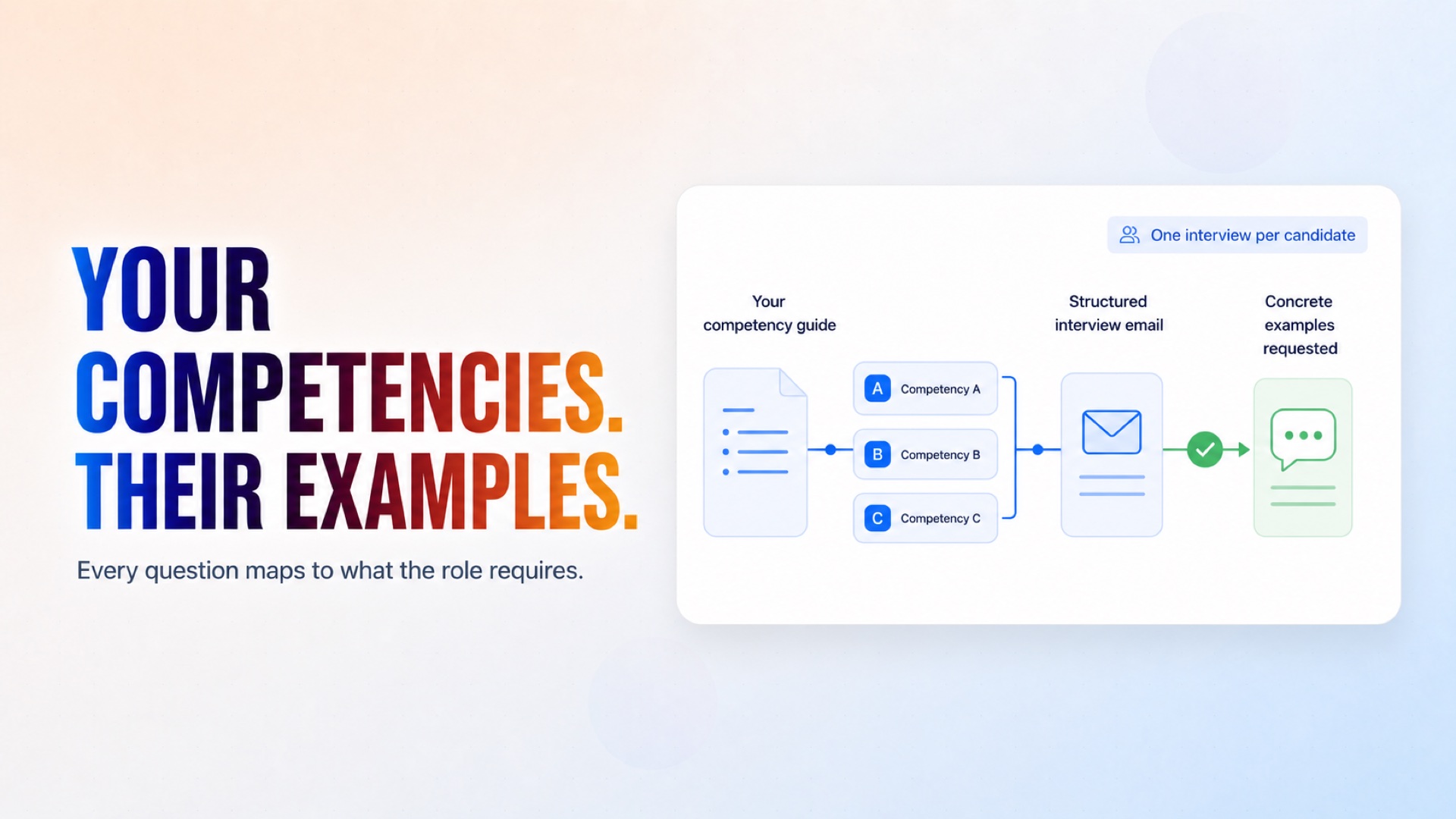
Competency definitions and a scoring guide kept in a spreadsheet you control
One structured interview email per candidate
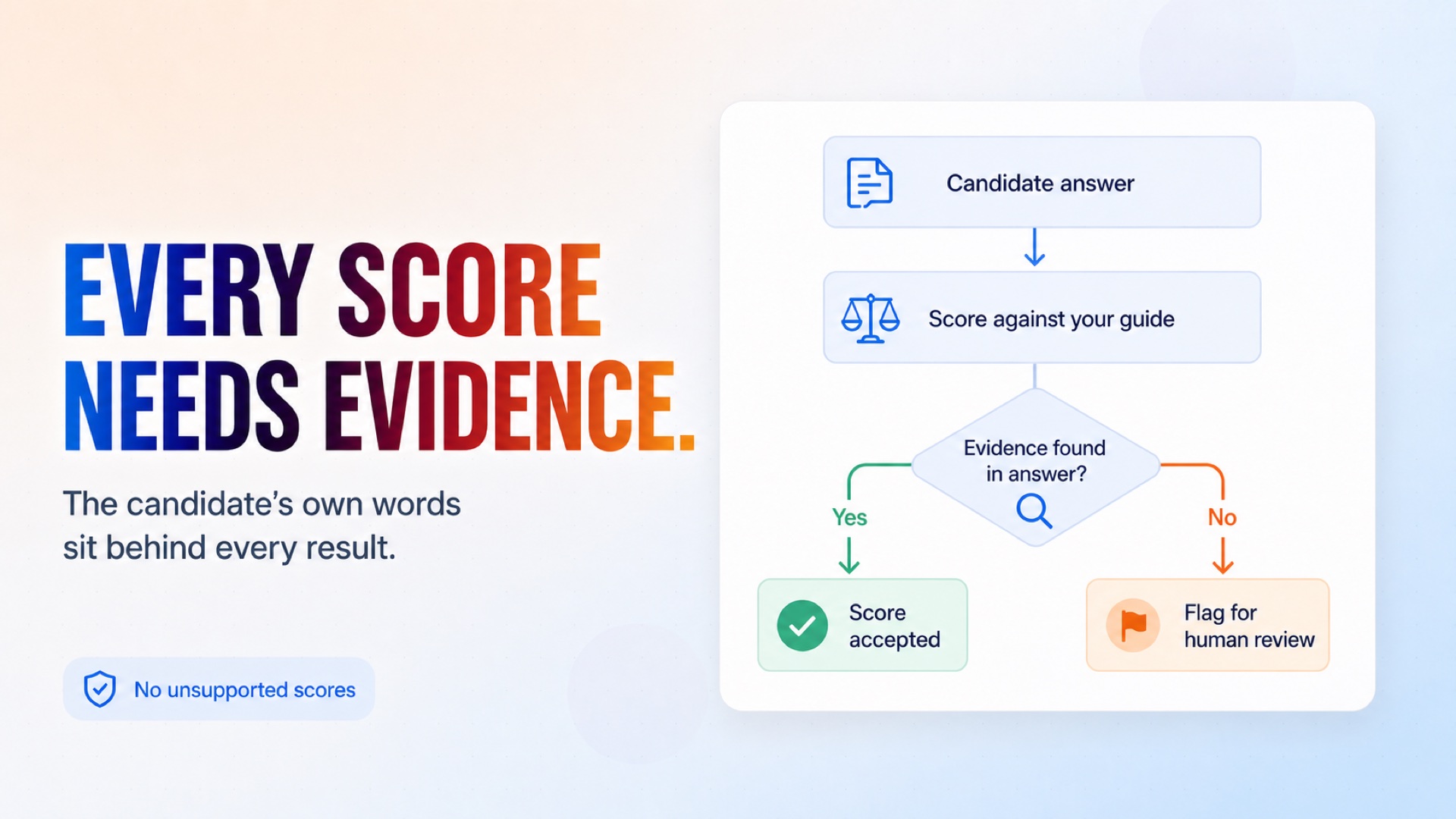
A score per competency with the candidate's own words attached as evidence
Scores whose evidence does not hold up are flagged, not shipped
Recruiter accept-or-override on every recommendation
No inference of personality, honesty or fit from tone, voice or writing style
Installation
What setting this up involves.
Connect Google Sheets and the Gmail account the questions should come from.
Enter your company name, the recruiter's name and email, and an escalation address.
Set your time zone and the data-retention notice candidates should see.
Fill in the Competencies tab for at least one job — the competency, what good looks like, and how to score it.
Move a candidate to next_action = qualify to run one end to end.
~5 min to launch
Free to start. You will sign in first, then set it up.
Connect 2 tools, fill in a few details, and install it. No coding.
FUNCTION
Human ResourcesTAGS
Built by CogniAgent
Official template