
Customer Service
Customer Support Agent
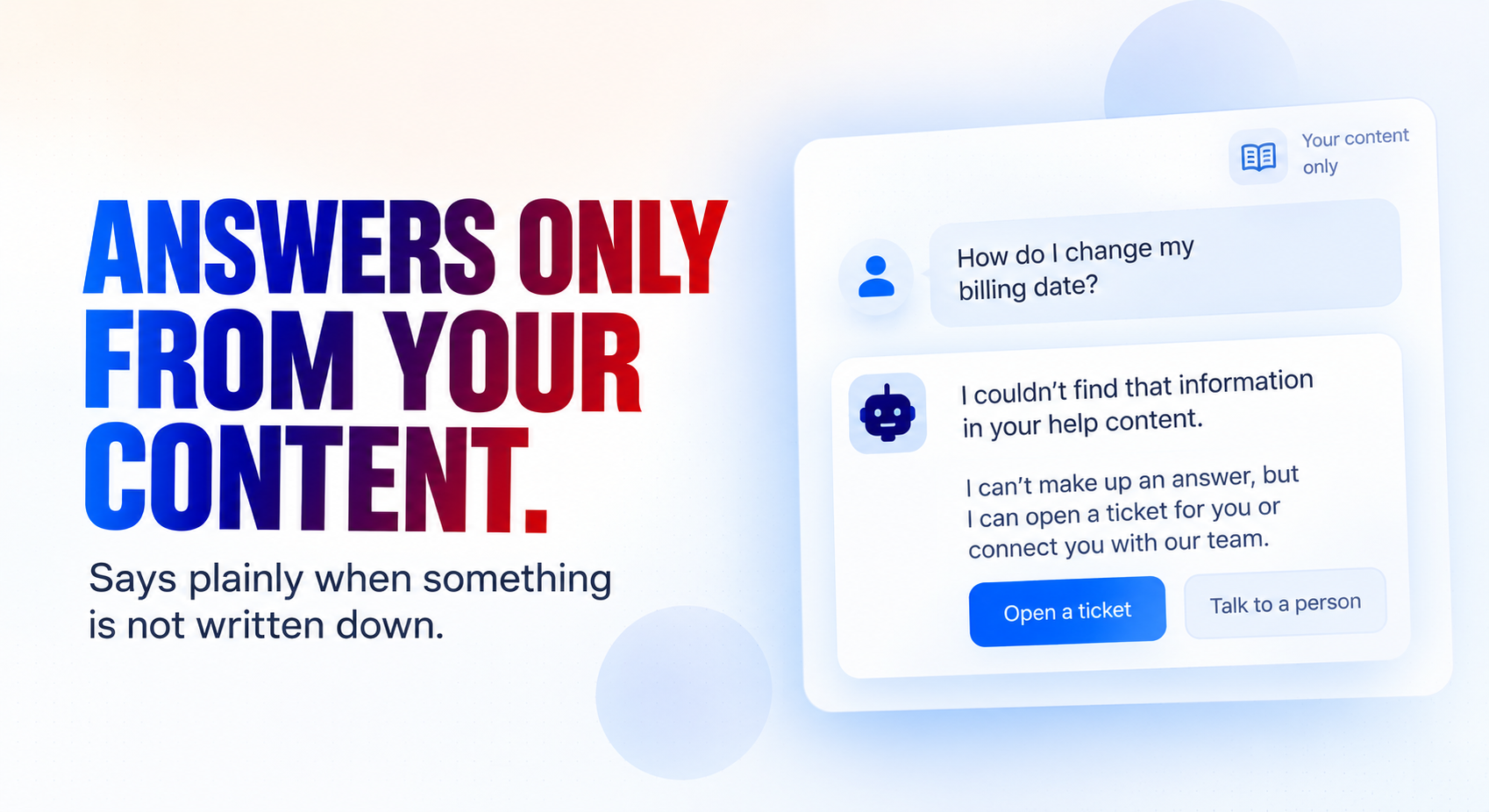
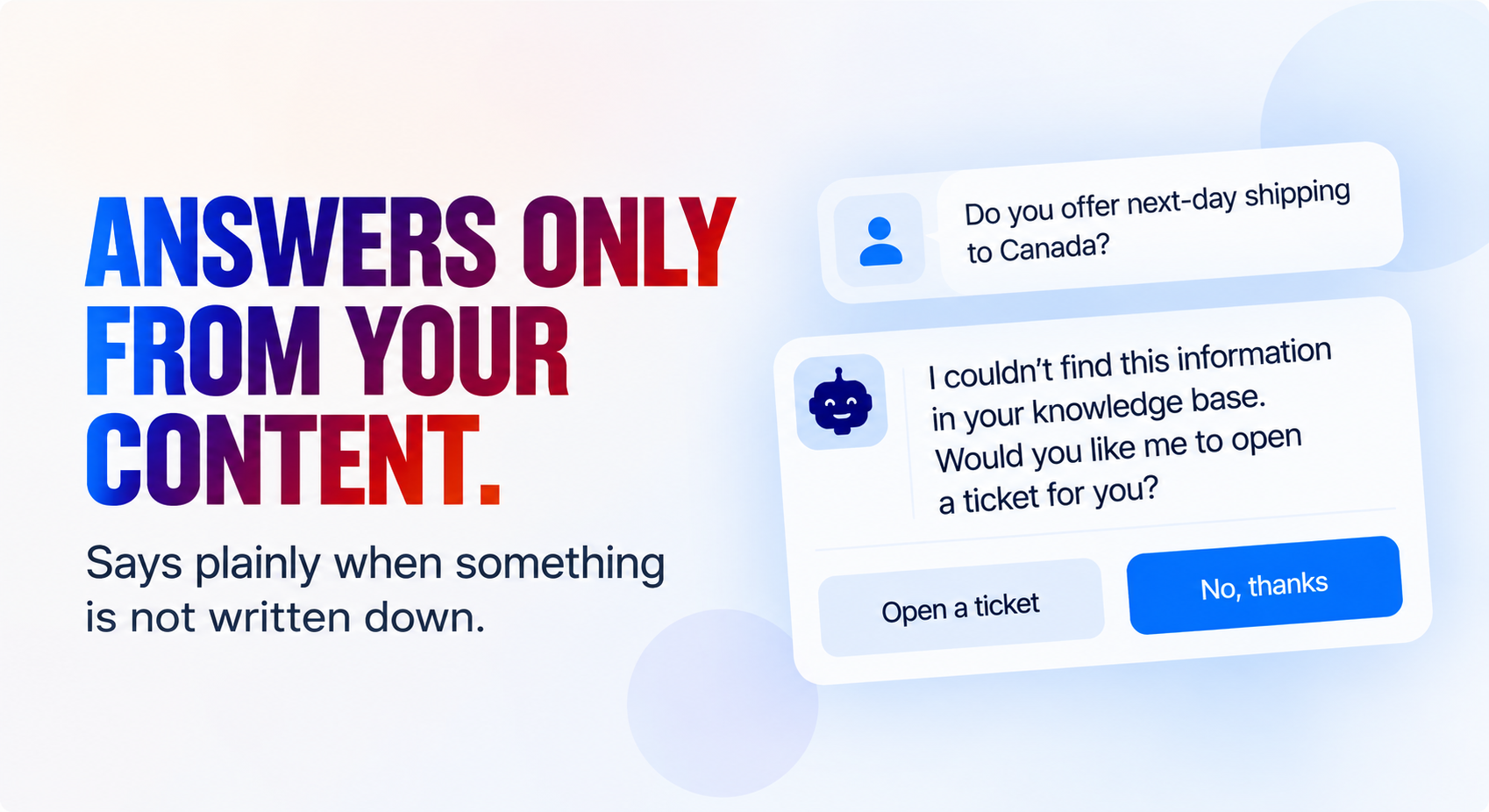
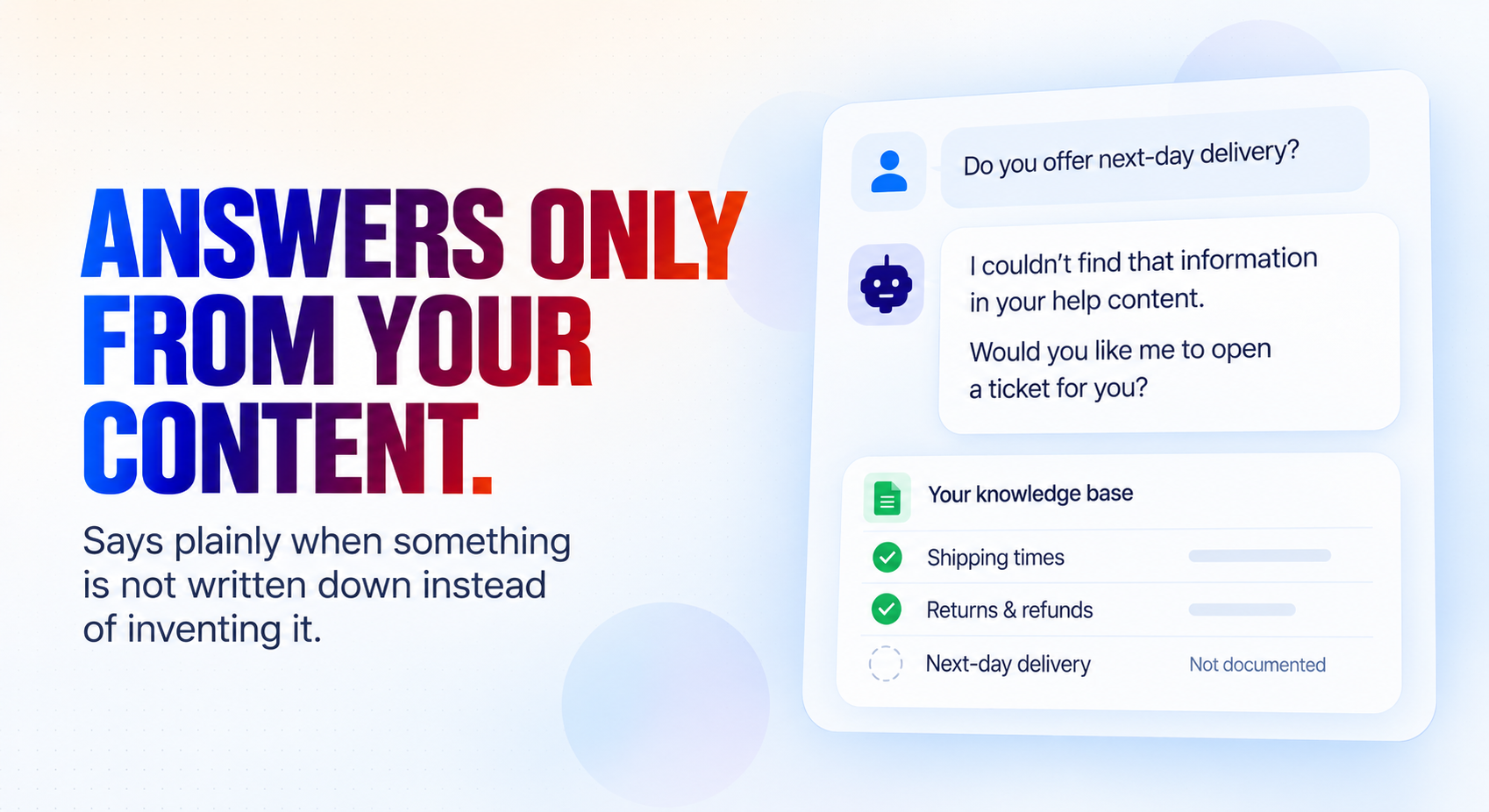
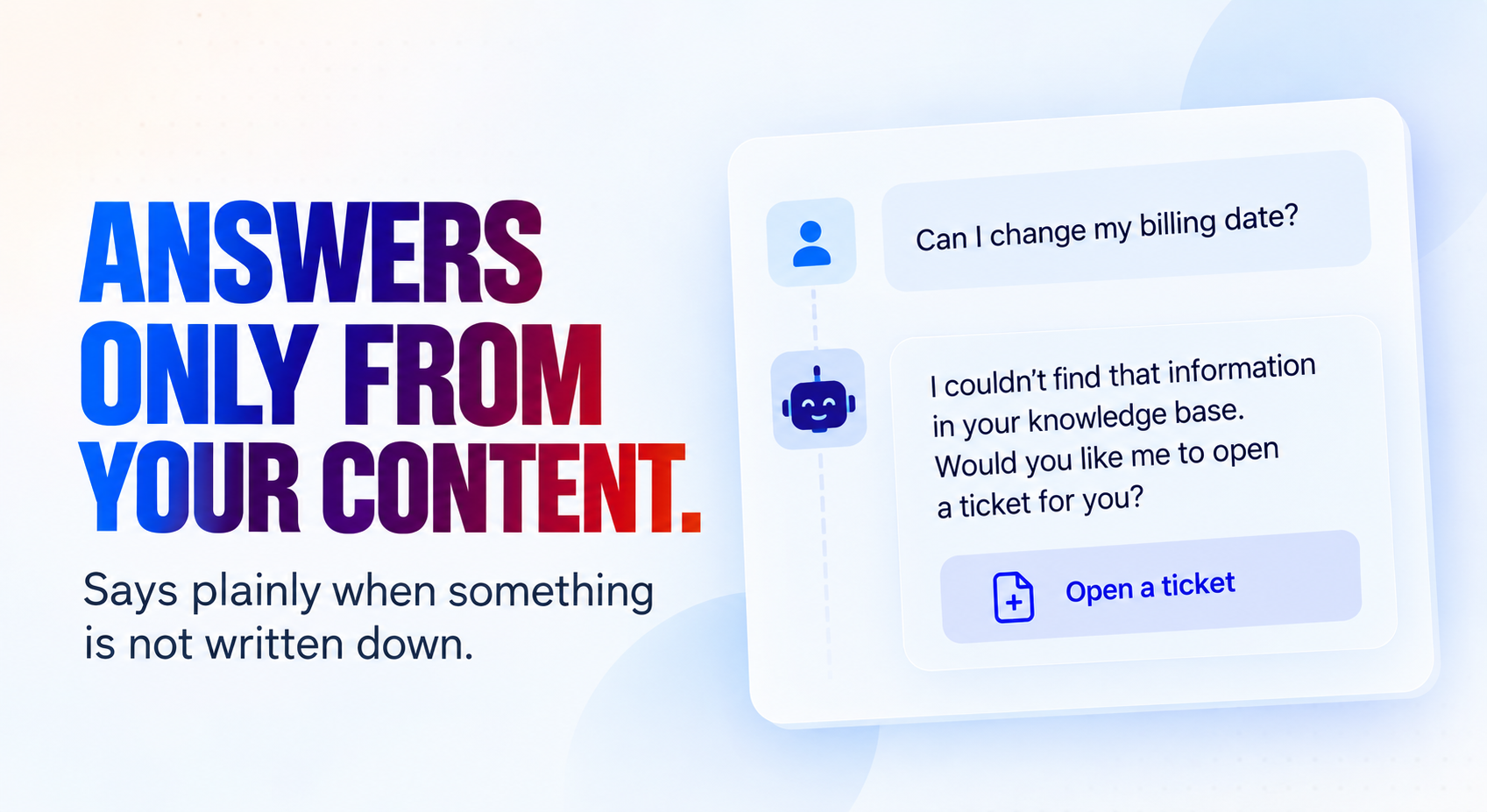
Answers your customers in your website chat using only the answers you have written down — and says so plainly when something is not written down, instead of inventing it. It walks people through your own troubleshooting steps, stops the moment your own rules say a problem needs a person, and hands your team a ticket carrying everything the customer already tried.
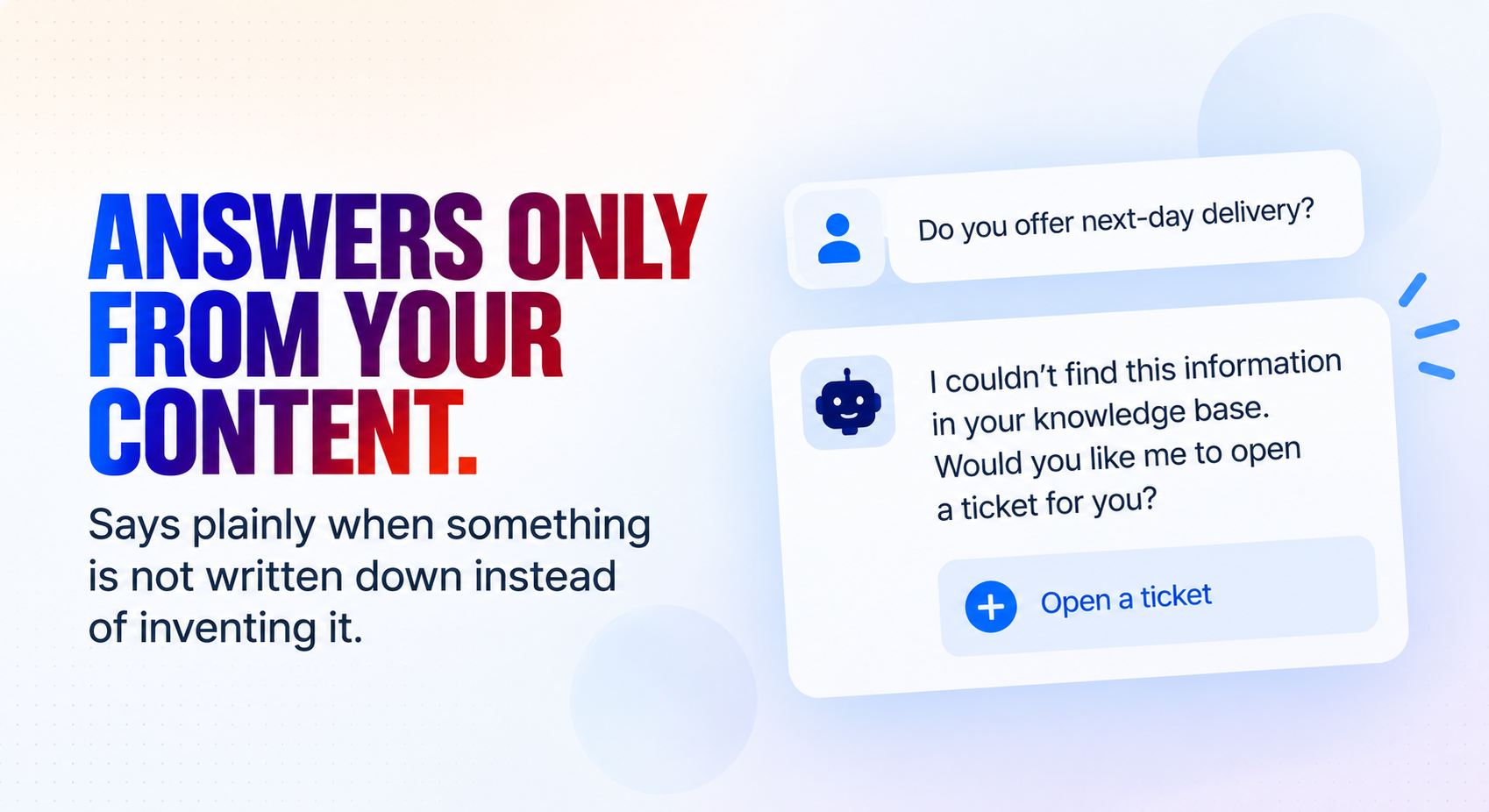
Answers only from your content.
How it works
What's included
The key things this template does for you.
Answers only from the answers you have written down — and says plainly when something is not written down instead of inventing it
Treats a half-filled placeholder answer as no answer at all, so an unfinished knowledge base never becomes a confident wrong reply
Walks your own troubleshooting steps one or two at a time, and stops the moment your own escalate_if rule says the problem needs a person
Hands your team a ticket carrying everything the customer already tried, so nobody asks them to check their spam folder twice
Never asks for a password, a card number, a security code or a one-time code — not to verify anyone, not for any reason
Cannot change anything on an account: a cancellation or upgrade request is recorded and passed on, never claimed as done
Checks the customer against your records before discussing an account, and gates plan-specific answers to the right plan
Builds its own Google Sheets workbook on the first run — Customers, Answers, Troubleshooting and Tickets, with worked examples already filled in
Installation
What setting this up involves.
Answer the install questions: your business name and a short description, your timezone, the team that handles escalations and the email their tickets go to, and your support policy — your hours, how quickly you aim to reply, and what always needs a human.
Connect Google Sheets and Gmail when prompted — two connections in total. Sheets holds your answers and tickets; Gmail is only how the agent tells your team about a ticket. The website chat itself needs no connection.
Open the installed "Support Setup" application and press Run, once. It builds a Google Sheets workbook named "<your business name> - Support Data" with four tabs — Customers, Answers, Troubleshooting and Tickets — seeded with worked examples. Running it again is safe: it reuses the workbook it made.
Edit the Answers tab FIRST. It is the only thing the agent may state as fact, so until you replace the example rows it will answer almost nothing and raise tickets instead — which is the safe failure, but not a useful one. Use applies_to to limit an answer to one plan.
Edit Troubleshooting next. Steps are separated by a pipe and are given to the customer a couple at a time. The escalate_if column is the important one: it is where you decide the problem stops being self-service and a person takes over.
Put your customers in the Customers tab, add the chat widget to your website, and test it with a question you know is answered and one you know is not — so you can see both the answer and the honest "I don't have that written down".
~5 min to launch
Free to start. Create your free account, then set it up.
Connect 2 tools, fill in a few details, and install it. No coding.
FUNCTION
Customer ServiceTAGS
Built by CogniAgent
Official template