
Human Resources
Candidate Pre-Screening Agent
Automates the first stage of hiring. When a candidate applies, the agent screens them against the basic requirements you set and sends an acknowledgement either way. Passed candidates are appended to a Google Doc you choose, and the Candidate Qualification agent — installed alongside this one — takes them from there with a structured interview. Nobody is rejected without a reason being recorded.
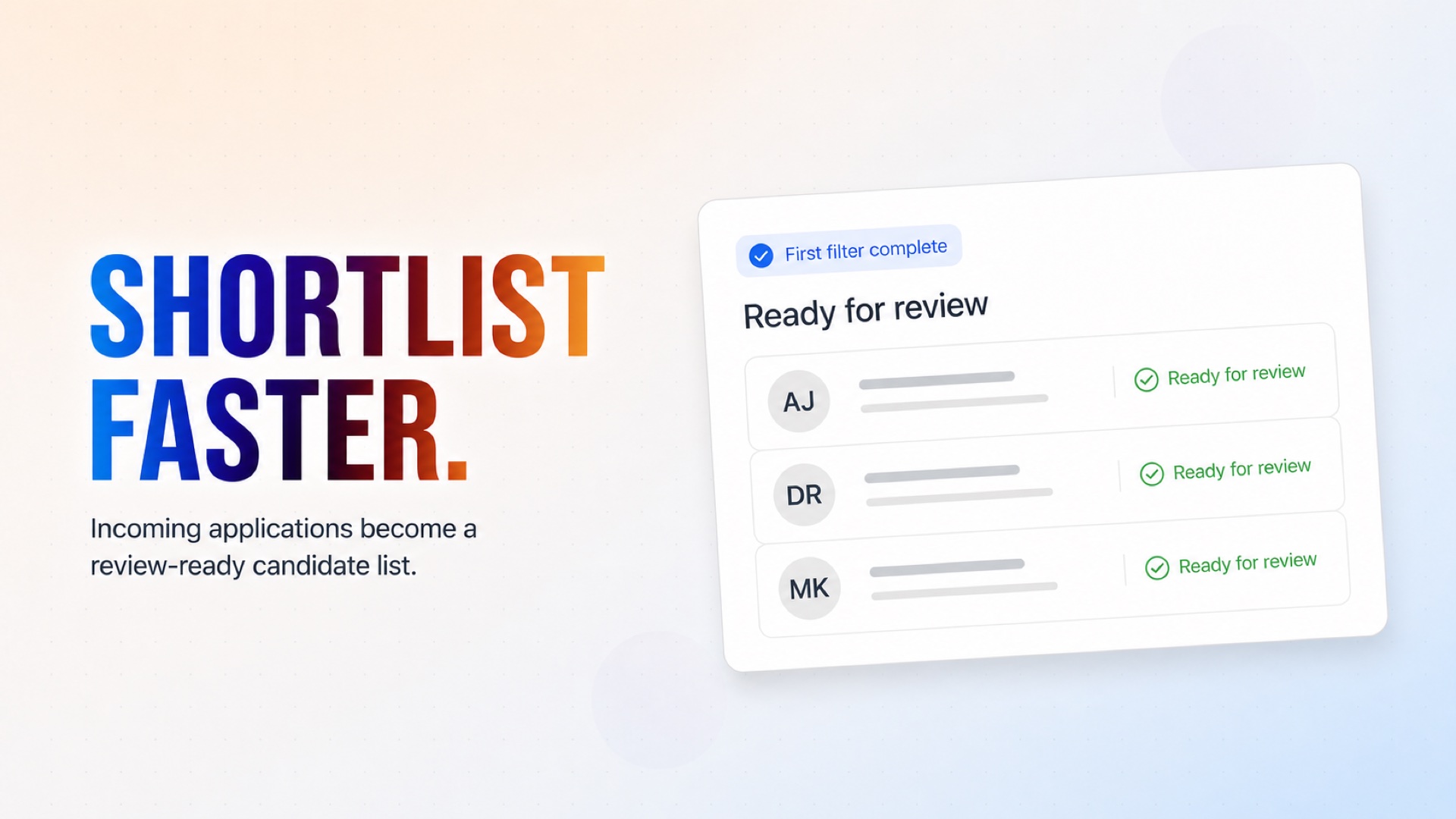
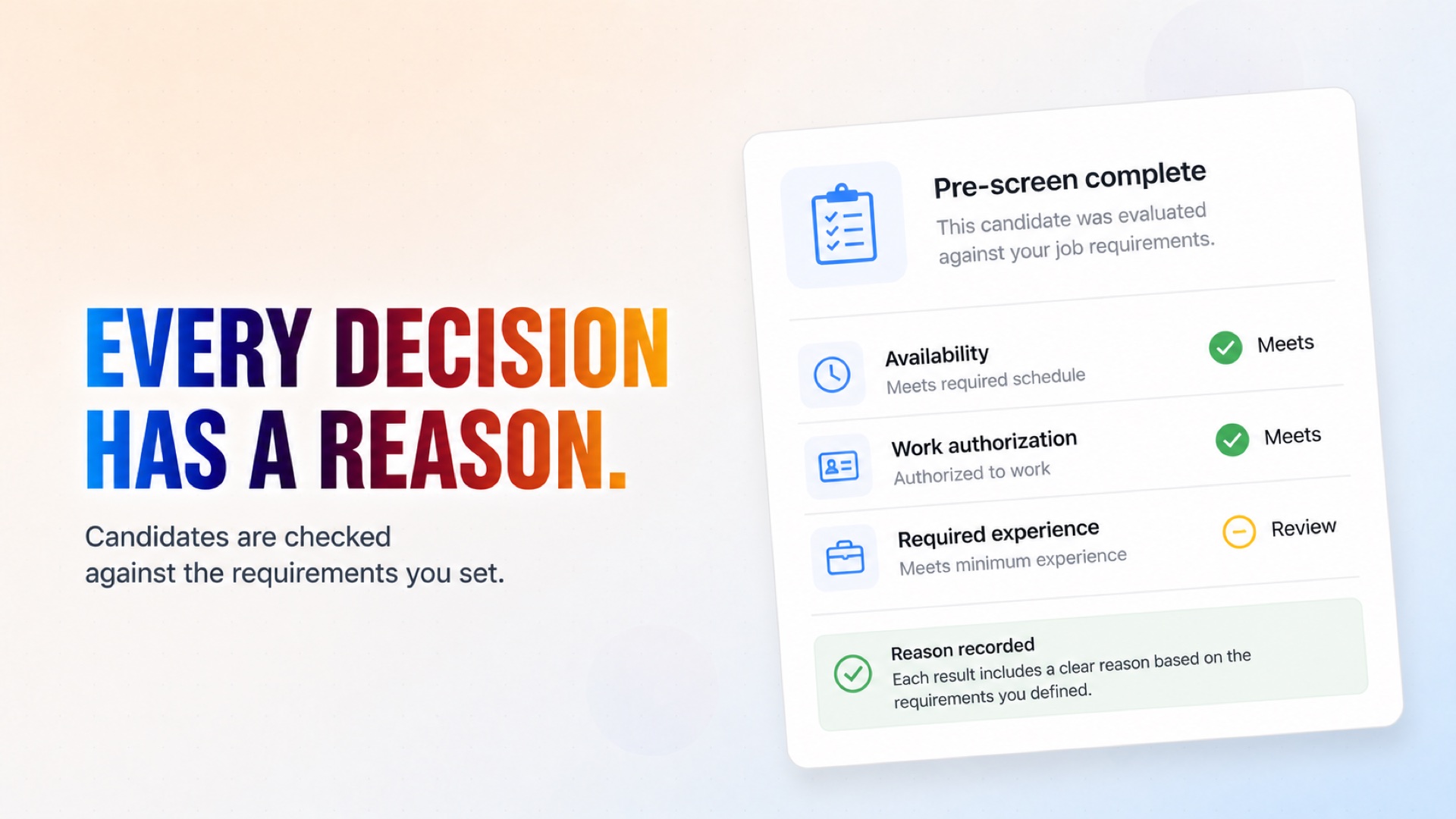
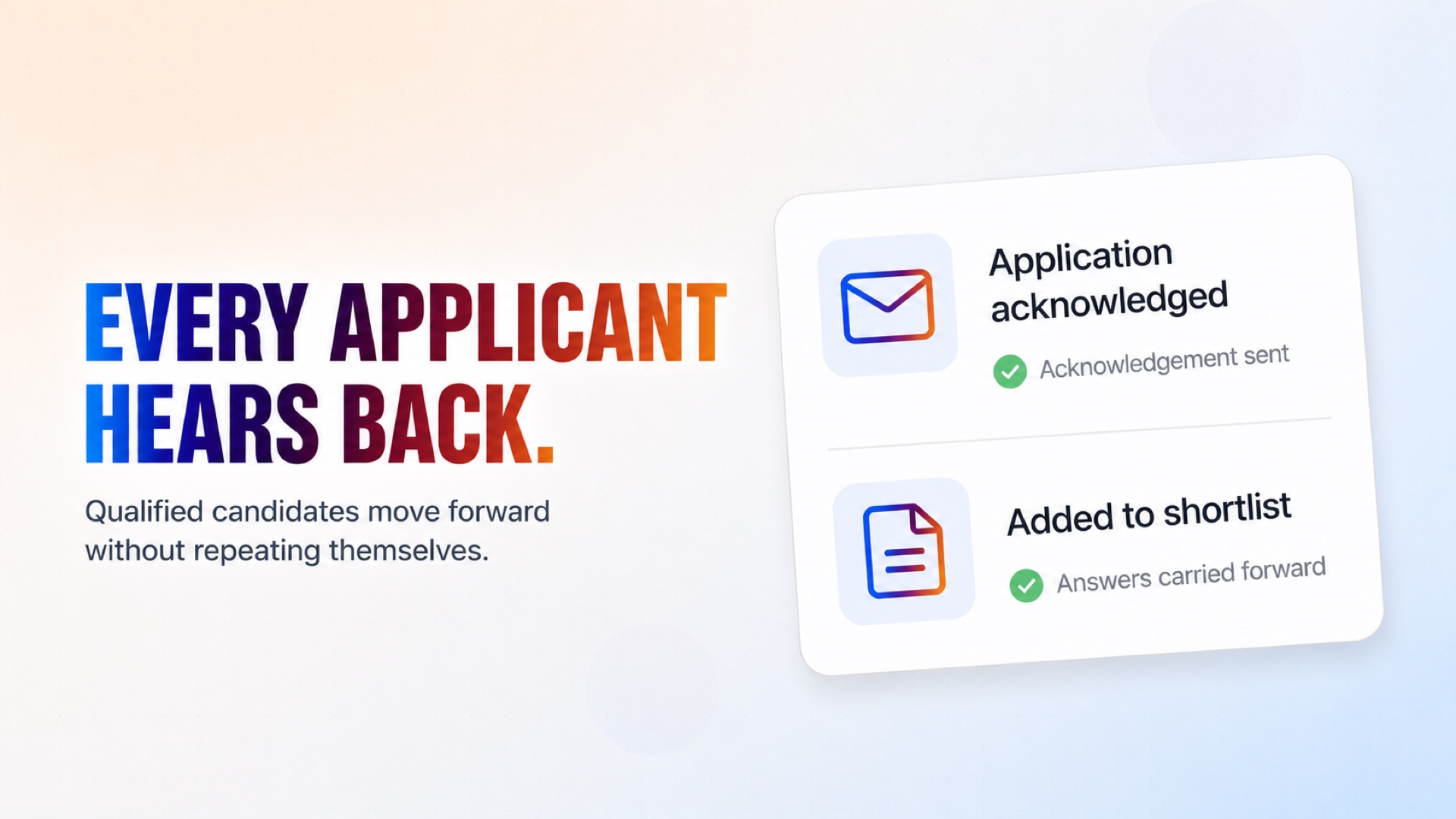
Incoming applications are automatically checked against the basic requirements you define.
How it works
What's included
The key things this template does for you.
Screens every incoming application as it arrives
Candidates are evaluated against the basic requirements you set, not invented ones
Passed candidates are appended to a Google Doc you choose
Every applicant receives an acknowledgement, whether they pass or not
The Candidate Qualification agent installs alongside it and takes over from there
No manual review needed for the first filter
Installation
What setting this up involves.
Connect the webhook to your job application form.
Connect Gmail — it sends both the acknowledgement and the qualification interview.
Connect Google Docs, then paste the ID of the document passed candidates should be appended to.
Enter your company name and the role being qualified.
Write your qualification questions, one per line, and give an address for the completed summaries.
Review the pre-screening criteria and adjust them to your own basic requirements.
~5 min to launch
Free to start. You will sign in first, then set it up.
Connect 2 tools, fill in a few details, and install it. No coding.
FUNCTION
Human ResourcesTAGS
Built by CogniAgent
Official template