
Customer Service
eCommerce Support Pack
One shared workbook, one identity gate, one place cases are opened. This pack answers "where is my order", "can I return this" and "something arrived broken" in your website chat - and it proves who it is talking to before it says a word about an order. Identity is checked against rules you write in a sheet, not a model's judgement, and what reaches the agent is already masked: a partial email, the last digits of a phone number, and only the order fields you listed as safe to share. A failed check reveals nothing at all, not even whether that email has an account. Anything needing a person becomes a case - opened once, deduplicated by customer, order and problem type, so a retried click or an impatient customer produces one case and not three.
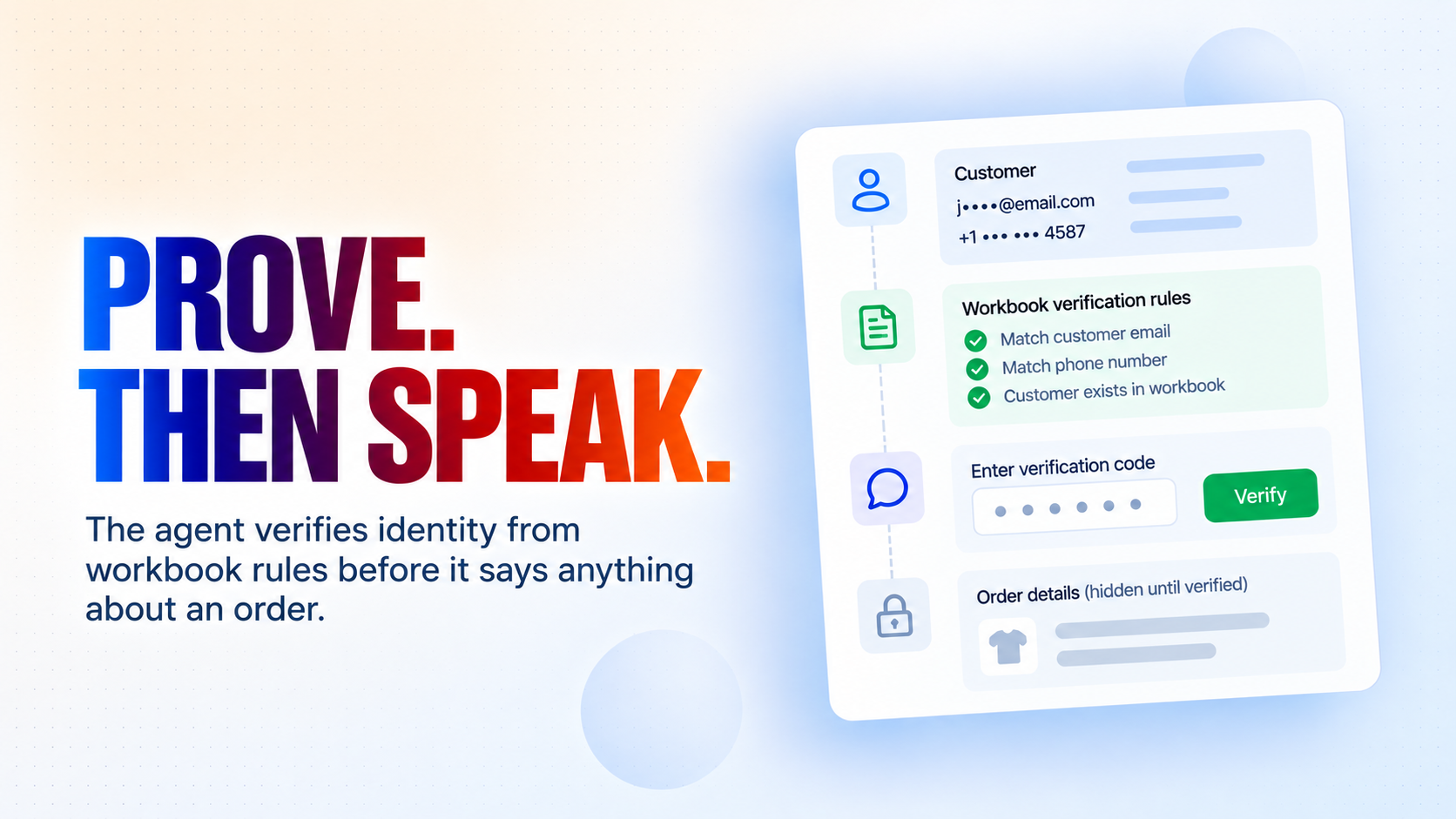
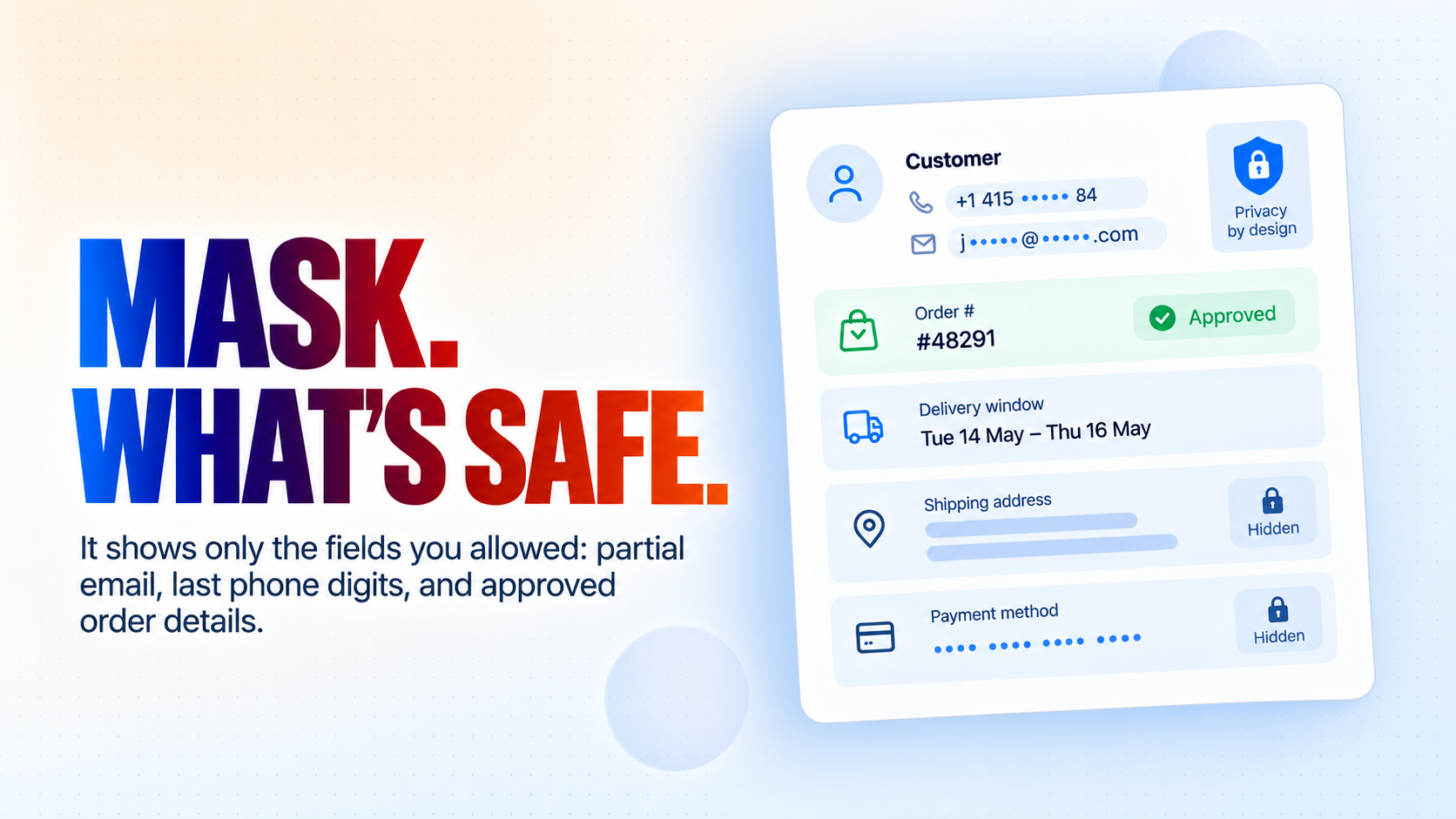
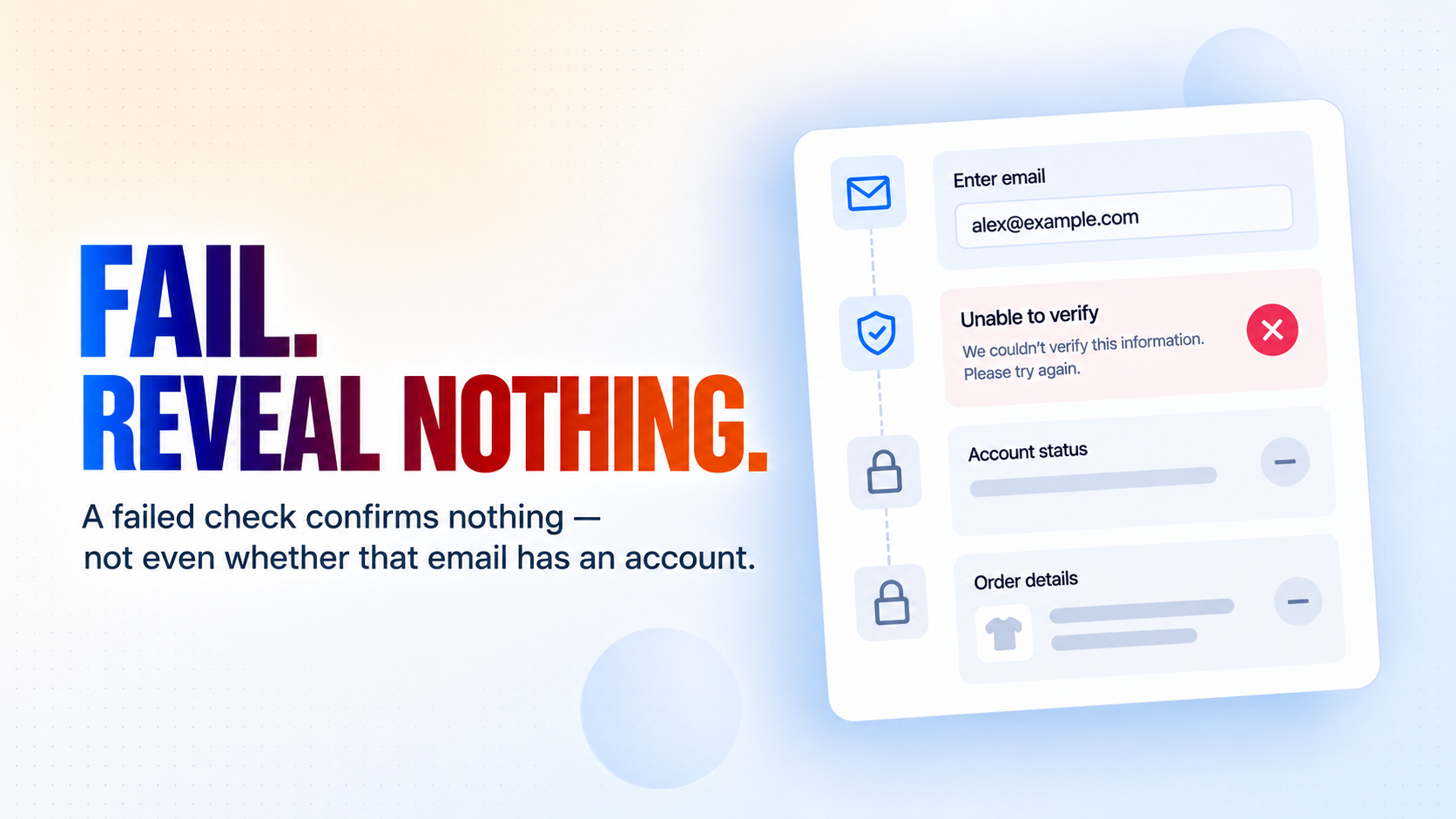
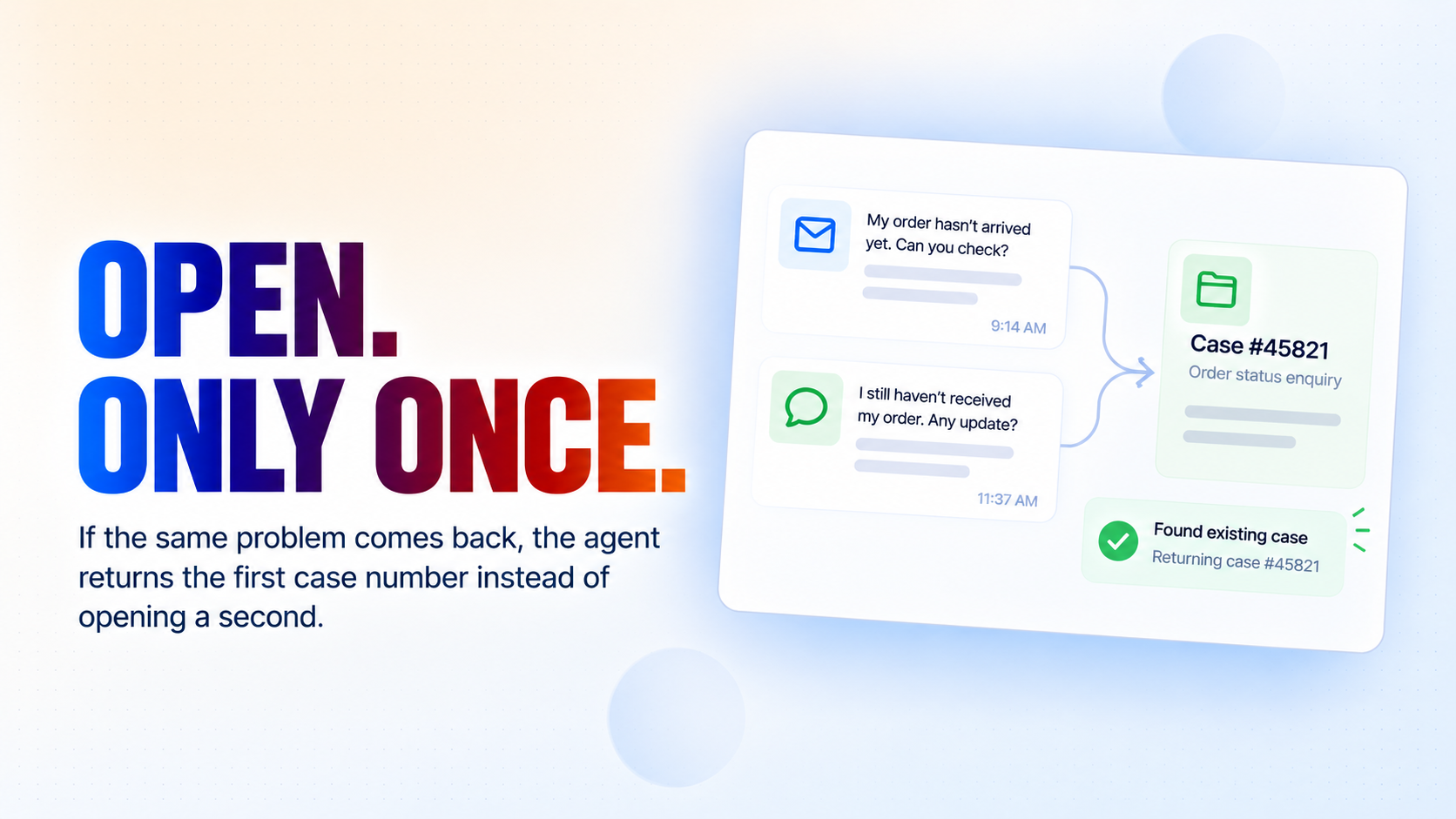
Prove, then speak.
How it works
What's included
The key things this template does for you.
Proves who it is talking to before it says anything about an order - against rules you write in a sheet, not a model's judgement
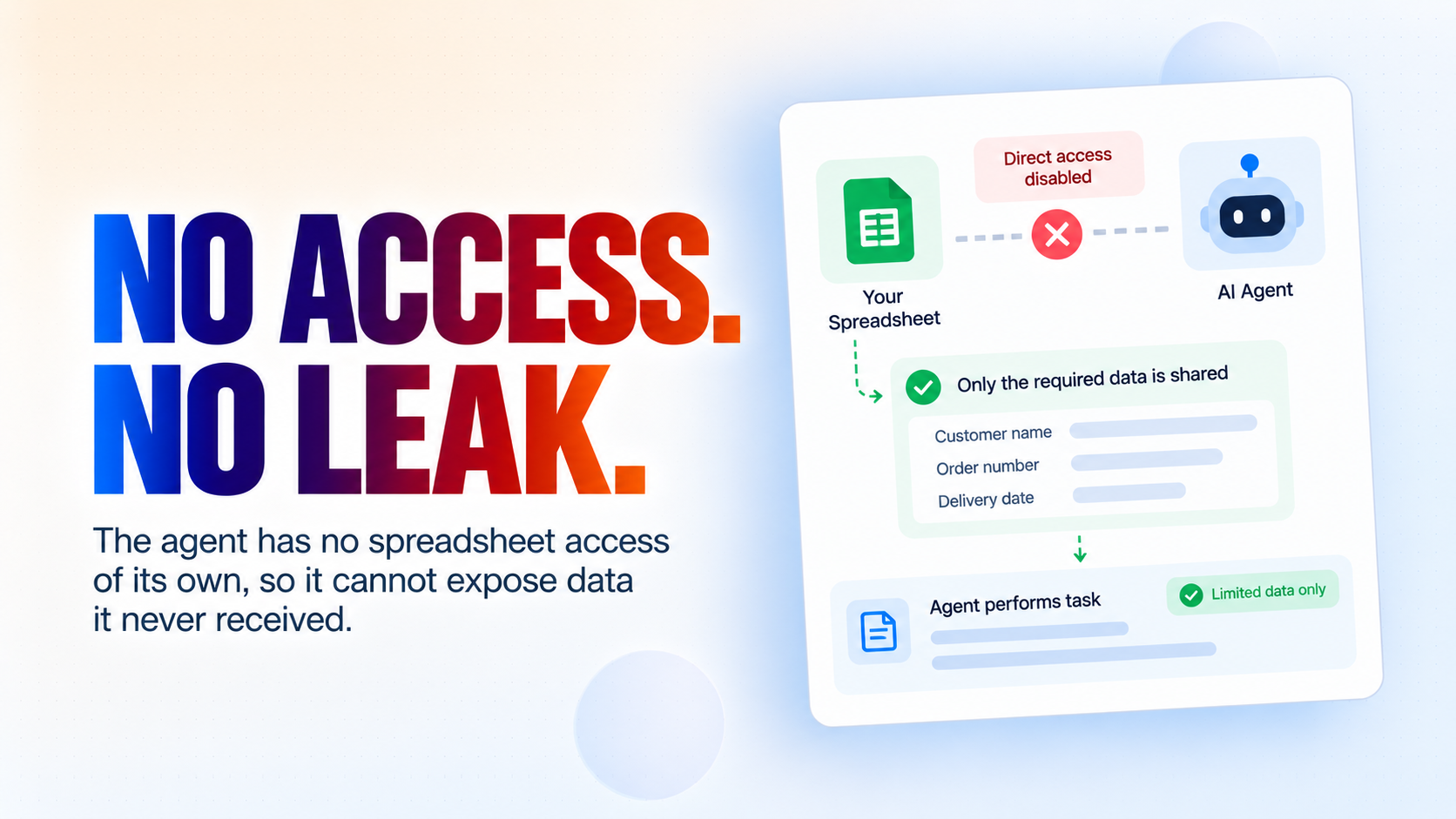
Masks what it is allowed to say - a partial email, the last digits of a phone number, and only the order fields you listed
A failed check reveals nothing - not even whether that email address has an account with you
Opens a case once - the same problem reported twice returns the first case number instead of opening a second
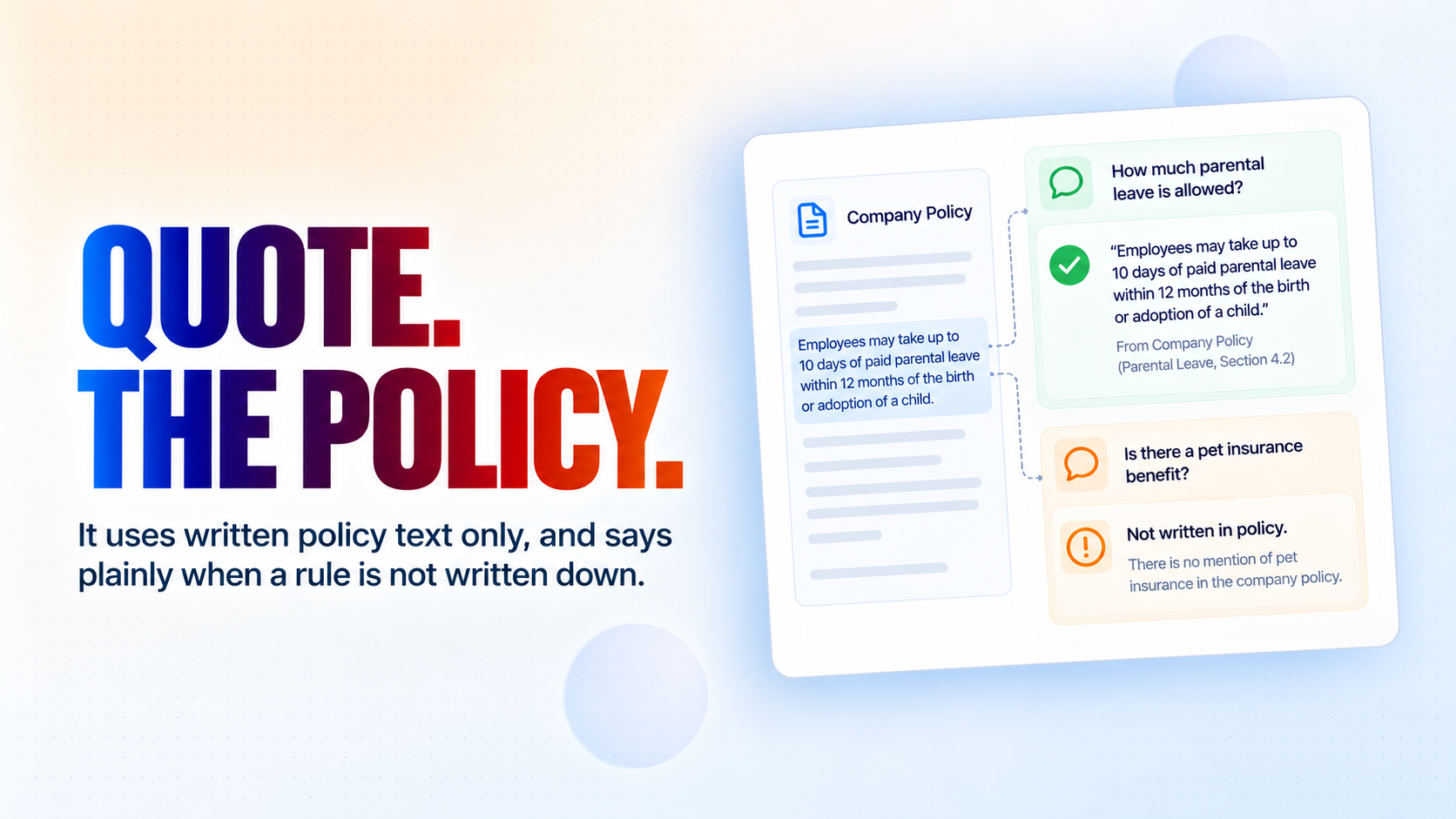
Quotes only the policy text you have written down, and says plainly when something is not written down
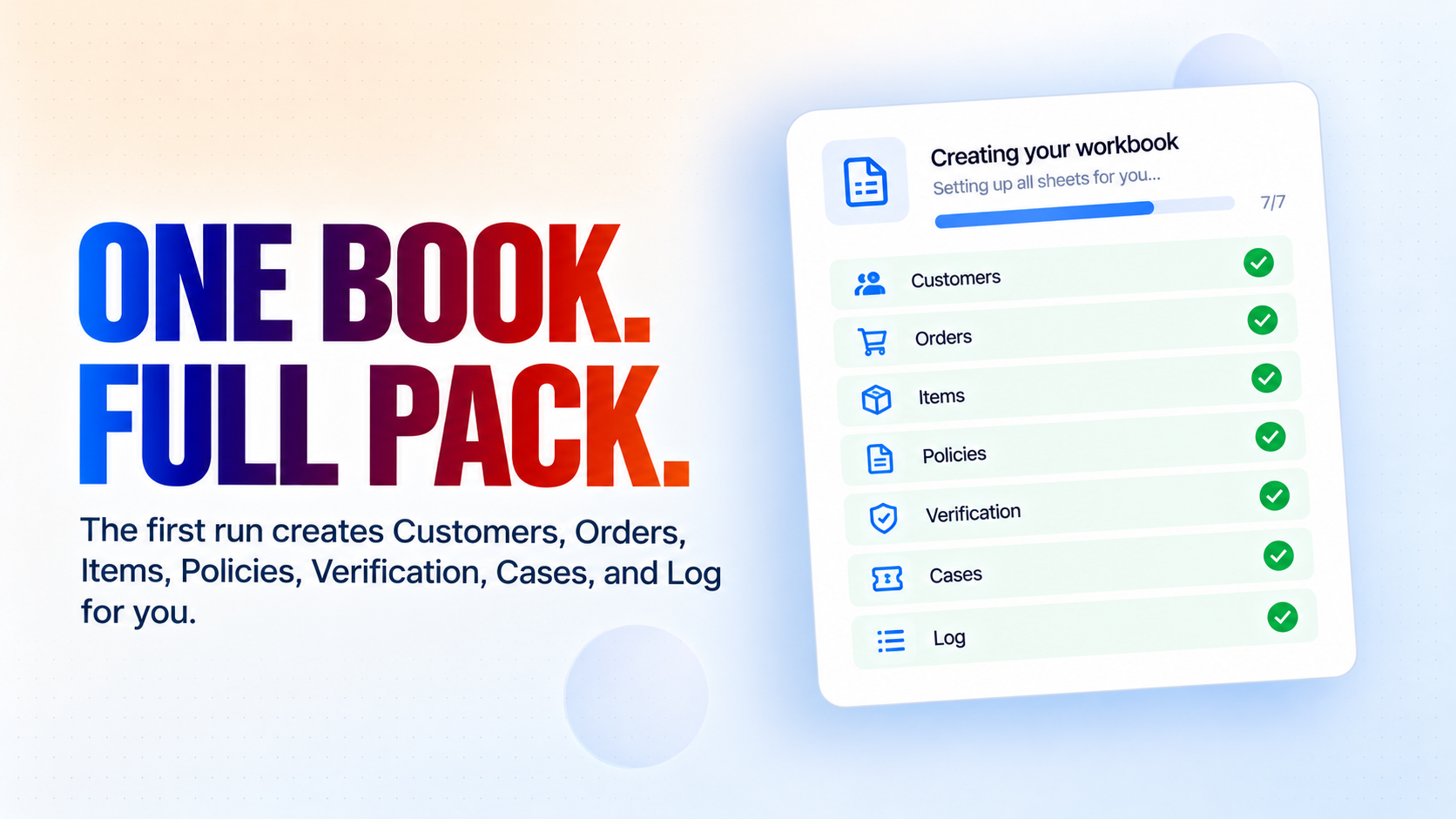
One workbook for the whole pack - Customers, Orders, Items, Policies, Verification, Cases and Log, created for you on the first run
The agent holds no spreadsheet access of its own, so it cannot leak what it was never given
Installation
What setting this up involves.
Connect Google Sheets and Gmail when the installer asks. Both are needed: the workbook is your data, and Gmail is how your team hears about a case.
Fill in the answers to the questions below - your shop name, your support address, the person your customers will be told about, your currency and your timezone.
Run "Commerce Pack Setup" once. It creates the workbook, adds all seven tabs and writes the headers and a worked example row into each, so you can see the shape before you paste your own data.
Open the workbook and replace the sample rows with your own customers, orders, order lines and policies. Delete any row that still says "Replace with" - the agent treats those as not written down and will not read them out.
Set the Verification tab to suit what you sell: how many checks a customer must pass, which ones count, and exactly which order fields the agent may state. This is the one part worth five minutes of thought.
Leave "Customer Verification Guard" STOPPED. It is called by the agent, not run on a schedule - a started application turns the agent's request into a log line that does nothing.
Deploy "Commerce Support Agent" and put the chat widget on your site. Test it as a customer first: ask about a real order, then get one detail wrong on purpose and check that it tells you nothing.
~5 min to launch
Free to start. Create your free account, then set it up.
Connect 2 tools, fill in a few details, and install it. No coding.
FUNCTION
Customer ServiceTAGS
Built by CogniAgent
Official template