
Customer Service
Missed-Call Text-Back Agent
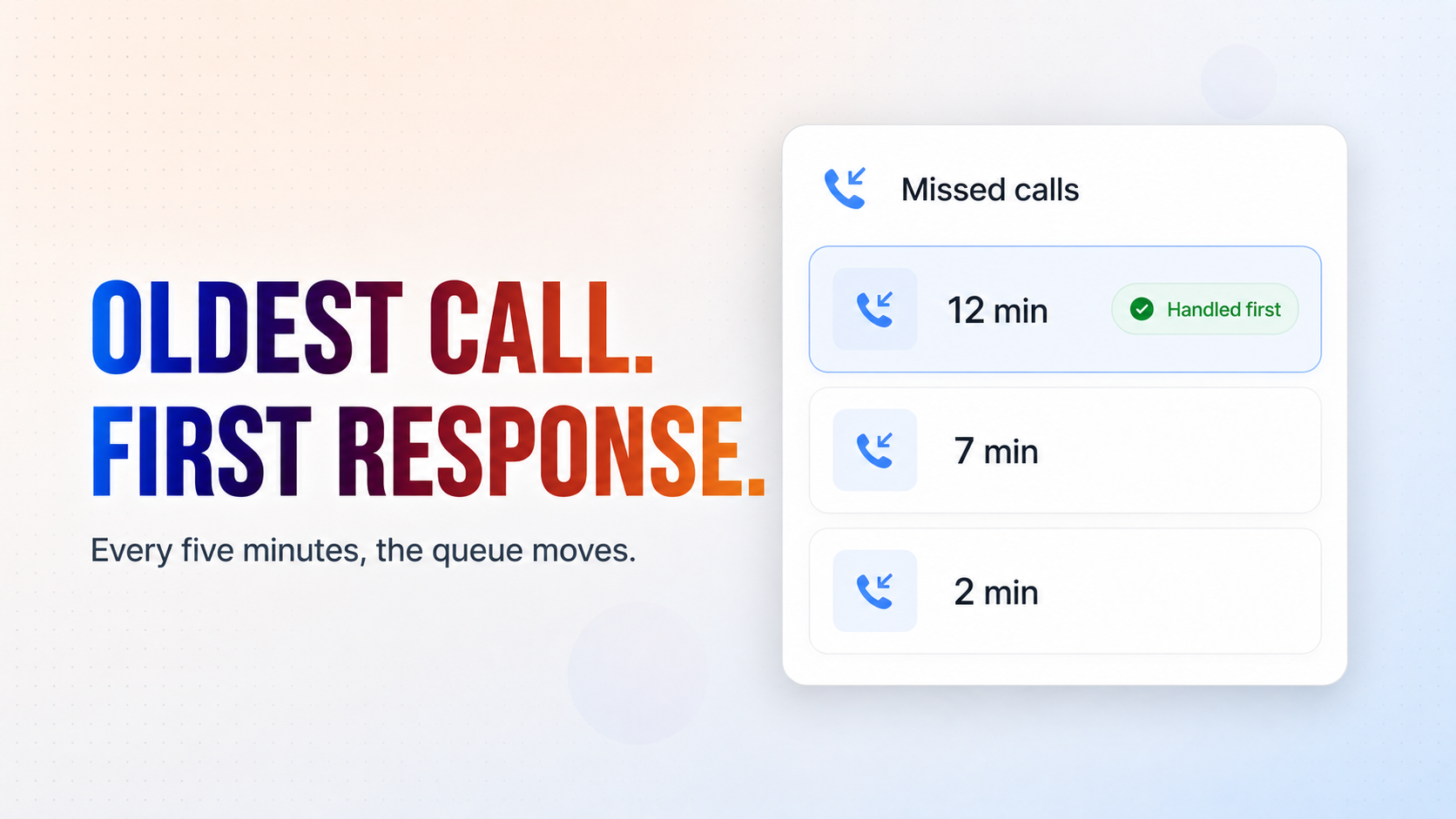
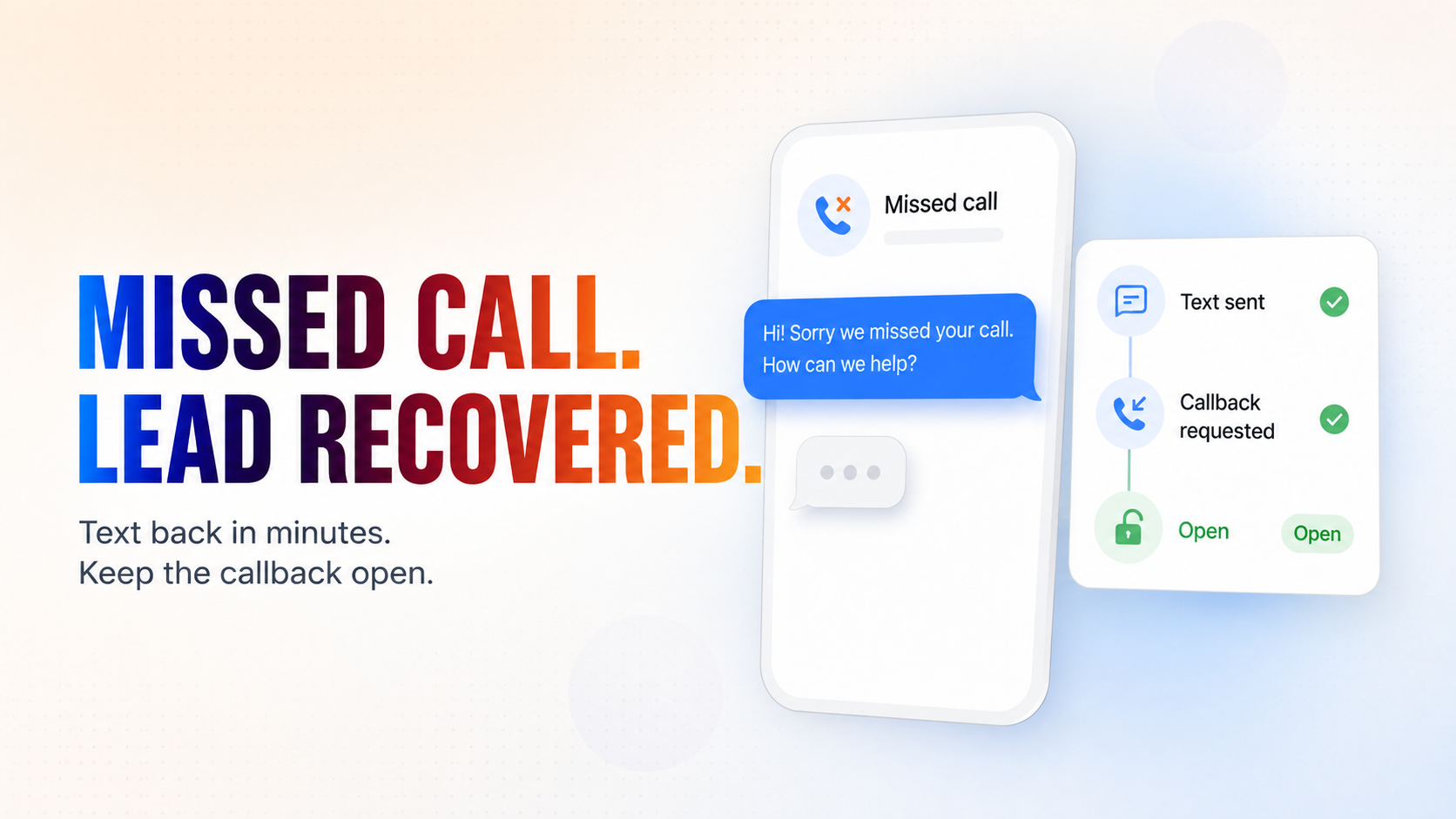
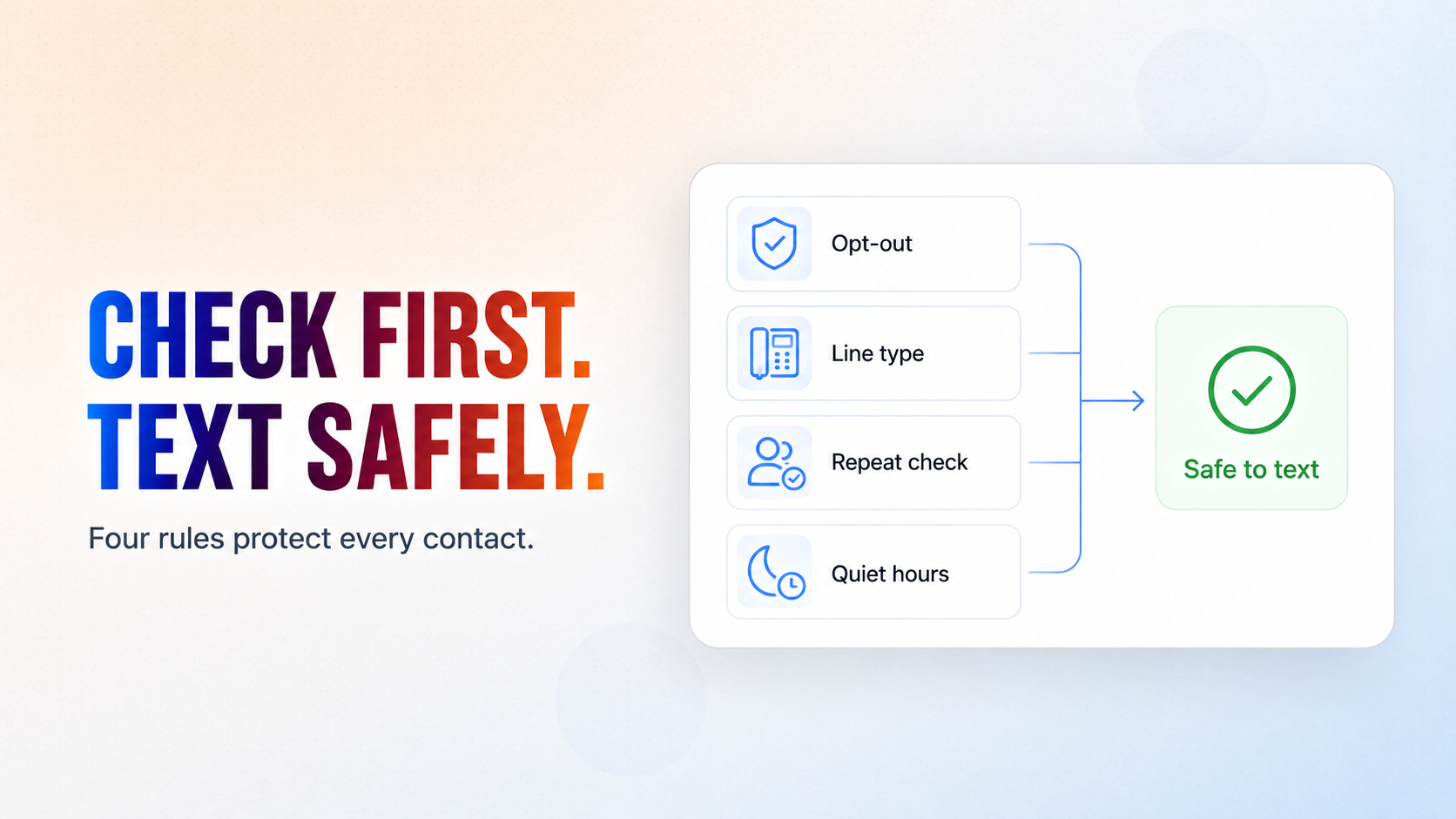
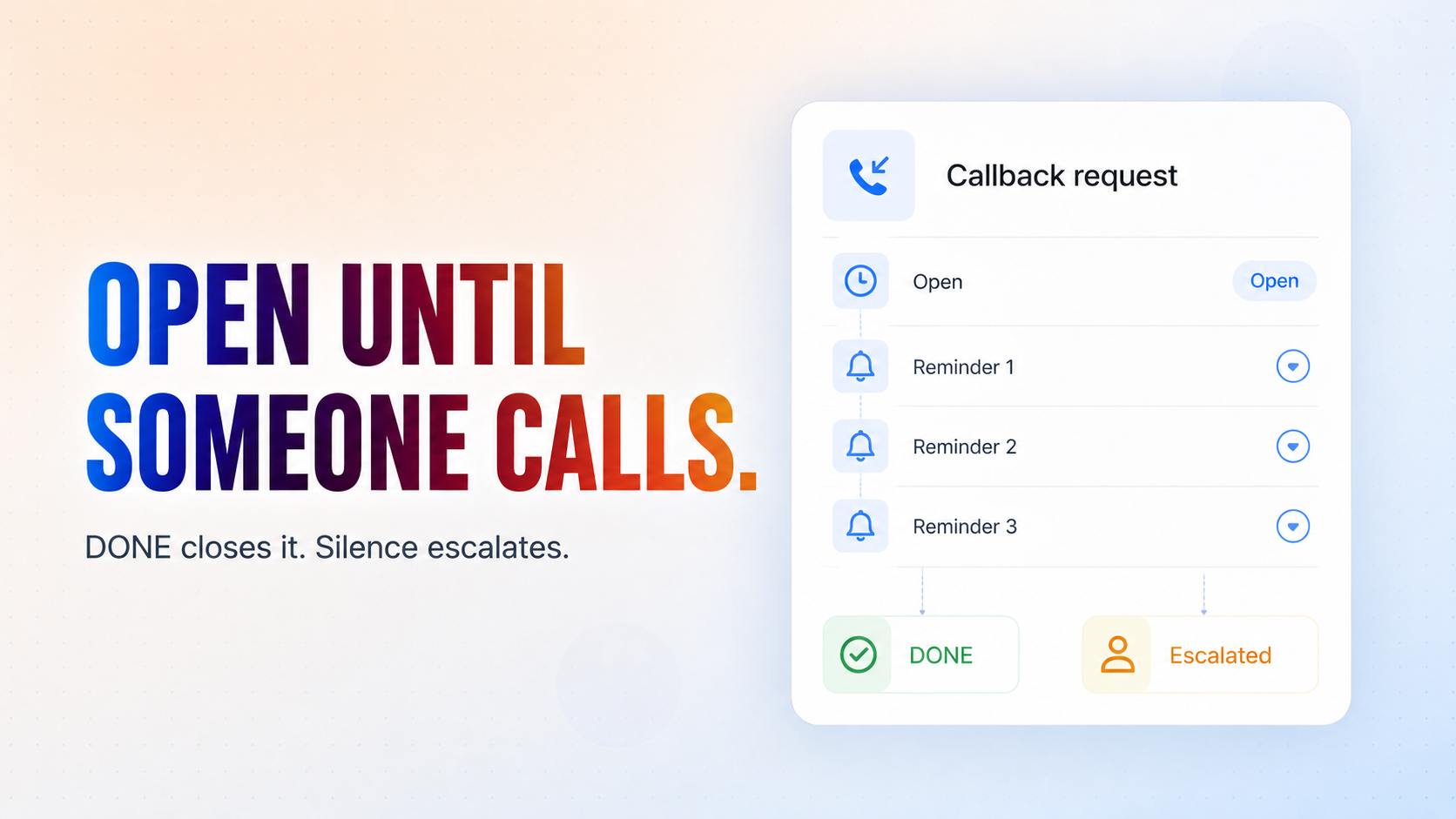
Every missed call is a customer about to phone a competitor. This agent texts them back within minutes, finds out what they needed, and does not let the request drop — a callback stays open until a human confirms they made it. It checks the opt-out list, the line type and your quiet hours before it sends anything.
See it work
An illustrated example run. Click any tile to see what it handles.
Twilio
AI agent
Caller
Google Sheets
Your team
Press Play to watch an example run.
Missed call. Lead recovered.
How it works
What's included
The key things this template does for you.
A 5-minute Twilio missed-call watcher that needs no webhook changes to your account
Line-type checking, so landlines become human callbacks instead of texts that vanish
An opt-out list, repeat-contact suppression, and quiet hours in your own timezone
An SMS conversation with follow-ups that answers only from information you approve
Callback tracking that closes only when a person confirms the call was made, and escalates when nobody does
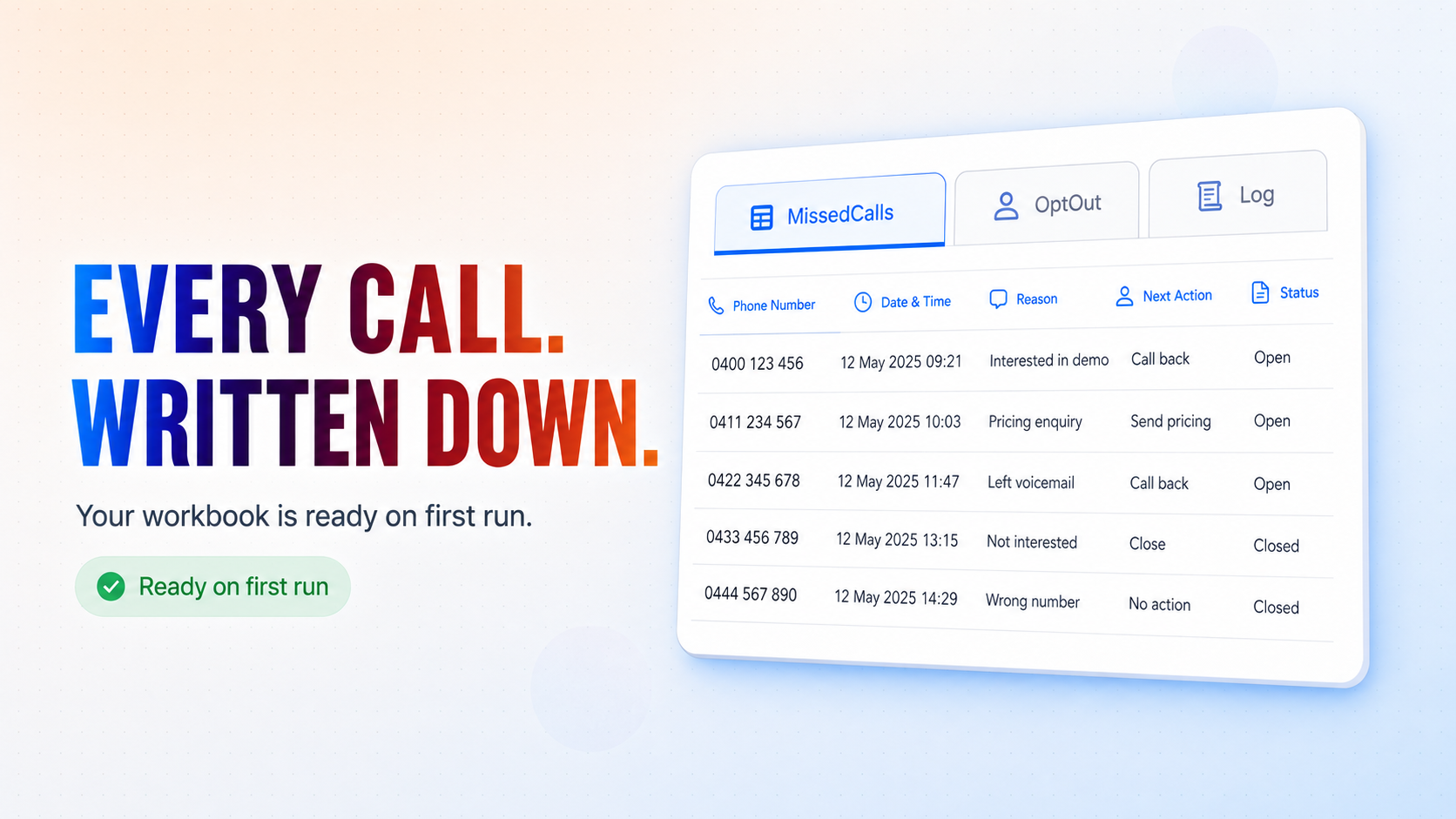
A Google Sheets workbook (MissedCalls, OptOut, Log) created and seeded for you on the first run
Installation
What setting this up involves.
Answer the install questions. The important ones are your Twilio business number (the number that receives the calls and sends the texts), your quiet hours and timezone, the team email that handles callbacks, the escalation email for when nobody answers, your booking link, and the approved information the agent may quote to callers.
Connect Twilio, Google Sheets and Gmail when prompted — three connections, one per app.
Run it. On the first tick it creates the CogniAgent Missed Call Data workbook in your Google Drive and seeds it with headers and sample rows. There is nothing to build by hand.
If you already keep a do-not-contact list, paste those numbers into the OptOut tab before going live — the agent will never text them.
~6 min to launch
Free to start. Create your free account, then set it up.
Connect 3 tools, fill in a few details, and install it. No coding.
FUNCTION
Customer ServiceTAGS
Built by CogniAgent
Official template