
Sales
AI Residential Lead Qualification
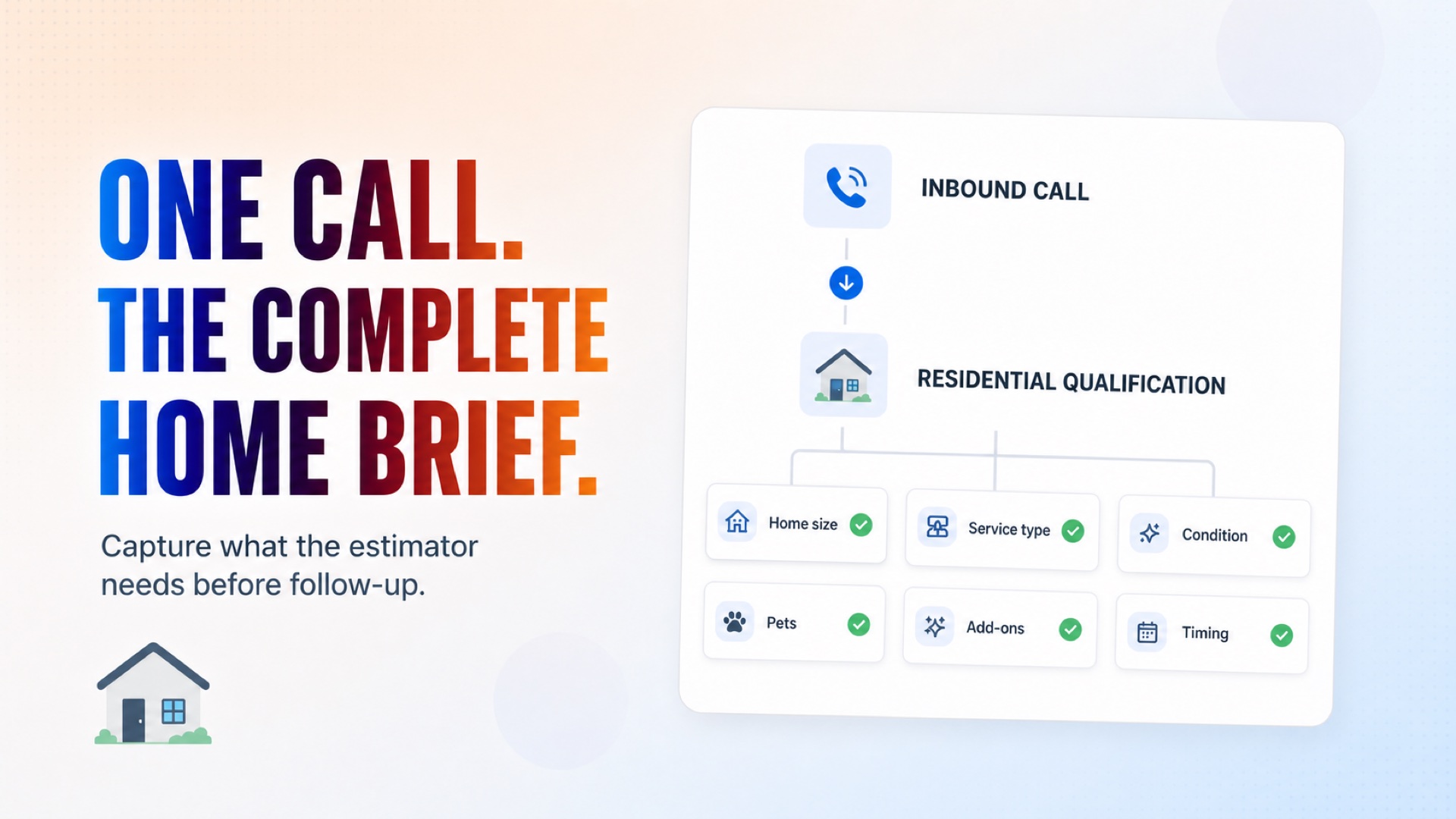
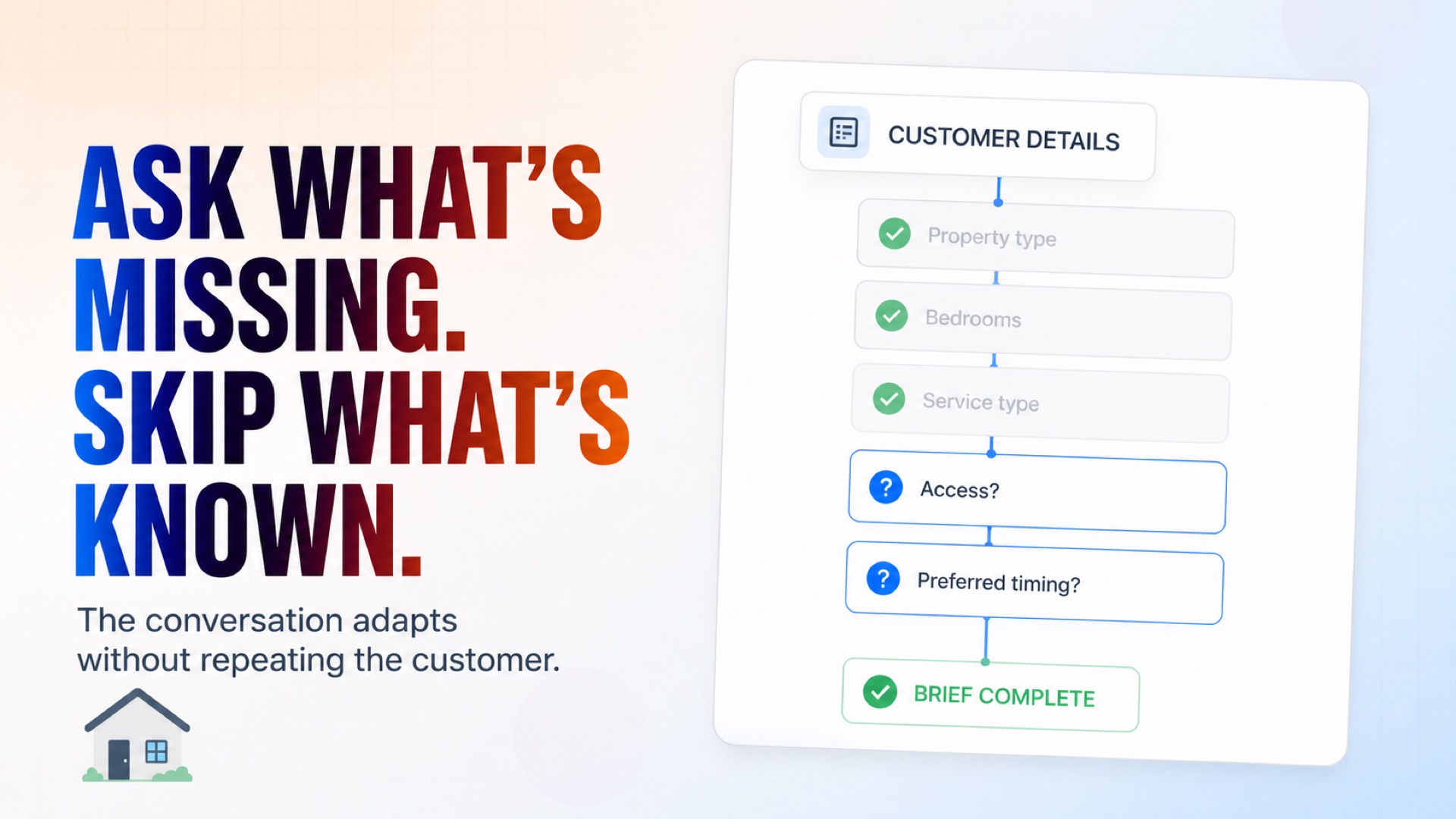
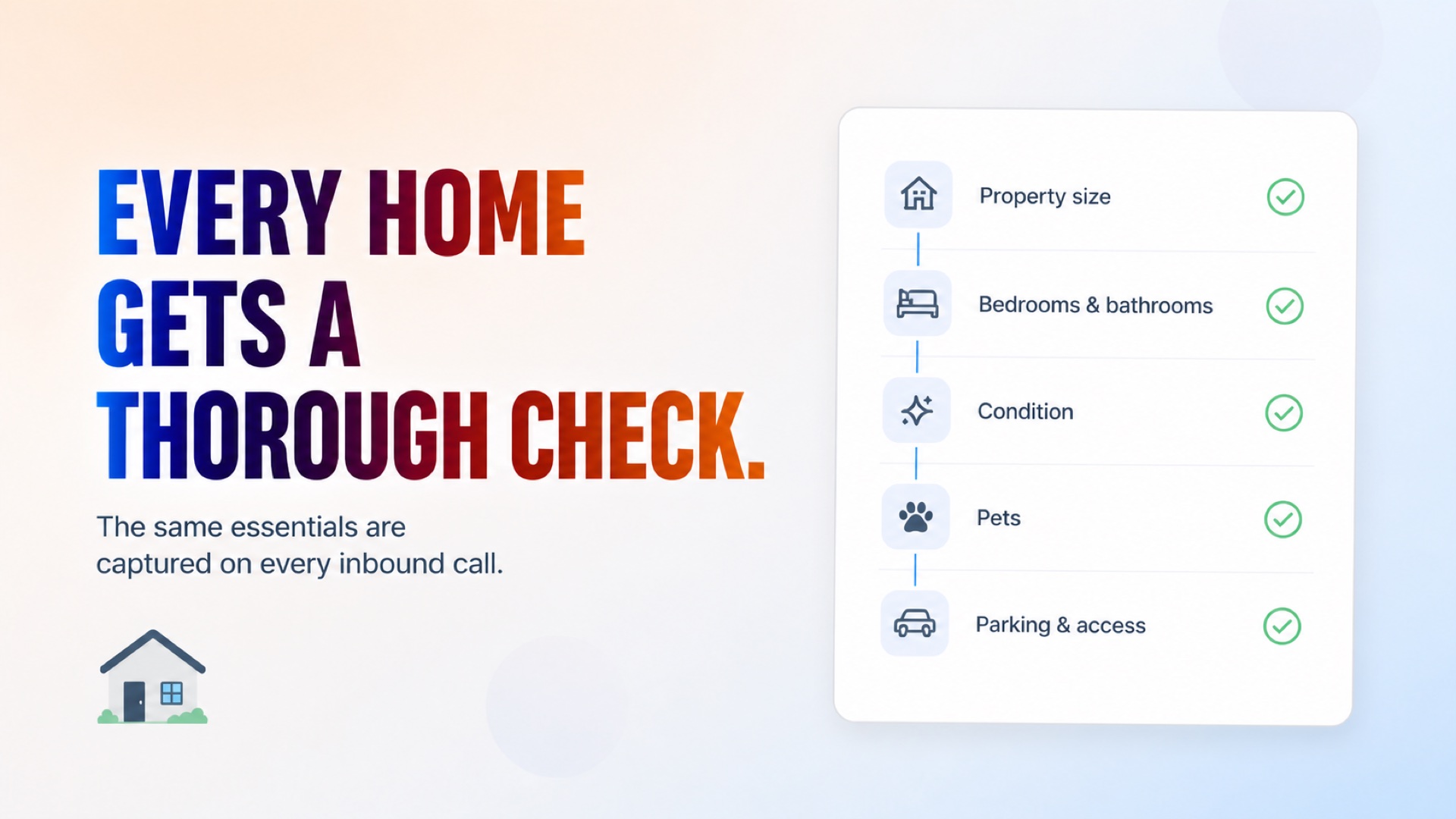
Qualifies residential cleaning leads across standard, recurring, deep, move-in/out, and post-construction services. Collects home size, bedrooms and bathrooms, condition, pets, add-ons, frequency, access requirements, preferred timing, and contact details before routing the lead to your team.
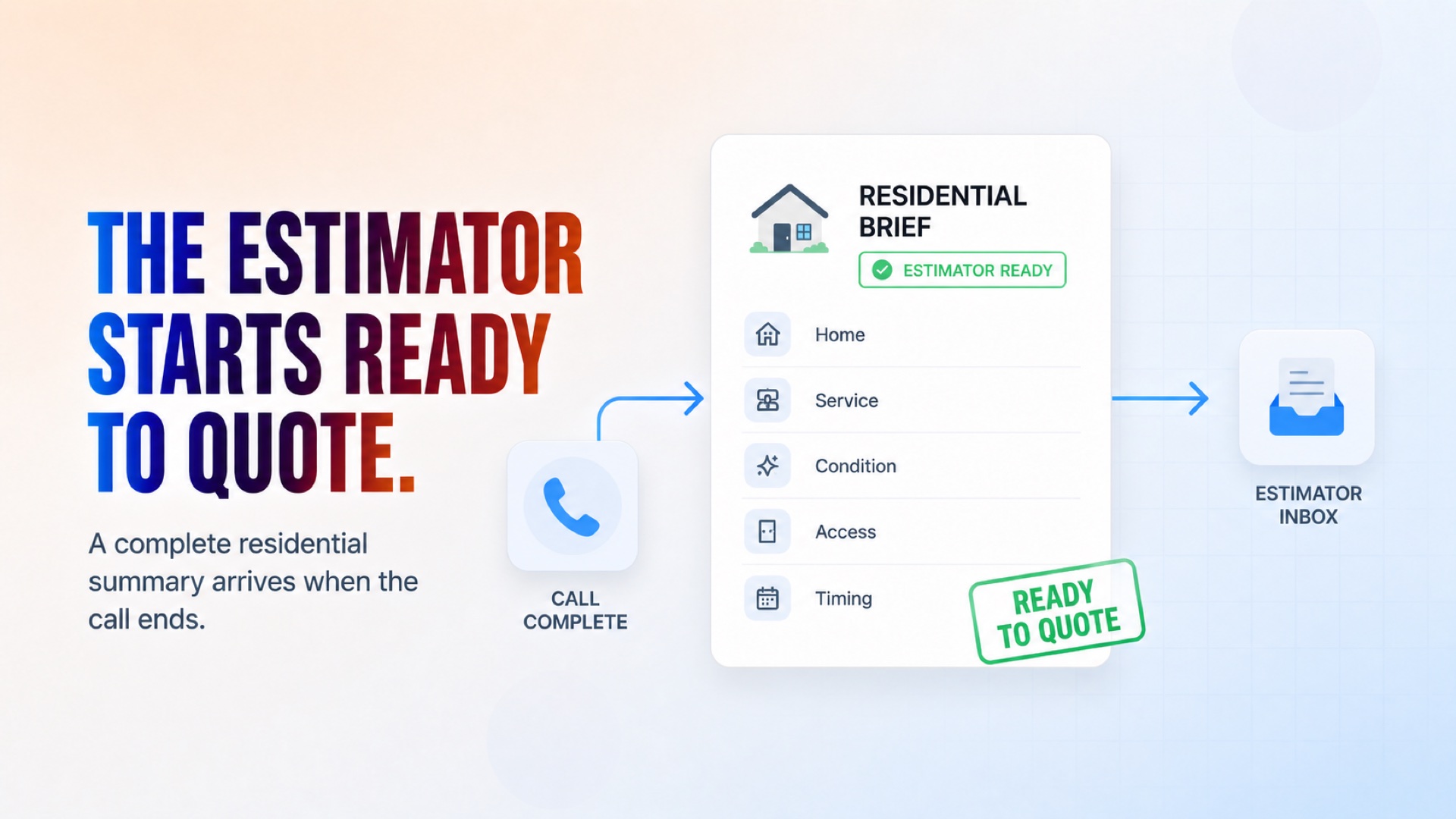
Ready to Quote: Every Home Detail in One Brief
How it works
What's included
The key things this template does for you.
Qualifies every inbound call the same way, automatically
Collects property size, condition, pets, and add-ons
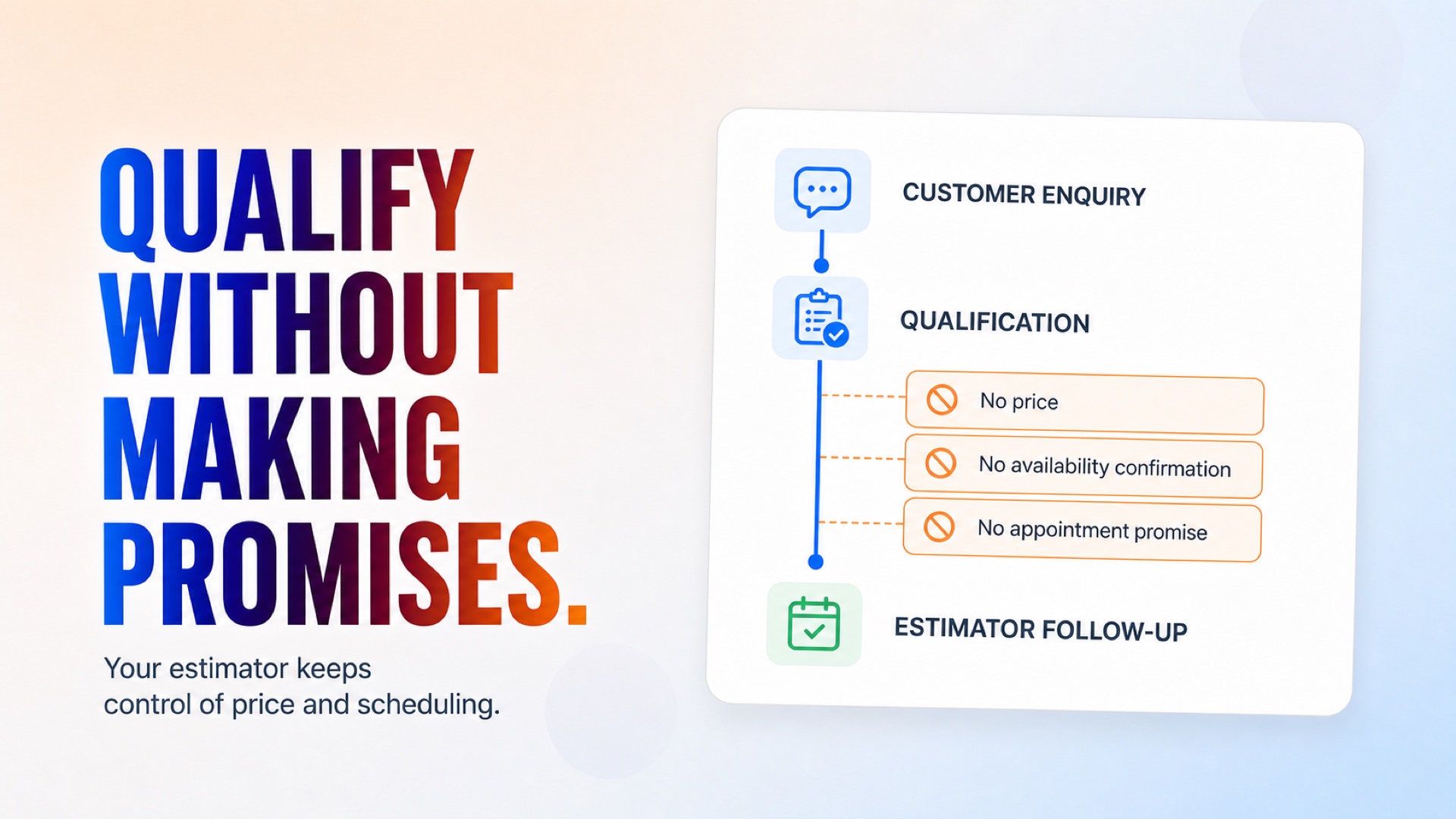
Sends a ready-to-quote summary straight to your estimator
Asks the same complete set of questions every time
Confirms service type, frequency, and preferred timing
Installation
What setting this up involves.
This agent answers on one channel: Business Phone. Bind a phone number to it during setup, or choose "Set up later" and add one before you deploy.
Add your service details to Global Context — service area, service types, add-ons, notice period, and exclusions.
Connect Gmail and set your estimator's email address to receive summaries.
Test the flow with a sample enquiry to confirm the summary arrives correctly.
Deploy the flow!
~4 min to launch
Free to start. You will sign in first, then set it up.
Connect 1 tool, fill in a few details, and install it. No coding.
FUNCTION
SalesTAGS
Built by CogniAgent
Official template