
Sales
AI Appointment Booking Agent
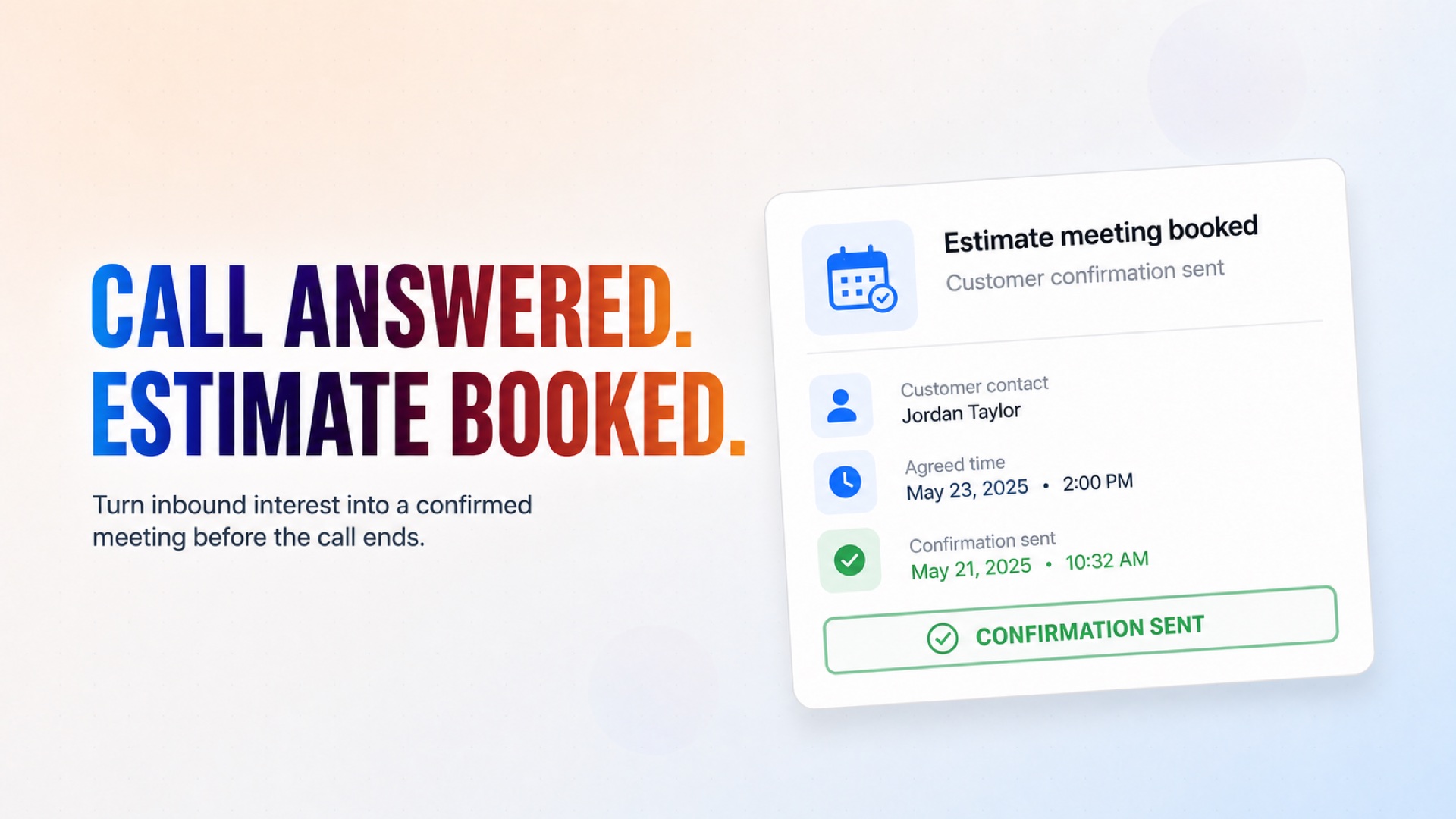
Books estimate meetings between prospective customers and your service team directly over the phone. The AI Appointment Booking Agent answers inbound calls, collects the caller's contact details and meeting preferences, confirms the details with the customer, and creates the calendar event once they explicitly agree — sending a confirmation right away. It only books new estimate meetings; it does not calculate prices, reschedule, cancel, or provide detailed service advice.
Booking Agent
How it works
What's included
The key things this template does for you.
Books estimate meetings directly during the call
Collects contact and meeting details automatically
Confirms details with the customer before booking anything
Creates the calendar event and sends confirmation instantly
Installation
What setting this up involves.
Add your phone number in Flow Settings to receive inbound calls. You can use shared test numbers if you want to test the phone calls.
Choose a voice for the conversation.
Connect Google Calendar and enable only the Create Event action.
Review the required information fields and adjust to match what your team needs for an estimate meeting.
Test the flow by calling the connected number and booking a sample meeting.
Deploy the flow!
~4 min to launch
Free to start. You will sign in first, then set it up.
Connect 1 tool, fill in a few details, and install it. No coding.
FUNCTION
SalesTAGS
Built by CogniAgent
Official template