CogniAgent
Sign inGet started

Customer Service

AI Receptionist

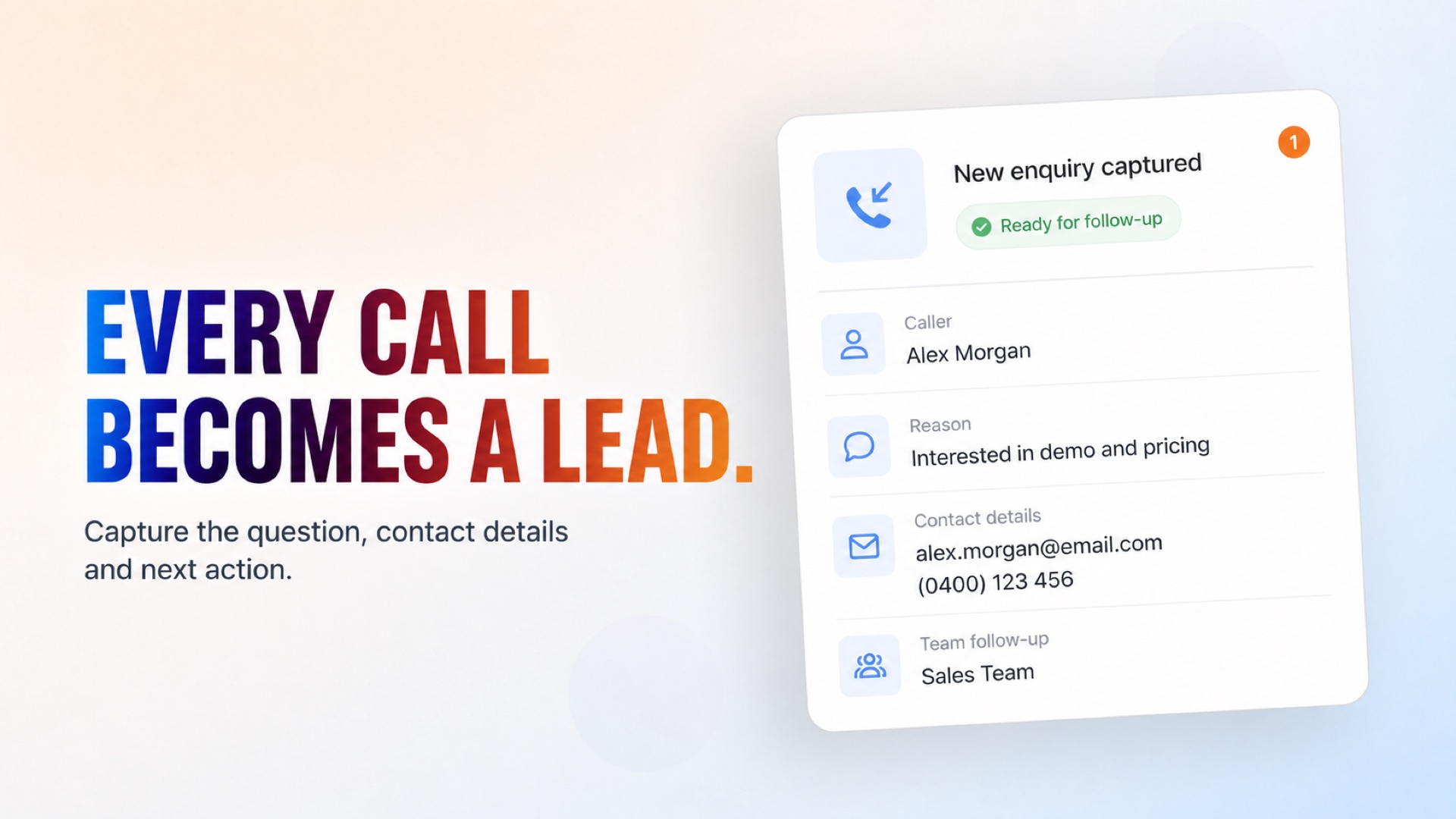
Handles general inquiries as the first point of contact for incoming calls. The AI Receptionist answers common questions, collects caller details, and logs the enquiry for your team to follow up.
Turn Every Incoming Call Into a Clear Next Step.

Turn Every Incoming Call Into a Clear Next Step.

How it works

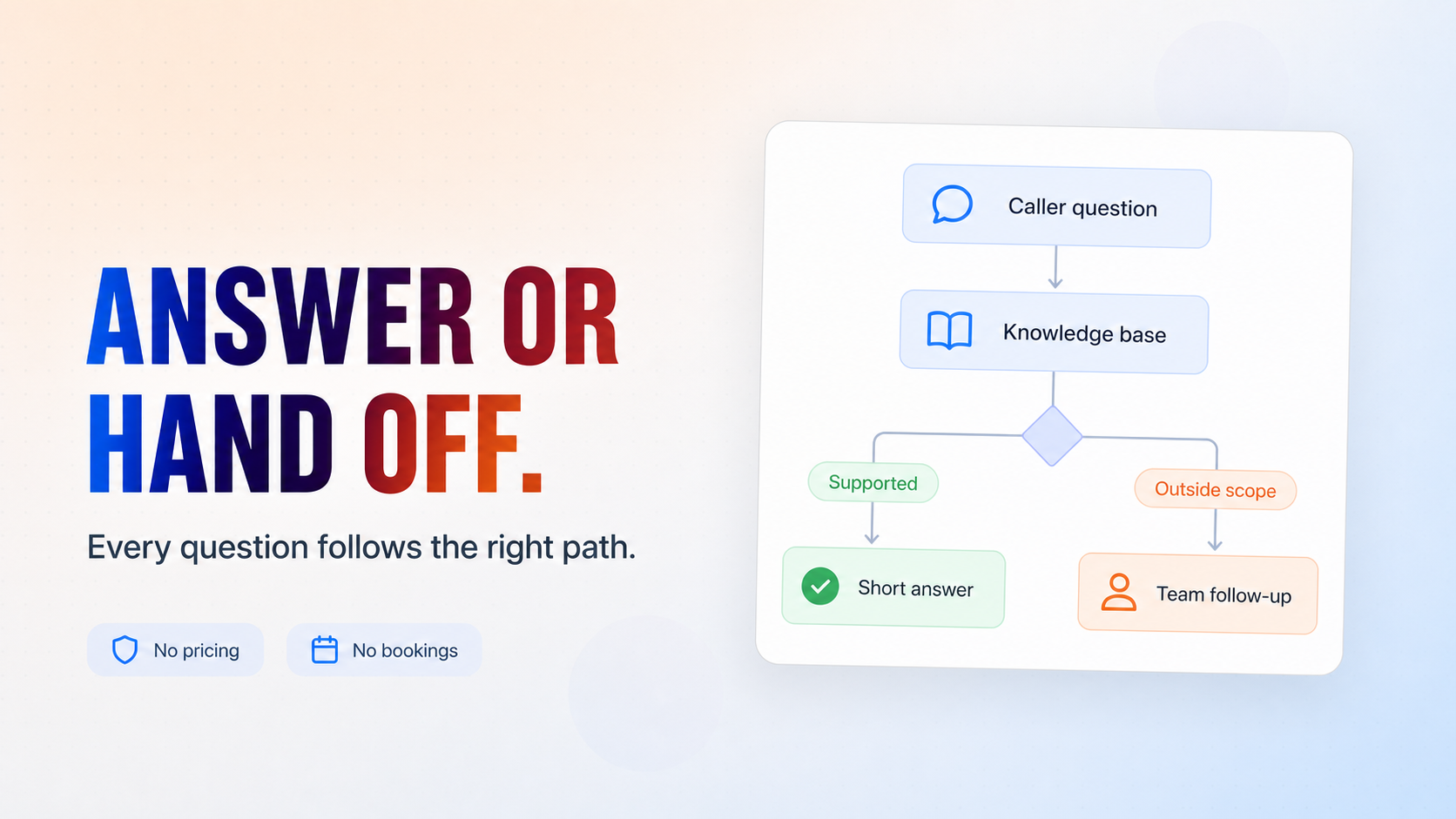
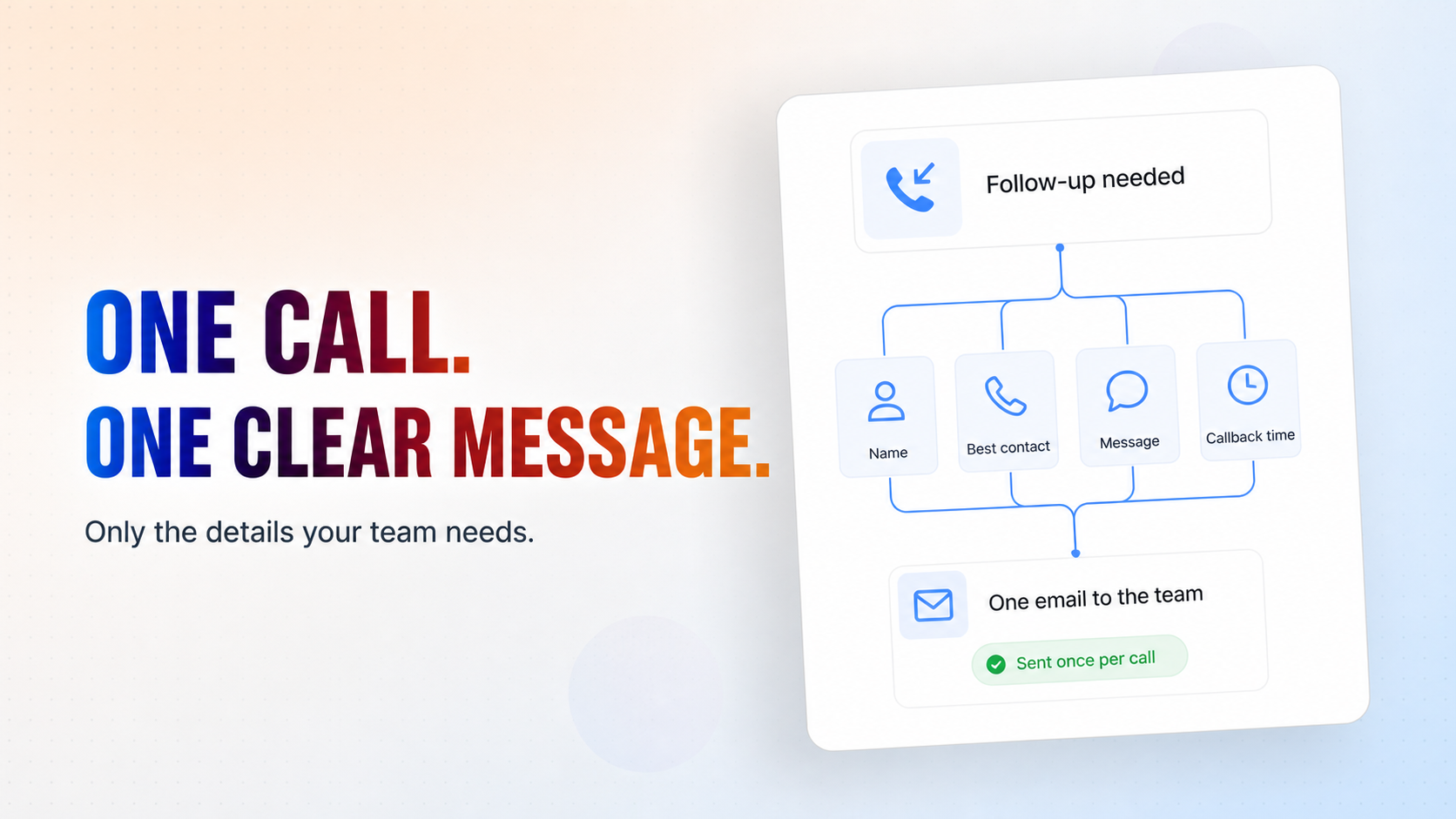
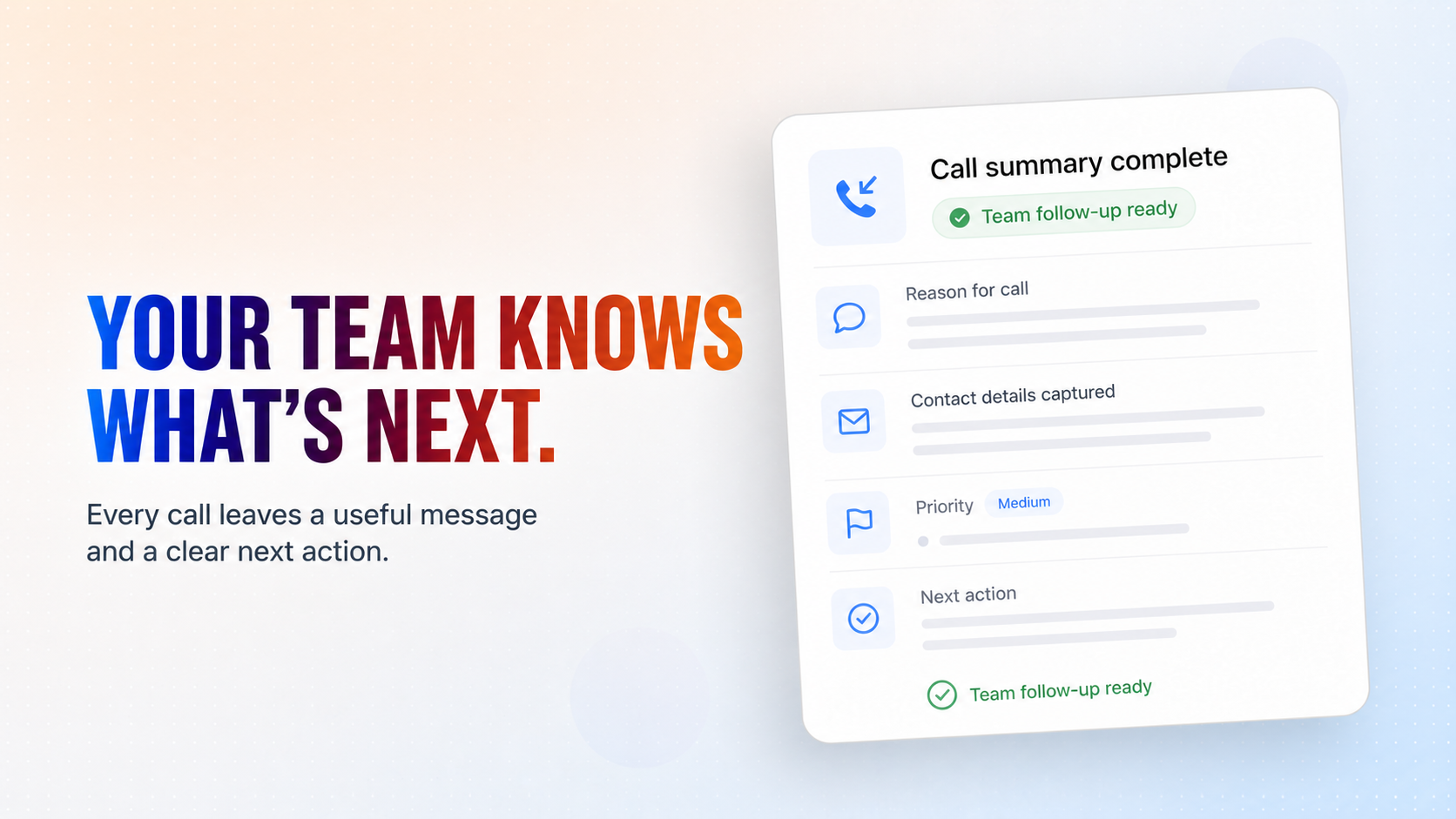
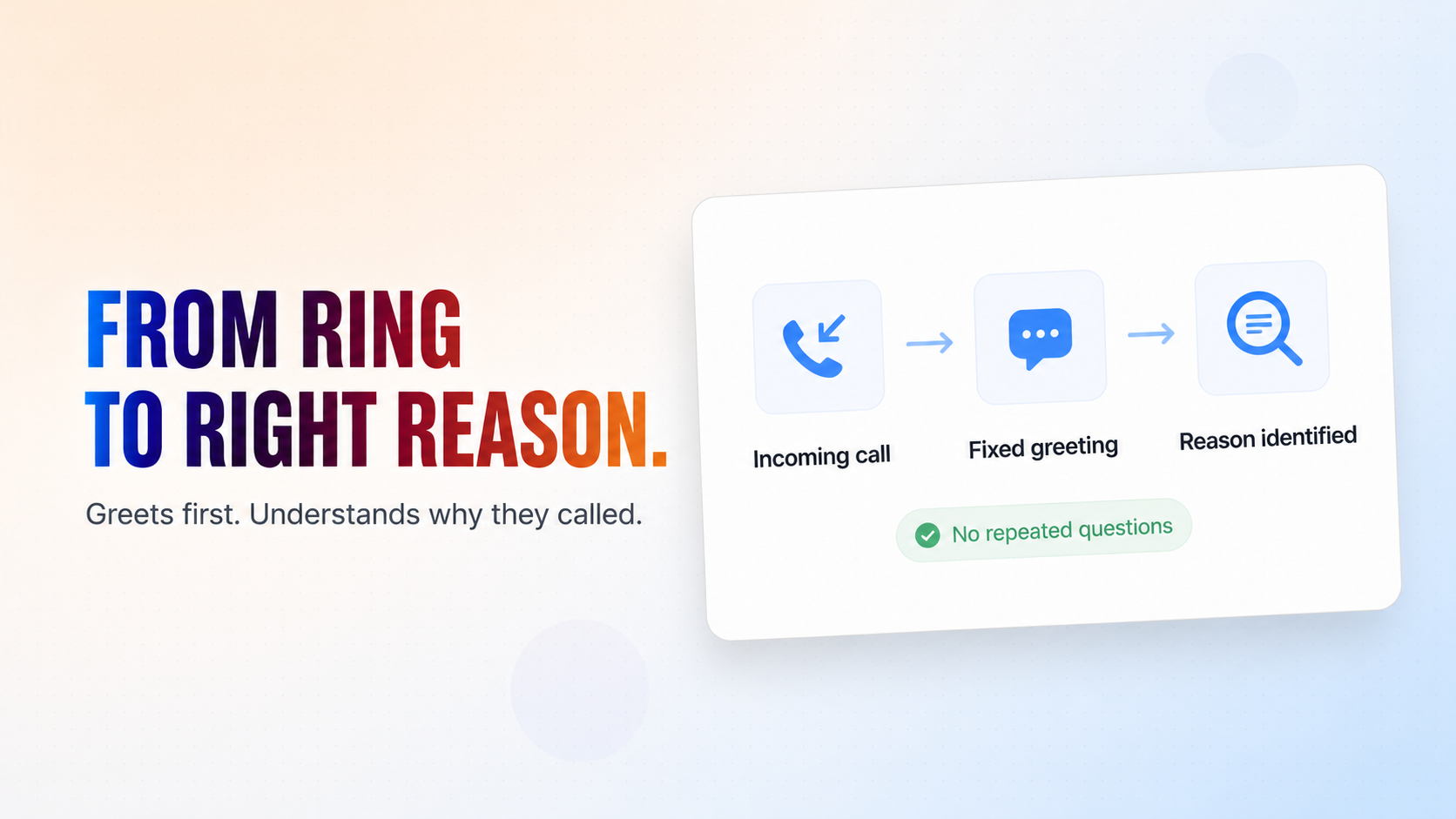
1. Trigger: The AI Receptionist activates when a call comes in on the connected phone channel — it waits for the caller to speak first rather than initiating contact. 2. Greeting: Every call opens with a fixed greeting, thanking the caller for calling and asking how it can help. If the caller already stated their reason, the receptionist acknowledges it immediately without asking them to repeat it. 3. Understanding the call: The receptionist identifies why the caller is reaching out and responds naturally, keeping replies short and asking only one question at a time. 4. Answering simple questions: Basic supported questions are answered directly from the connected knowledge base. 4. Staying within scope: The receptionist never quotes prices, confirms bookings, or creates records in external systems. For anything outside its scope, it explains that a team member will follow up. 5. Taking a message: When human follow-up is needed, it collects only the minimum details — name, best contact method, a concise message, and a preferred callback time if relevant. 6. Closing the call: Once the caller confirms nothing else is needed, the receptionist delivers a closing message. 7. Notification: After collecting the caller's details, a single internal notification email is sent to your team so someone can follow up — sent only once per call. 8. Complaint escalation: If the caller voices a complaint, a separate escalation report is sent after the call ends, so dissatisfied callers get flagged distinctly rather than blending into routine messages.

What's included

The key things this template does for you.

Answers every inbound call on the first ring

Greets callers and identifies why they're calling

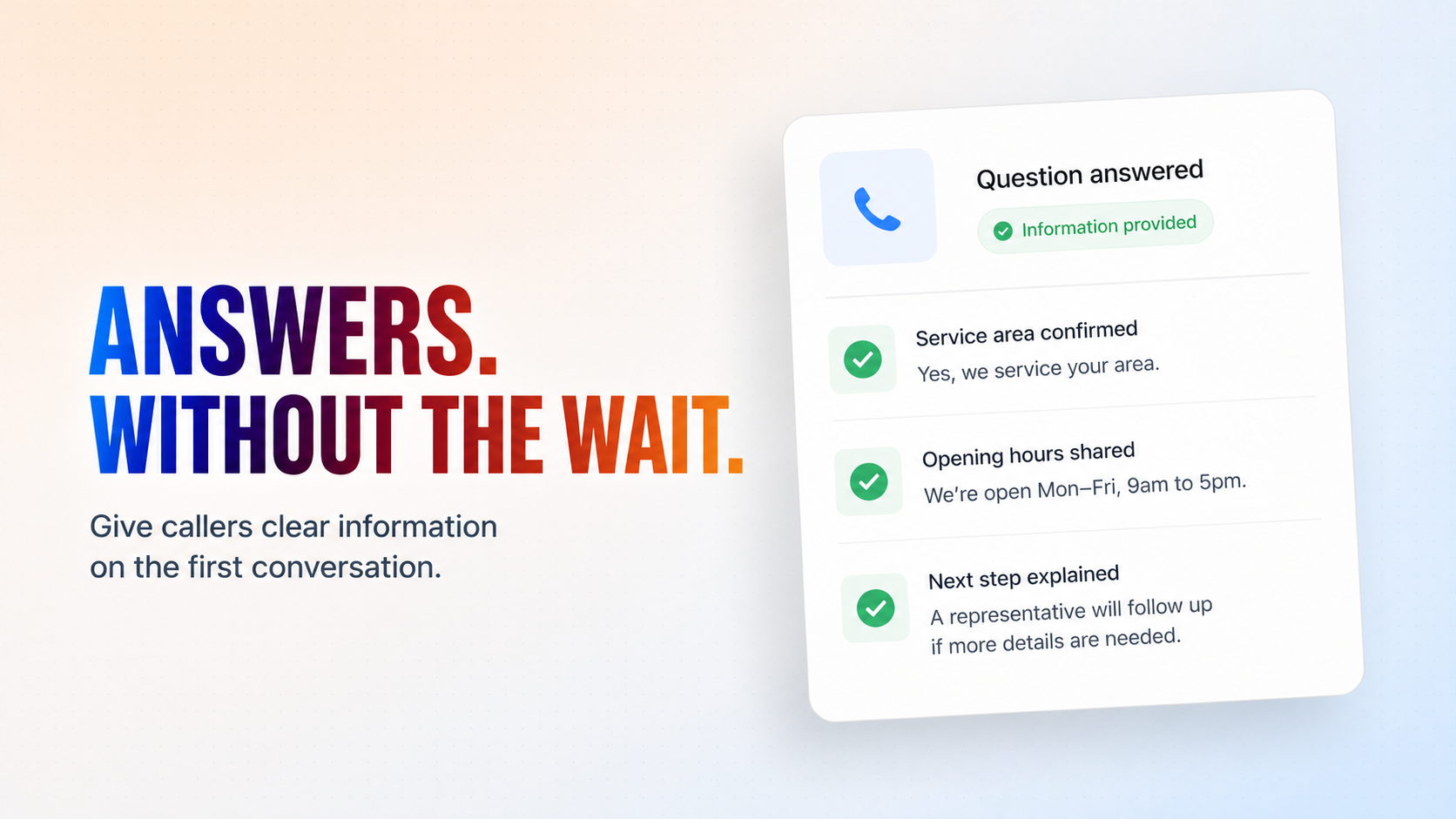
Answers common questions from your knowledge base

Takes a concise message with contact details when needed

Notifies your team by email once per call for follow-up

Installation

What setting this up involves.

1

Add your phone number in Flow Settings to receive inbound calls. You can use shared test numbers if you want to test the phone calls.

2

Choose a voice for the conversation.

3

Connect Gmail to send message notifications and complaint escalations.

4

Set your escalation email address for complaint reports.

5

Connect a knowledge base (optional) with your company's common questions and policies.

6

Test the flow by calling the connected number.

7

Deploy the flow!

~4 min to launch

Free to start. You will sign in first, then set it up.

Connect 1 tool, fill in a few details, and install it. No coding.

FUNCTION

Customer Service

TAGS

Cleaning#cleaning BundleGeneric

Built by CogniAgent

Official template