
Customer Service
AI Voice Appointment Agent
Answers your phone and manages appointments by voice - booking, moving, cancelling and confirming - against your real Google Calendar, 24 hours a day. It opens with the disclosure you write, reads every name, date and time back before acting on it, and checks live availability before agreeing to anything. It cannot invent a free time: availability and any alternatives are worked out in code from your diary and your working hours, and the agent may only repeat what that returns. Anything it cannot finish on the call becomes a callback request with the real reason attached.
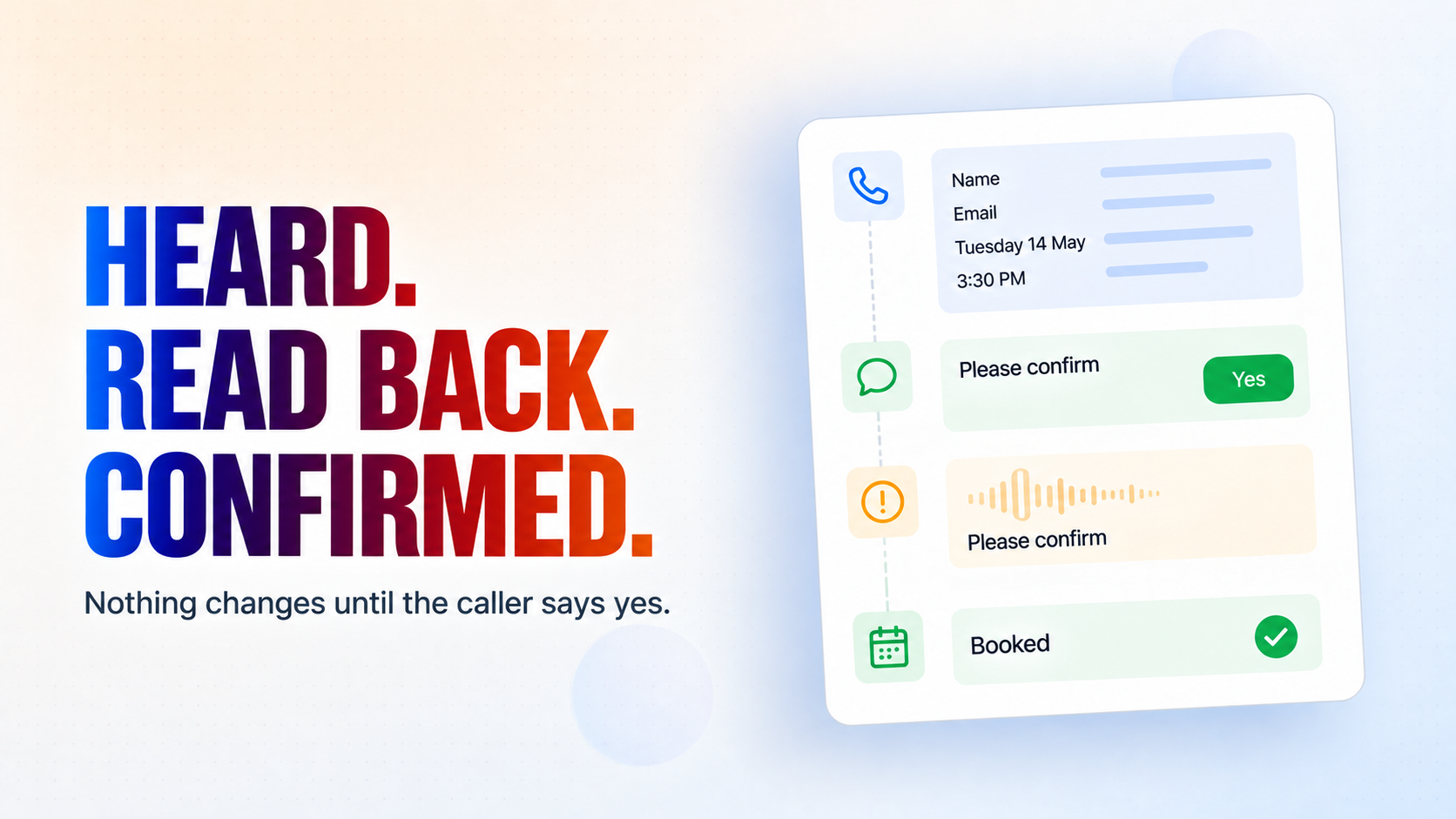
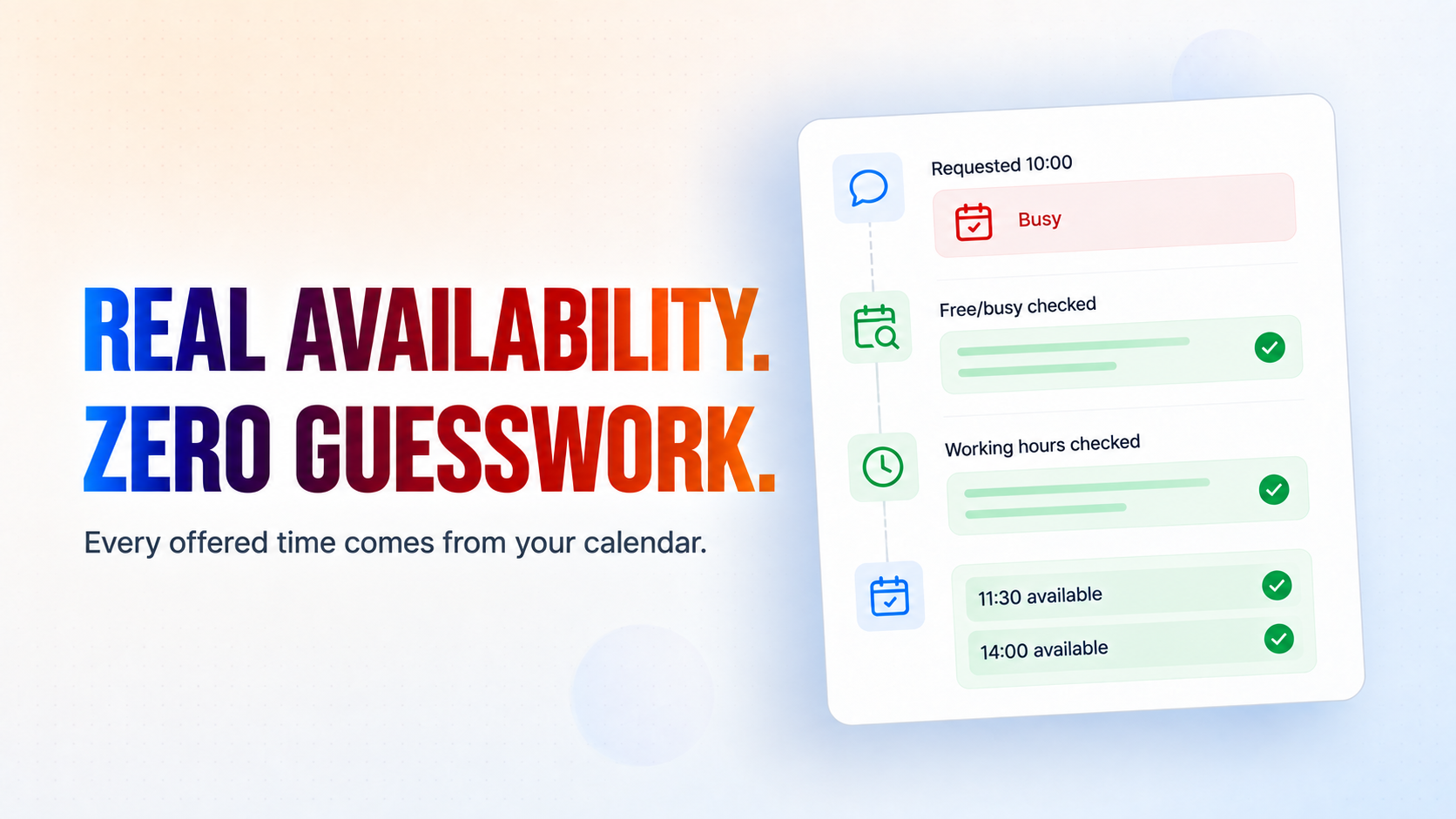
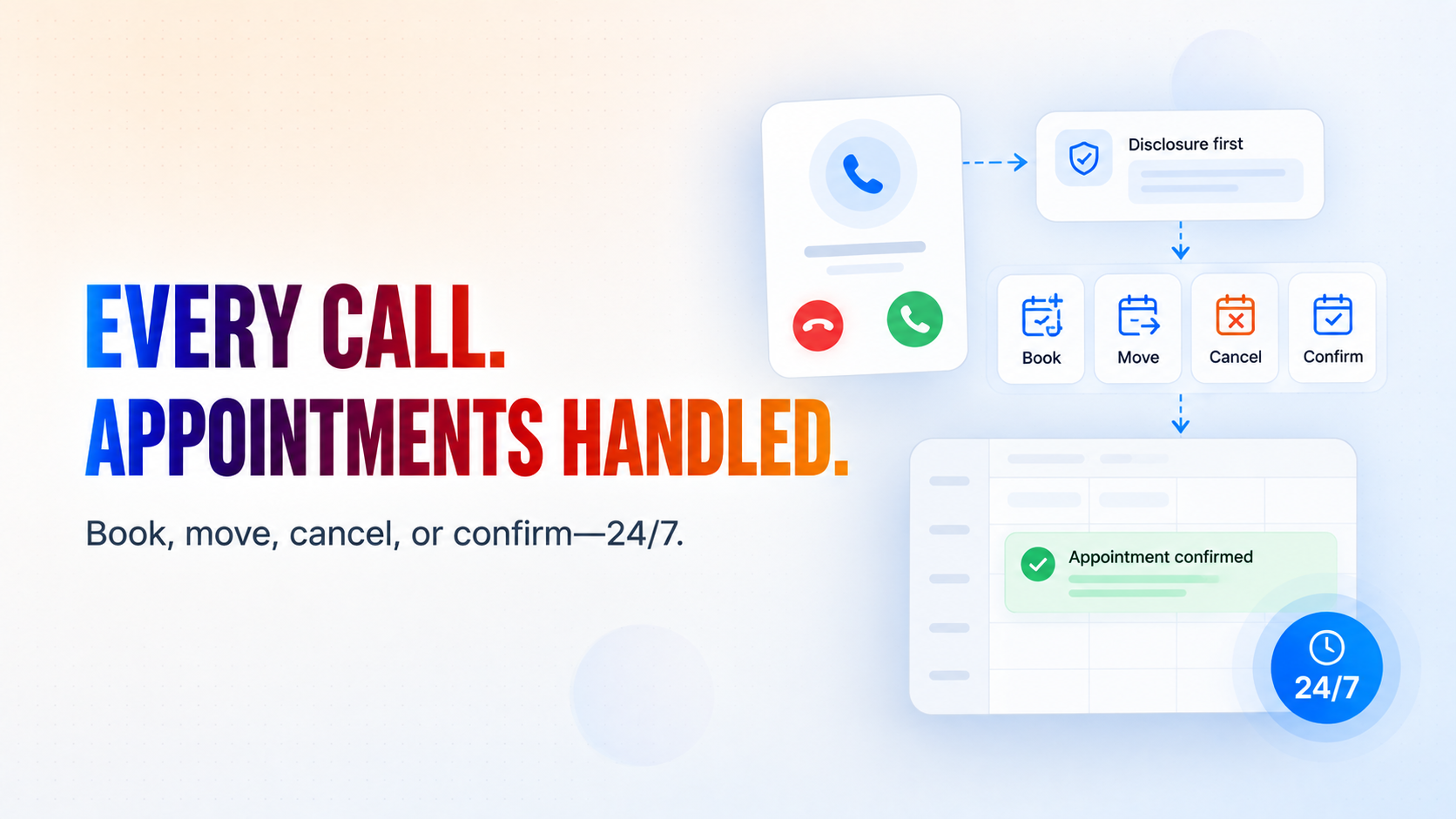
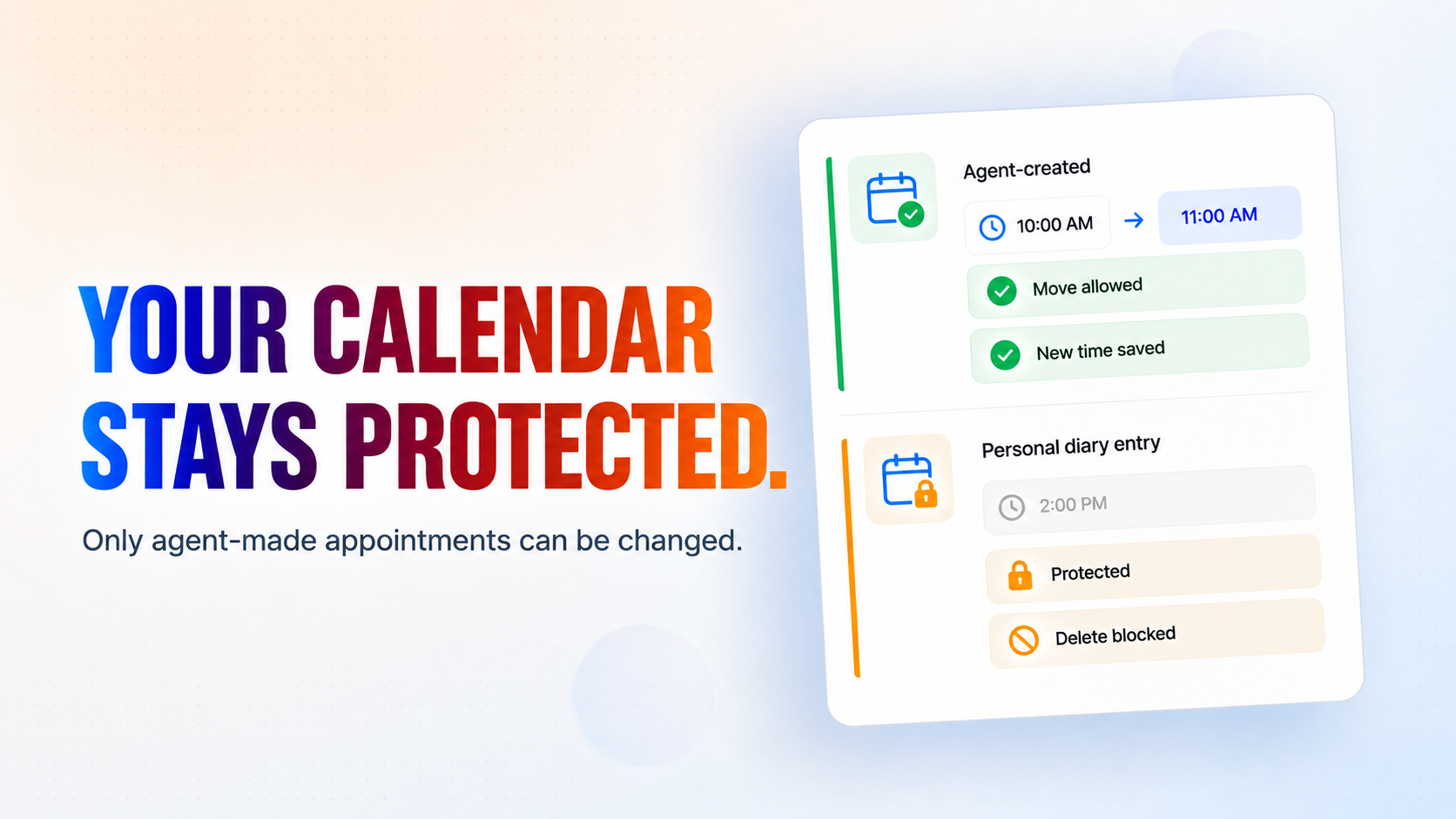
Heard. Read Back. Confirmed.
How it works
What's included
The key things this template does for you.
Books, moves, cancels and confirms appointments by phone, against your real Google Calendar, at any hour
Cannot invent a free time - availability and every alternative it offers are computed in code from your free/busy and your working hours
Reads names, spellings, dates and times back before acting, and asks again rather than guessing when the line is poor
Refuses to touch any diary entry it did not create itself, and a reschedule structurally cannot become a deletion
Opens with the AI and recording disclosure you write, so the notice your rules require is the first thing a caller hears
Installation
What setting this up involves.
Install the template and connect Google Calendar and Gmail when asked. Those are the only two connections it needs. The calendar you connect is the diary it books into.
Answer the setup questions: your business name, what people book, how long an appointment lasts, your working hours, your timezone, the disclosure to open every call with, and who takes callbacks. There is no spreadsheet to build and nothing to seed.
Write the disclosure carefully. It is the first thing every caller hears and it is the part of this template most likely to be governed by law where you operate - one-party or two-party consent, AI disclosure rules, and your own recording policy. Put what your rules actually require, not a paraphrase of it.
Attach your phone number to the flow's phone channel, and leave the "Voice Appointment Guard" application STOPPED. It runs on demand each time the agent acts; starting it would turn every booking into a log line that does nothing.
Ring it yourself before you point customers at it. Book a slot, check it lands in your calendar at the right time, then cancel it and check it disappears. Then try a time you know is taken and confirm the alternatives it offers are genuinely free in your diary.
~5 min to launch
Free to start. Create your free account, then set it up.
Connect 2 tools, fill in a few details, and install it. No coding.
FUNCTION
Customer ServiceTAGS
Built by CogniAgent
Official template