
Sales
Appointment Confirmation Follow-Up & Sales Notification Agent
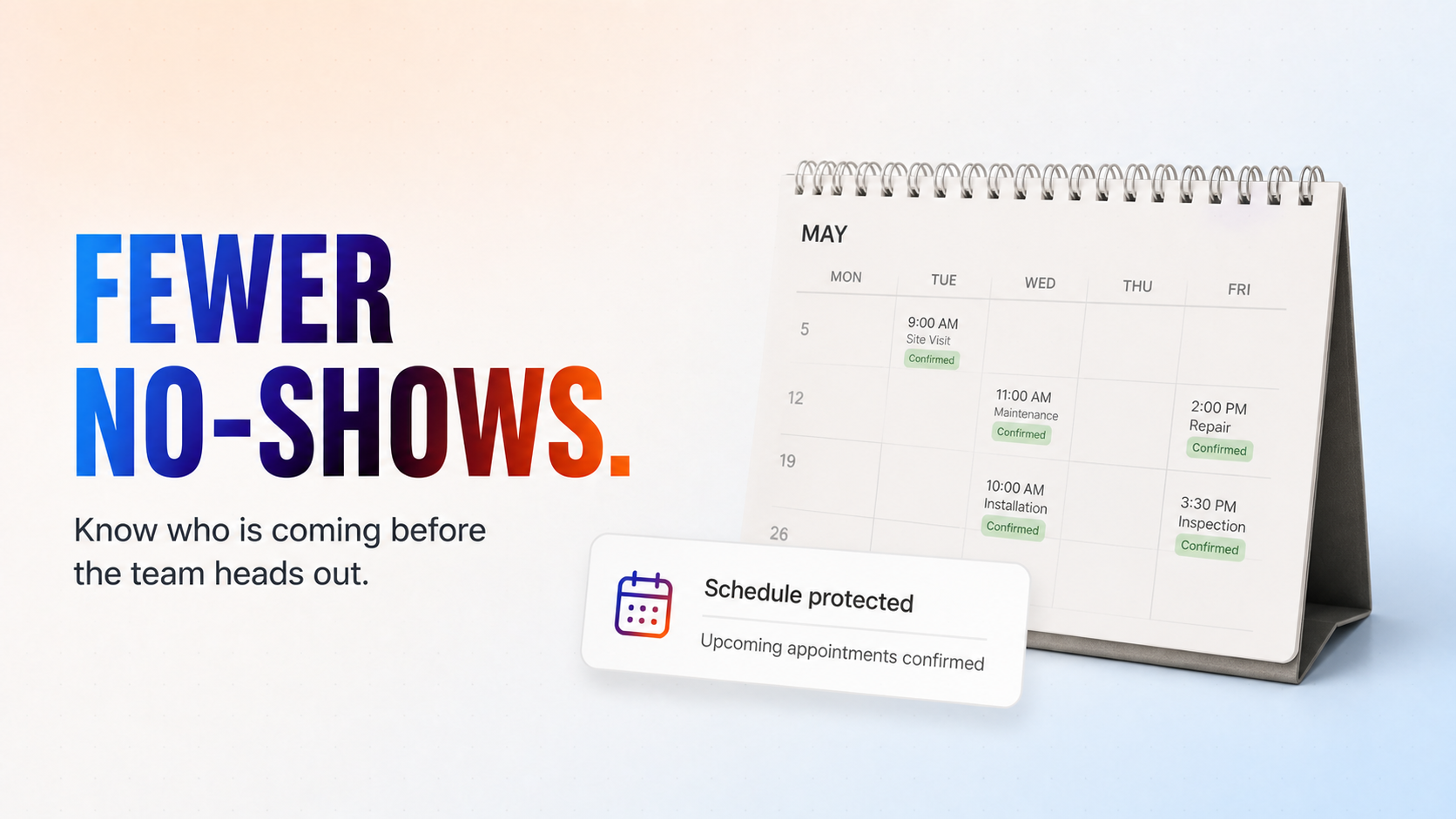
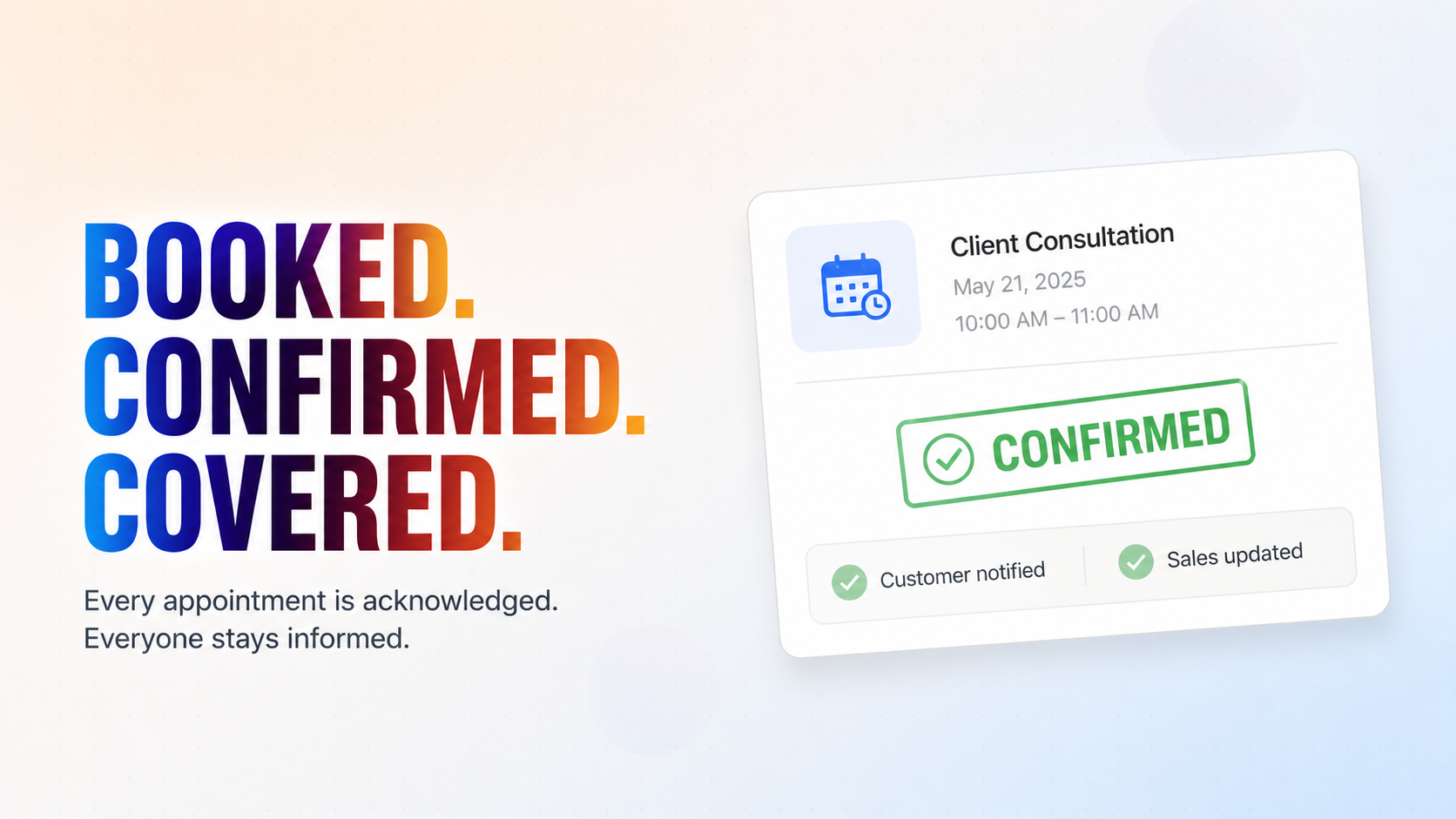
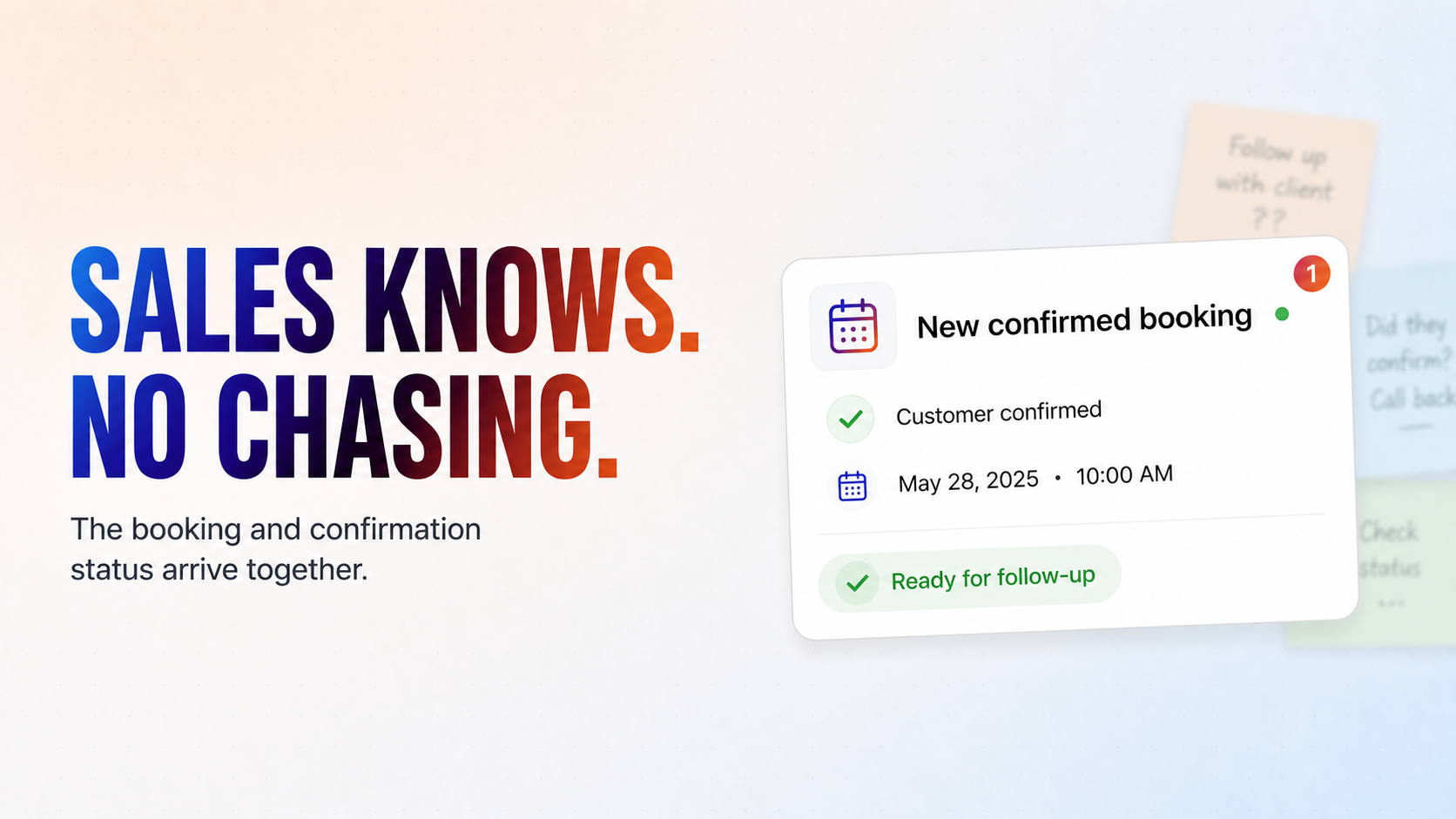
Starts from a booked Google Calendar event and automatically sends the customer a confirmation follow-up. Notifies your sales team about the booking and follow-up status, so every cleaning appointment on your calendar gets confirmed without manual outreach.
See it work
An illustrated example run. Click any tile to see what it handles.
Google Calendar
AI agent
Gmail
Client
Sales team
Press Play to watch an example run.
Appointment Confirmation Follow-Up & Sales Notification Agent
How it works
What's included
Everything a copy brings into your workspace.
1
workflow
What you'll need
Connect: Gmail, Google Calendar
Fill in, now or later: Notify sales at, Company name, Contact phone number
What it does
The key things this agent does for you.
Watches your primary Google Calendar for new events titled "Cleaning"
Sends a confirmation email to the client
Notifies sales the moment an appointment is booked
Picks the customer out of the attendees, skipping you and the organiser
No manual confirmation emails needed
Installation
What setting this up involves.
Deploy the template.
Connect Google Calendar so the agent can detect new bookings.
Connect Gmail to send client confirmations and sales notifications.
Test the flow by creating a calendar event with "Cleaning" in the title — that word is what the trigger looks for. To watch for something else, change the search on the Google Calendar trigger node.
~5 min to launch
Free to start. Create your free account, then set it up.
Connect 2 tools, fill in a few details, and install it. No coding.
FUNCTION
SalesTAGS
Built by CogniAgent
Official agent